Introduction
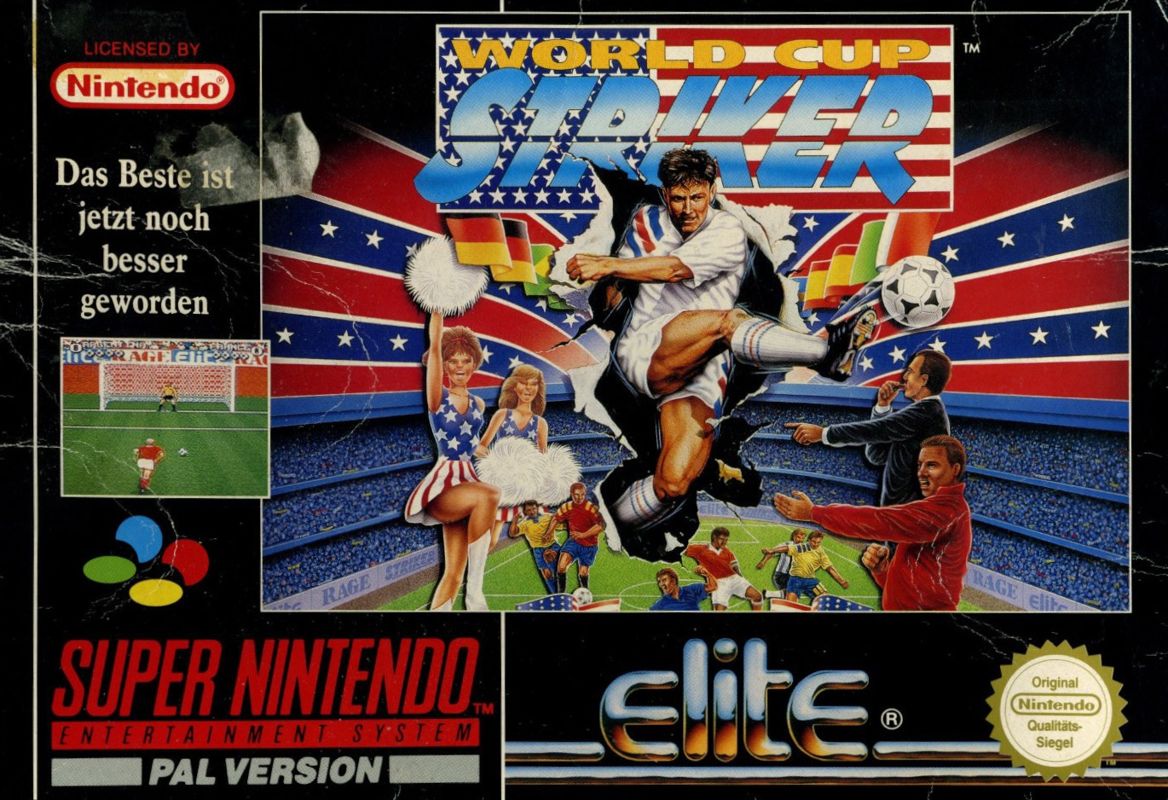
Elite Soccer brings the excitement of the 1994 World Cup tournament to the Super Nintendo Entertainment System. This fast-paced soccer game offers intuitive gameplay control and 3-D Mode 7 graphics. Matches feature sharp passes, sliding tackles, diving saves, bicycle kicks, headers, and controllable curving shots. You can play alone, challenge a friend, or team up with up to four friends using a multi-player adapter.
Getting Started
•
Ensure the power to your Super NES unit is turned OFF.
•
Insert the Game Pak and turn the power ON.
•
Press START to skip the introductory sequence after the ELITE logo clears.
•
Select an option from the Main Menu represented by Icons.
To start a Friendly game:
•
Select the FRIENDLY MATCH option, then select a SINGLE PLAYER game.
•
Move the highlighter with the Control Pad and press the B button to choose your team.
•
Choose your opponent in the same way (your own team will be highlighted in white and cannot be selected).
•
On the View Team Screen, select the PLAY icon to begin the kickoff.
Game Modes
Friendly Game
Tailor all aspects of the game to your liking. Play against the computer, in a two-player match, or with up to 5 individuals using a multi-player device. Choose from 32 international teams.
World Cup
Choose from the pre-defined 24 international teams competing in 6 tournament groups, or create your own custom World Cup 24 from the 32 available teams. Use the Control Pad to highlight a team, then press the B button to cycle through player control, computer control, or the next available group fixture.
World Championship
A one-player, 6-round, instant knockout competition using one of the 32 international teams. Each round becomes progressively harder as you fight for a place in the World Championships Final and the Elite Soccer - Special Cup.
Special Cup
A mini-league of super teams consisting of the highly skilled Elite and Rage teams. You automatically qualify for this league by winning the World Championship. Each team plays each other twice. World Tournament
A sudden-death knockout competition allowing 4, 8, 16, or all 32 teams to take part. Highlight a team and press the B button to cycle through player control, computer control, or de-select. Matches can be played in any combination of computer and player opponents.
World League
A global league battle featuring up to 16 of the 32 available international teams. Team selections are made in the same way as the World Tournament.
Six-A-Side
Select the INDOOR option from the Options screen to play any competition, including Friendly games, indoors as a six-a-side tournament.
Player Controls
Control Pad (With Possession)
•
Dribble the ball in the appropriate direction.
•
Influence the direction of the ball when kicked (aftertouch) or apply backspin.
Control Pad (Without Possession)
•
Move the player indicated by the number overhead.
•
Perform a slide tackle in the appropriate direction.
Game Options
•
Attributes: Change playing ability to let players perform based on their individual attributes, or fix them to a standard so lower-ranking teams can play with equal abilities.
•
Ref: Set the referee's ability rating across 3 grades, from Poor to Tough.
•
Wind Strength: Toggle variable wind strength to influence gameplay.
•
Keeper: Set the goalkeeper to be controlled by you or the computer (with 3 grades of skill).
•
Draws: Decide matches with extra time (Standard Game), sudden death (First to Score), or Penalties.
•
Points: Award 2 or 3 points for a win.
Squad Selection
•
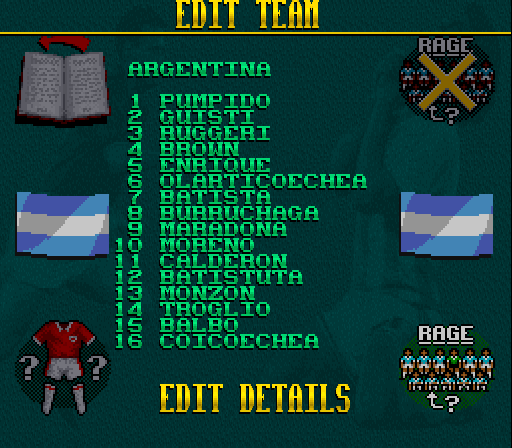
Select 11 starting players from your 16-player squad.
•
Assign players to positions indicated by D (Defenders), M (Midfielders), F (Forwards), S (Sweepers), or G (Goalies).
•
To swap players, select CHANGE LINE UP, highlight a player, and press B. Move to a new player to view their attributes and recommended position, then press B again to swap them.
•
Press START at any time to exit the Change Line Up screen.
Game Strategy
From the View Team screen, select the STRATEGY icon to customize your team's formation and playstyle.
Formations
•
Defender - Midfield - Forward (7 options)
•
Sweeper - Defender - Midfield - Forward (1 option)
Strategies
•
Choose from 6 strategies: Normal, Attack, Open play, Defense, Careful, or Counter.
Set Formation Control
During a goal kick, free kick, or corner, you can customize your player formations before resuming play.
•
Press START before taking the kick to display the Formation Control screen.
•
Press the B button to cycle through available set piece formations:
•
4 x Free kick formations
•
5 x Goal kick formations
•
Use the Control Pad to control the direction of the shot.
•
Press START to resume play.
In a 1-player game, the computer will immediately try to mark your men once you press START, so taking the shot quickly is advised. In multi-player matches, both players must press START to resume play.
Substitutions
•
Press SELECT during any "dead ball" situation (goal kicks, free kicks, corners,
.png)

.png)
