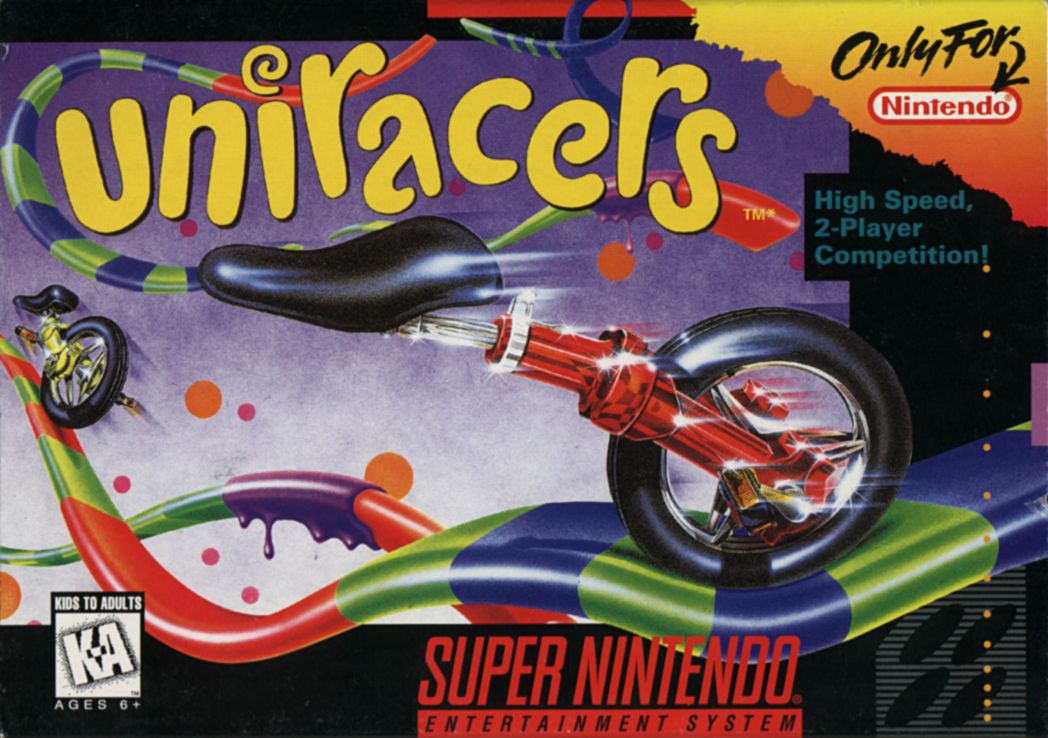
Plugging In
Make sure the power is off. Press the Unirally Gamepak firmly into the Super NES.
Powering Up
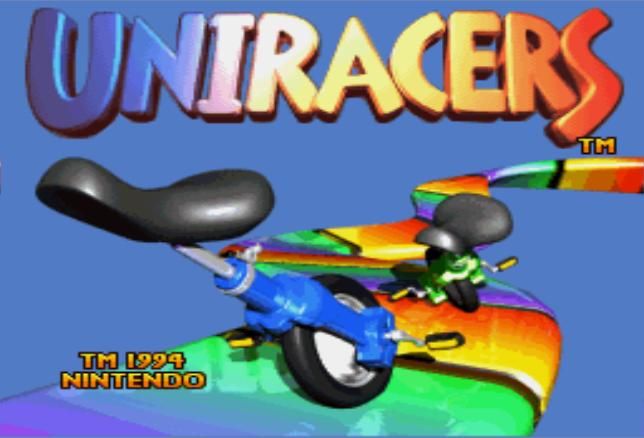
Switch the Super NES on. If successful, you should see the title screen.
Bits 'n' Pieces
The Unirally Gamepak has a battery backed memory to keep saved races intact. Do not switch the Super NES on and off very rapidly, as the contents of the battery memory stand a big chance of being deleted.
Can't Wait?
•
Press any of the A, B, or Start buttons.
•
Press any of them again to select the first Unicycle you come across.
•
Wait a second or so to start.
How to Play
Unirally is a race where the point is to be the first across the finishing line. Every race is run on a Track, which can be one of three types: Race, Circuit, and Stunt.
Screen Layout
•
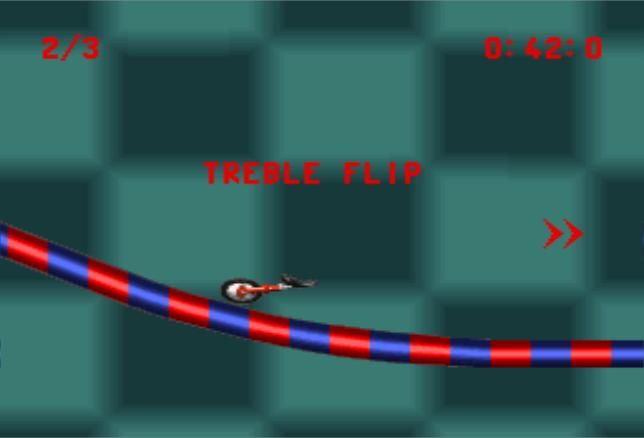
Time Indicator: Shows your current race time.
•
Laps Completed: Shows your progress on circuit tracks (e.g., 2/5).
•
Chevron: A boomerang-shaped indicator that flashes in the direction you are lagging. More chevrons indicate a greater distance to catch up.
Playing Area
The Unicycle can be controlled both on the ground and in the air. When in the air, stunts can be performed to make you go faster.
Things That Could Be Important
•
In a 1P game, you play against a "Ghost Unicycle."
•
In a League, the SNES chooses the order in which players compete. Members of the League will be paired based on ability or chosen randomly.
Selection Menus
Use the Crosskeys to move the arrow around the screen and press B to choose a menu item. After making a selection, a screen will briefly appear to show who is playing against whom and on what track.
Player Select
Choose a Unicycle to race with. All Unicycles are a different color. If playing a 2P or VS game, the selection process is repeated.
Pick Your Uni
Tour Select
There are eight Tours to choose from. Choose a Tour, then select one of the Tracks that comes with it. Each Tour is harder than the last.
Pick Tour
Track Select
Select this menu option to choose which track to play next. You will be presented with a list of five tracks, which will be a mixture of Stunt, Race, and Circuit.
Options Menu
•
RECORDS: Takes you to the comprehensive scoring menu.
•
DEFINE PLAYER: Scrolls to the Players menu to set up your line-up of friends.
•
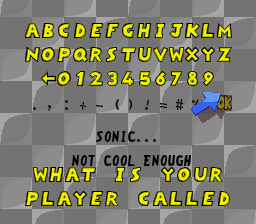
RENAME PLAYER: Allows you to give your racer a personalized name. •
DEFINE LEAGUE: Scrolls to the League Menu to set up, change, or delete Leagues.
•
MAIN MENU: Takes you back to the Main Menu.
Score Screen
•
TRACK RECORDS: Shows the all-time track bests and who holds the record for any particular Track. A star in the Player's color indicates Gold, Silver, and Bronze records.
•
HIGH SCORES: Displays records for the fastest time, most games won, or most points gained.
•
PLAYER SCORES: Shows individual player statistics. Use the up and down controls to cycle through players.
•
GROUP TABLES: Allows you to compare the performances of all the Leagues by pressing up and down on the Crosskeys.
High Scores Categories
Player Scores Display
Group Scores Display
Result Screens
•
RACE RESULT: Shows your finishing position. Spinning medals and personal best time awards will appear next to your name for good performance.
•
CIRCUIT RESULT: Displays a ball in your Unicycle's color for each lap completed. The lower down on the screen the balls are, the better your lap time was.
•
STUNT RESULT: Shows a tally of the different stunts you succeeded in pulling off to determine the winner.
Dragster Complete Results
Laps On Zoom Zoo Results
Stunt Result Categories
Leagues/Players
A League is a team of Unicycles. A Unicycle can be a member of more than one League. A League can have a maximum of 8 Unicycles, and there can be up to six Leagues.
To define a League, go to Options from the Main Menu, then select Define League
.png)

.png)

.png)

.png)







.png)