Starting Up
This CD-ROM is designed exclusively for the Sega Saturn System. Do not attempt to play it on any other CD player, as doing so may damage headphones and speakers. Initial Setup and Loading
Set up your Sega Saturn system by following the instructions in your System Instruction Manual, and plug in Control Pad 1. Place the Sega Saturn CD-ROM, label side up, in the well of the CD tray and close the lid. Press the Power Button to load the game. The game starts after the Sega Saturn logo screen appears. If nothing appears, turn the system OFF and ensure it is set up correctly. Navigation and Controls
Press the Reset Button on the console to return to the Game's Title Screen if you wish to stop a game in progress or restart after the game ends.
To return to the Control Panel at any time, press Buttons A, B, C, and Start simultaneously.
Audio CD Control Panel
If you turn on the power without inserting a CD, the Audio CD Control Panel appears. To play a game from this screen, place the Sega Saturn CD in the unit. Use the D-Button to move the cursor to the top left button on the Control Panel, then press Start. The opening screens of the game will appear.
Disc Care
Your Sega Saturn CD-ROM contains a security code that allows the disc to be read. Be sure to keep the disc clean and handle it carefully. If your system has trouble reading the disc, remove it and wipe it carefully. Start from the center of the disc and wipe straight out towards the edge.
System Components
Ranks and Privileges
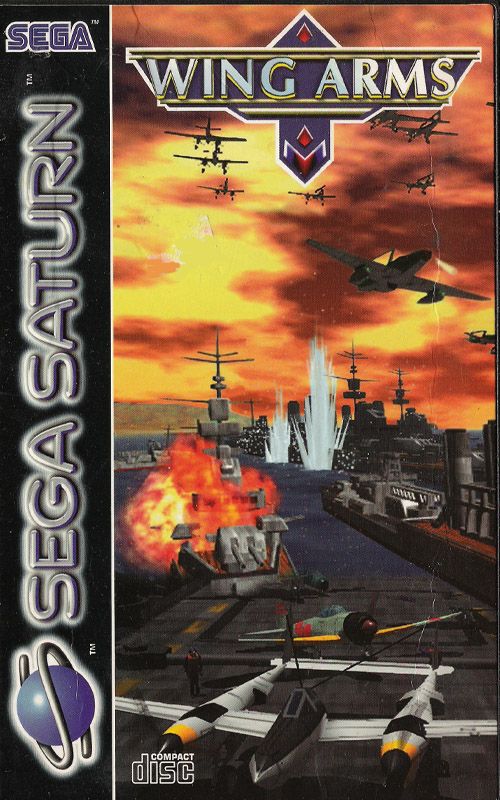
Your rank depends on your Mission Cleartime and scoring performance. Clear an area of enemy forces within a certain amount of time to increase your rank.
How far you rise through the ranks depends on your ace piloting skills. The manual displays wings for some of the ranks, including:
Shield Gauge
As your aircraft takes damage, your Shield Gauge decreases and changes color. Yellow indicates a moderate problem, Orange means the situation is not good at all, and Red signifies you are in big trouble.
Continuing the Game
When your shield runs out, it does not mean the war is over. You can select YES from the Continue screen to start the last mission you were flying.
You will start that mission from the beginning.
.png)

.PNG)
.png)
.png)



_1.jpg)