Ms. Pac-Man Maze Madness™
Getting Started
1. Switch the Nintendo® Game Boy® Advance system OFF. Never insert or remove a Game Pak while the Game Boy® Advance is ON.
2. Insert the Ms. Pac-Man Maze Madness™ Game Pak into the slot on the Game Boy® Advance. Press firmly to ensure the Game Pak is correctly inserted. 3. Switch the Game Boy® Advance ON. The title screen should appear. If the title screen fails to appear, return to step 1.
4. Press START to enter the Main Menu.
The Ms. Pac-Man Maze Madness™ Game Pak is for Game Boy® Advance only. For multiplayer games, link two to four Game Boy® Advance systems (each with a Ms. Pac-Man Maze Madness™ Game Pak) via a Game Boy® Advance Game Link® Cable. Story
With the force-fields in place, this is an extremely useful tool. Unfortunately, the dark forces from Haunted Halloween seem to think so too. Using Professor Pac's own mirror, they attempt to capture the professor to obtain the Pactrometer.
However, Professor Pac is far too smart for that. Just before becoming completely engulfed by the black magic, the professor manages to toss the Pactrometer to Ms. Pac-Man. The future of Pac-Land is in your hands now. Only you can gather the four gems of virtue to save Pac-Land! Gameplay
During the journey, you need to collect the four Gems Of Virtue. Each region holds one gem. You also collect Gold Stars from each stage. The Gold Stars are the keys to achieving 100 percent in the game, so make sure to collect as many as you can.
You can earn a Gold Star by:
•
Completing a stage and beating the Par Time.
•
Finding the seven Fruit in a stage.
•
Obtaining every available Pac-Dot on a stage.
•
Completing a stage and beating the Par Score.
To start, select which stage you want to play from the list of unlocked stages. Press Left and Right on the Control Pad to select a stage to play. Once you've chosen a stage, press the A Button to start the game.
Multiplayer
Multiplayer mode allows you to play several different types of games with friends. Each player (two to four) must have a Ms. Pac-Man Maze Madness™ Game Pak, a Nintendo Game Boy® Advance, and must be connected via a Game Boy® Advance Game Link® Cable (sold separately). Switch OFF the Game Boy® Advance systems before connecting the Game Boy® Advance Game Link® Cable. Connect the Game Boy® Advance Game Link® Cable to each of the systems. Insert a Ms. Pac-Man Maze Madness™ Game Pak into each of the systems. Switch both systems ON. There are 3 multiplayer games in Ms. Pac-Man Maze Madness™: •
DOT MANIA: Eat 80 dots to win and get killer power-ups.
•
GHOST TAG: Catch Ms. Pac-Man then eat 50 dots to win. •
DA BOMB: Do not be the one left holding the bomb.
Within all Multiplayer modes of play, you can select the number of rounds to play (1 to 99).
Game Features
Doors
The doors block the passage. You will need to trigger a mechanism to open it.
Ice blocks
The Ice blocks are the same as the movable block. However, they will slide when pushed. They only move in a straight line; only stopping when they hit a hazard. If you push an Ice block into lava, it will freeze the lava allowing you to move over it.
Locked door
You need the correct color Key to open these doors.
Movable block
They have directions indicated on top of them. You can push them in any direction. They are used to reach inaccessible areas.
Checkpoints
Checkpoints are scattered throughout the stages. If you run out of health and lose a life, you will return to the previous Checkpoint.
Witch doors
The Witch doors are special doors that can only be opened with a Witch Key. To get a Witch Key, you must defeat Mesmeralda. Some secrets are hidden behind the Witch door!
Saving and Loading
After completing a stage, you will be asked if you want to save the game.
You can select to load a previously saved game from one of the three slots.
PLEASE BE AWARE: Saving overwrites any previously saved game.
Heads Up Display (HUD)
•
SCORE: This indicates your current score. Beat the Par Score to get a Gold Star.
•
FRUIT: This indicates the Fruit you have collected in the current level. Collect all the Fruit in a level to get a Gold Star.
•
LIVES: This indicates the remaining lives of Ms. Pac-Man. •
HEALTH: This indicates the amount of health of Ms. Pac-Man. If it reaches zero, Ms. Pac-Man will lose a life. •
PAC-DOT: This tells you how many Pac-Dots you have collected in the stage. Collect all the Pac-Dots to get a Gold Star.
•
KEYS: This indicates the number of Keys collected in the level.
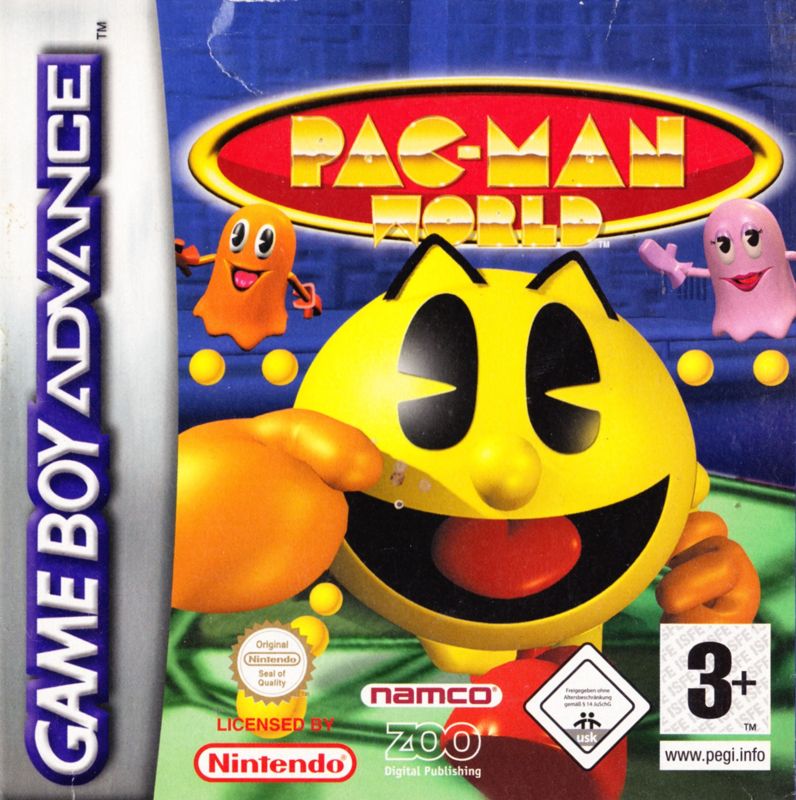
Pac-Man World™
Getting Started
1. Switch the Nintendo® Game Boy® Advance system OFF. Never insert or remove a Game Pak while the Game Boy® Advance is ON.
2. Insert the Pac-Man World™ Game Pak into the slot on the Game


_1.png)
 (En,Fr,De,Es,It).png)
 (En,Fr,De,Es,It).png)



_1.png)












.png)
 (Rev 1).png)
 (Rev 2).png)
_1.png)
 (Rev 1).png)






_1.png)
 (En,Fr,De).png)

