Getting Started
PlayStation 2 Setup
This illustration may not match all PlayStation 2 console types. For owners of SCPH-70000 series PlayStation 2 systems, refer to the setup instructions supplied with your system. Set up your PlayStation 2 computer entertainment system according to its instruction manual. Ensure the MAIN POWER switch, located on the back of the console, is turned on. Starting the Game
Press the RESET button. When the indicator lights up, press the OPEN button. Insert the BMT 2 disc on the disc tray with the label side facing up.
Close the disc tray by pressing the OPEN button. The BMT 2 disc will be recognized as a game disc and will boot up automatically. If the disc doesn't boot up automatically, press the RESET button on the console. Follow on-screen instructions and refer to this manual for information on using the software.
Memory Card
A memory card (8MB) (for PlayStation 2) with at least 126KB of free space is required to save game data. It is advised that you do not insert or remove accessories once the power is on. Make sure there is enough free space on your memory card (8MB) (for PlayStation 2) before beginning play. BMT 2 uses an autosave feature. Please make sure that a memory card (8MB) (for PlayStation 2) is present in either MEMORY CARD slot 1 or MEMORY CARD slot 2 at boot up, as insertion after this point may cause data to be overwritten. Language Selection
Select your preferred language from within the options menu.
Playing the Game
THE SAT NAV MAP
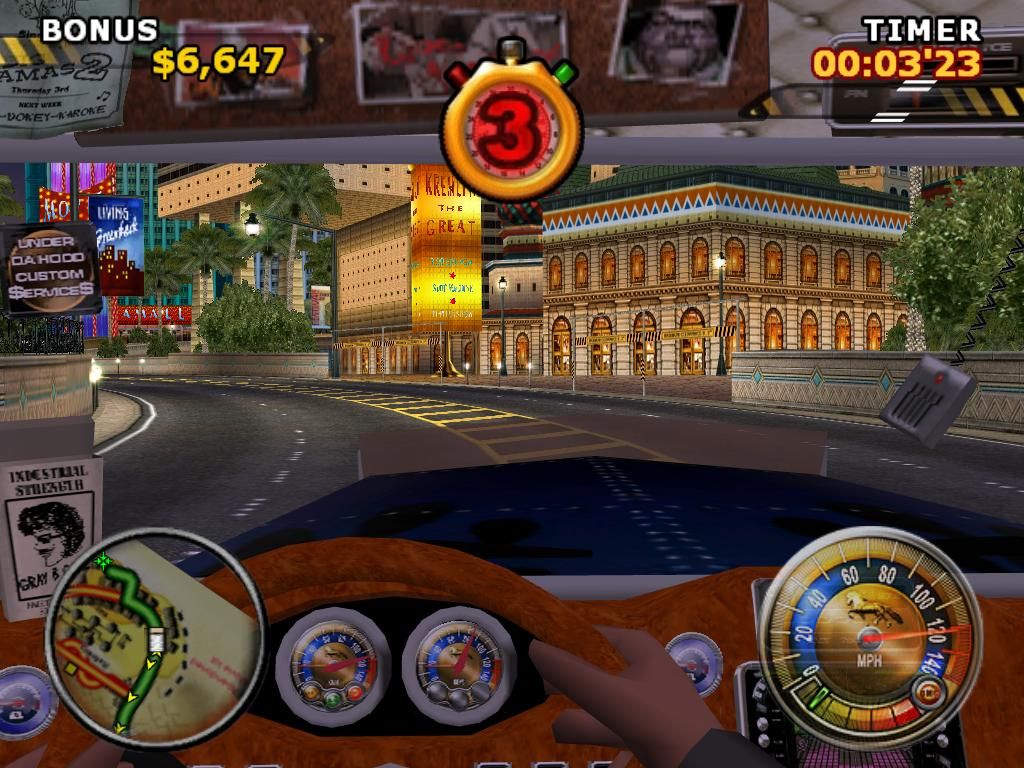
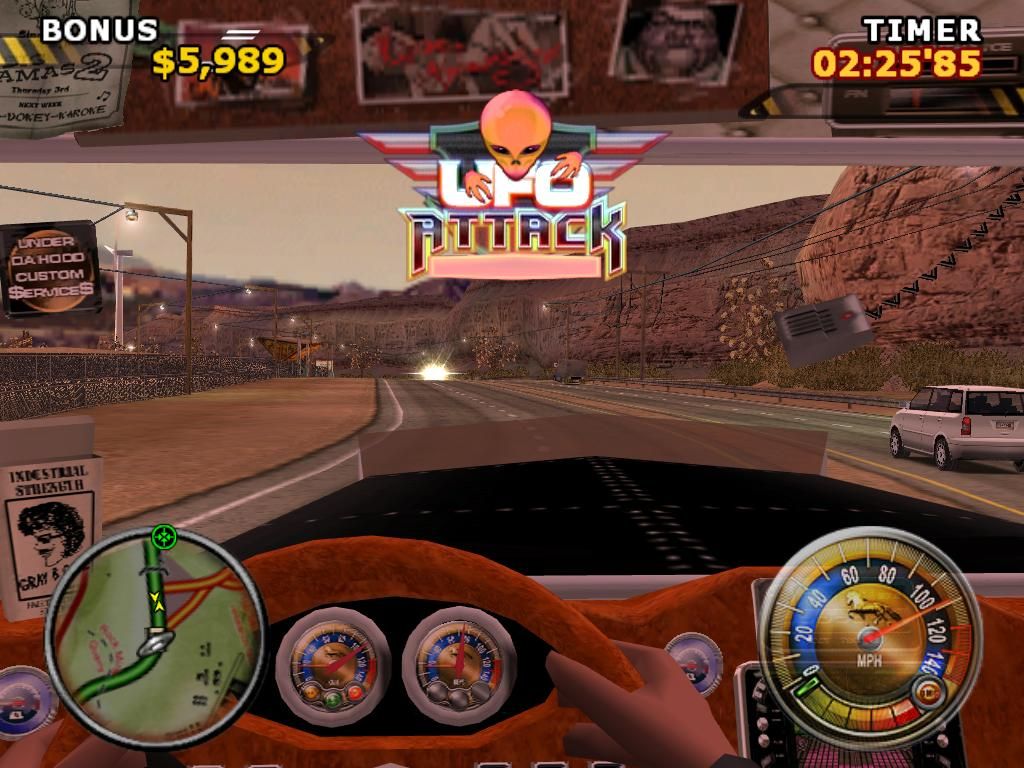
Located at the bottom left of your display, this handy device helps you navigate around the County. The route to the current destination is shown in green on your map.
At the start of Trial by Trucking, Ma pre-programs your Sat Nav to lead you to Skeeter's Creek, so follow the green route to success! Later in the game your Sat Nav is used to select destinations and Delivery Bonuses.
THE COPS
Whenever you break the law, the cops will become interested in you. You can tell they're pursuing you because the Cop-O-Meter appears.
The arrow on the Cop-O-Meter indicates your status: the further into the Caught Zone the arrow moves, the closer to being captured you are. As it moves into the Escape Zone, you avoid capture.
The closer the police are to you, the faster the display moves into the Caught Zone. Out-distance them and the Cop-O-Meter moves toward the Escape Zone.
To avoid arrest you must reach your destination before the police catch you, outdistance the cops to reach the extreme end of the Cop-O-Meter Escape Zone or disable them with your truck. Should the arrow reach the extreme end of the Caught Zone, you will be arrested.
THE CITY INTERFACE
Enter one of Hick State County's 6 major settlements and you'll be presented with the City Interface. Each City offers the same basic amenities.
THE STORE
The Store Interface offers four options: Buy, Sell, Upgrade and Leave.
BUY
Use this option when you want to buy a commodity. As you scroll through the commodities the STOCK quantity changes as you view each. Stock levels will affect price: generally, the more stock a location has of a commodity, the cheaper it is.
You'll also notice each commodity has a Price Rating:
•
Deal of the Day - This commodity is cheap! You'll make a healthy profit selling this elsewhere!
•
Bargain! This commodity's price is lower here than in most places.
•
Average - An average priced commodity.
•
Risky You might lose money if you sell this in another Trading Post.
•
Rip Off! If you buy this commodity, you'll probably lose money if you sell it elsewhere.
Select whichever commodity you want to purchase, then select how many "units" you want to purchase. This is, of course, restricted by both your truck's capacity and your cash balance.
There are three types of trailer in the game, reflecting the different commodity "types": Flatbed, Refrigerated and Tanker. Should you attempt to buy a commodity of the "wrong" type for your current trailer, you may purchase a new trailer as part of the deal. If your "old" trailer has a commodity aboard, it will be sold as part of the trade-in.
Illegal Goods
Carrying Illegal Goods will attract the attention of the local police. However, the benefit of carrying Illegal Goods is that you carry them in your cab so they don't take up any of your cargo space. The downside is that you can only carry one unit of Illegal Commodities at a time.
Commodity Value Graph
Press the button to see the graph when in the Buy section of the Store. The graph shows you the price for that commodity in the different settlements (Sub-Traders are added as they are unlocked).
Your current location is always at the top of the screen and in blue. The price at the end of the bar is the price per unit for the selected commodity at your current location.
Green bars are for prices above those at your current location (i.e. sell here for a profit), red bars indicate you would sell at a loss. Yellow bars indicate the same price (you would break even in
.png)


.png)