GETTING STARTED
Set up your PlayStation®2 computer entertainment system according to the instructions supplied with your system.
Check that the system is turned on (the on/standby indicator is green). Insert the Obscure: The Aftermath disc in the system with the label side facing up.
Attach game controllers and other peripherals as appropriate. Follow the on-screen instructions and refer to this manual for information on using the software.
MEMORY CARD (8MB)(for PlayStation®2)
To save game settings and progress, insert a memory card (8MB)(for PlayStation®2) into MEMORY CARD slot 1 of your PlayStation®2 system.
You can load saved game data from the same memory card or any memory card (8MB)(for PlayStation®2) containing previously saved games.
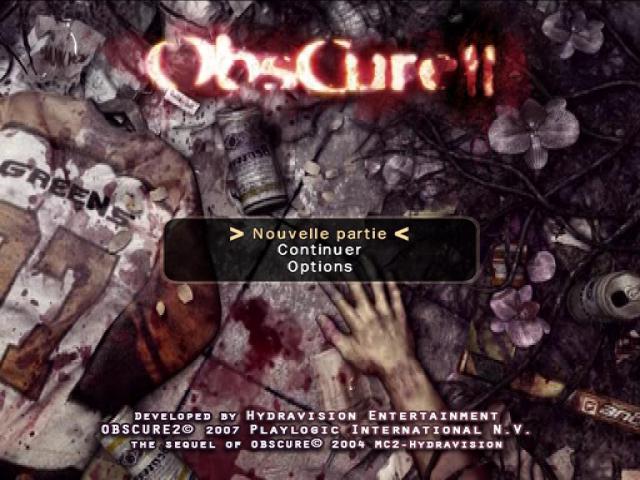
MENU SCREEN
Pressing the START button during gameplay pauses the game and gives you access to the Menu Screens (Load a saved game, Options and Exit).
Use the directional buttons or the left analog stick to highlight an option.
LOAD MENU
In the Load Menu you can load a previously saved game. Please note that the progress you have made in the game since the last save will be lost.
OPTIONS MENU
In the Options Menu, you can adjust the Brightness, look at the button configuration, adjust sound settings, turn on/off vibration and turn on/off subtitles.
EXIT MENU
In the Exit Menu you can exit the game. Please note that the progress you have made in the game since the last save will be lost.
NOTE
Saving your game
You can save your game whenever you come across a black flower growing on a wall in Obscure: The Aftermath.
You can save only once at each of these flowers.



_1.png)


.png)

_1.png)

.png)


.png)
.png)