Getting Started
Set up your PlayStation®2 computer entertainment system according to the instructions in its Instruction Manual. Make sure the MAIN POWER switch (located on the back of the console) is turned on. Press the RESET button.
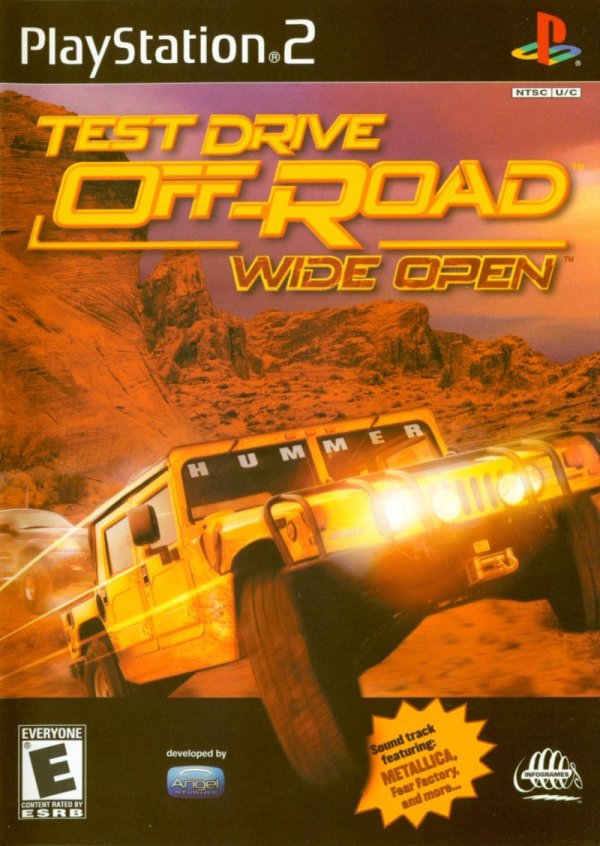
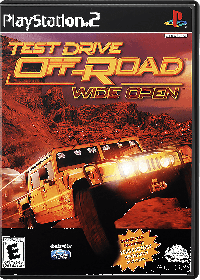
When the power indicator lights up, press the open button and the disc tray will open. Place the Test Drive Off-Road Wide Open disc on the disc tray with the label side facing up. Press the open button again and the disc tray will close.
Attach game controllers and other peripherals, as appropriate. Follow on-screen instructions and refer to this manual for information on using the software.
Introduction
Get in, shut up and hold on! You're going off-road with the world's toughest trucks. Every power-sliding, mud-slinging beast in Test Drive Off-Road Wide Open handles just like the real thing.
Test Drive Off-Road Wide Open uses the latest and greatest technology to accurately simulate real-world off-road driving and handling characteristics. Each vehicle has the same suspension travel, steering and performance as the real thing.
The locations in Test Drive Off-Road Wide Open are reality-based, with realistic scenery and terrain. Drive though mud, sand, gravel, grass and rock. Deserts, forests, and mountains are just some of the terrain you'll race across in the no holds barred, four-wheelin' mayhem that is Test Drive Off-Road Wide Open.
Navigating Menus
Use the directional button to move up and down as well as left and right when selecting menu items. Use the button to confirm a selection. Use the button to move back to the previous menu.
Main Menu
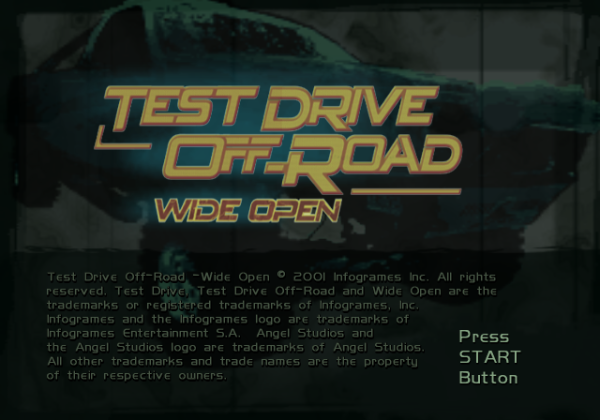
Once you've started Test Drive Off-Road Wide Open and viewed the title screens you will see the main menu.
Single Race
Race against several computer opponents in one player mode or race against a friend in two player.
•
Number of Players - Use the left and right directional buttons to select the number of players.
•
Difficulty - Use the up and down directional buttons to select the level of difficulty of the opponent vehicles. Press the button to confirm and continue to the Player Name screen.
•
Player Name - Choose the letters in your name using the directional button. Select "Accept" and press the button when you are done.
•
Race/Level - You may race in any of the three environments in Test Drive Off-Road Wide Open. Use the left and right directional buttons to choose between environments. Use the up and down directional buttons to select which course you want to race. As you progress in career mode more courses will be unlocked for use in single race mode. Press the button to continue to the Select Vehicle screen.
•
Select Vehicle - Each player must choose a vehicle, its color and transmission type. Use the left and right directional buttons to scroll through the available vehicles and press the button to select your vehicle. Next choose a color for your vehicle using the directional buttons and pressing the button to confirm. Finally, use the up and down directional buttons to choose between manual and automatic transmissions. Press the button and you're ready to race.
Career Race
•
Load or New Game - Choose whether you want to start a new career or load one from the memory card (8MB) (for PlayStation®2). If you choose to continue without saving, options and race results will not be saved. Use the button to move on.
•
Enter Name - Use the directional buttons to enter the name you wish to use for the current career. Selecting the Accept option and pressing the button will move you to the vehicle selection screen.
•
Buy Vehicle - You begin a career with limited funds and a limited selection of vehicles from which to choose. If you take first, second or third place in a career race, you will win credits. You will win significantly more credits if you place first in a race. As you progress through several seasons you will earn money to purchase new vehicles and upgrade those already in your garage. Certain vehicles will be available for purchase after they are unlocked. Career Mode is available in one player only.
Free Roam
No rules, no boundaries. Explore any one of the three environments with no clock and no competition. Use your time spent roaming to gather knowledge of the environments. Drive anywhere, over just about anything that gets in your way, with one or two players.
Scores
View the single race records and career standings.
Options
View the game options screen.
Options Menu
•
Audio - The audio options will allow you to change the volume settings for the sound effects and music. You can choose which song plays in the background by using the song select option.
•
Controller 1 - Change the configuration of the controller in controller port 1.
•
Controller 2 - Change the configuration of the controller in controller port 2.
•
Credits - View the game credits.
•
Load All - Load saved games and options settings.
•
Save All - Save the current game and options settings to the memory card.
Loading and Saving a Game
To load a previously saved career choose career mode from the main menu. All saved careers will be displayed in the center of the screen. Choose one of the saved careers to continue and press the button. Games will be saved automatically after each season.
Warning: Never remove