Getting Started
PlayStation 2 Console Types
Illustration may not match all PlayStation 2 console types. For owners of SCPH-70000 series PlayStation 2 systems, refer to the setup instructions supplied with your system. System Setup
Set up your PlayStation®2 computer entertainment system according to the instructions in its Instruction Manual. Make sure the MAIN POWER switch (located on the back of the console) is turned on.
Starting the Game
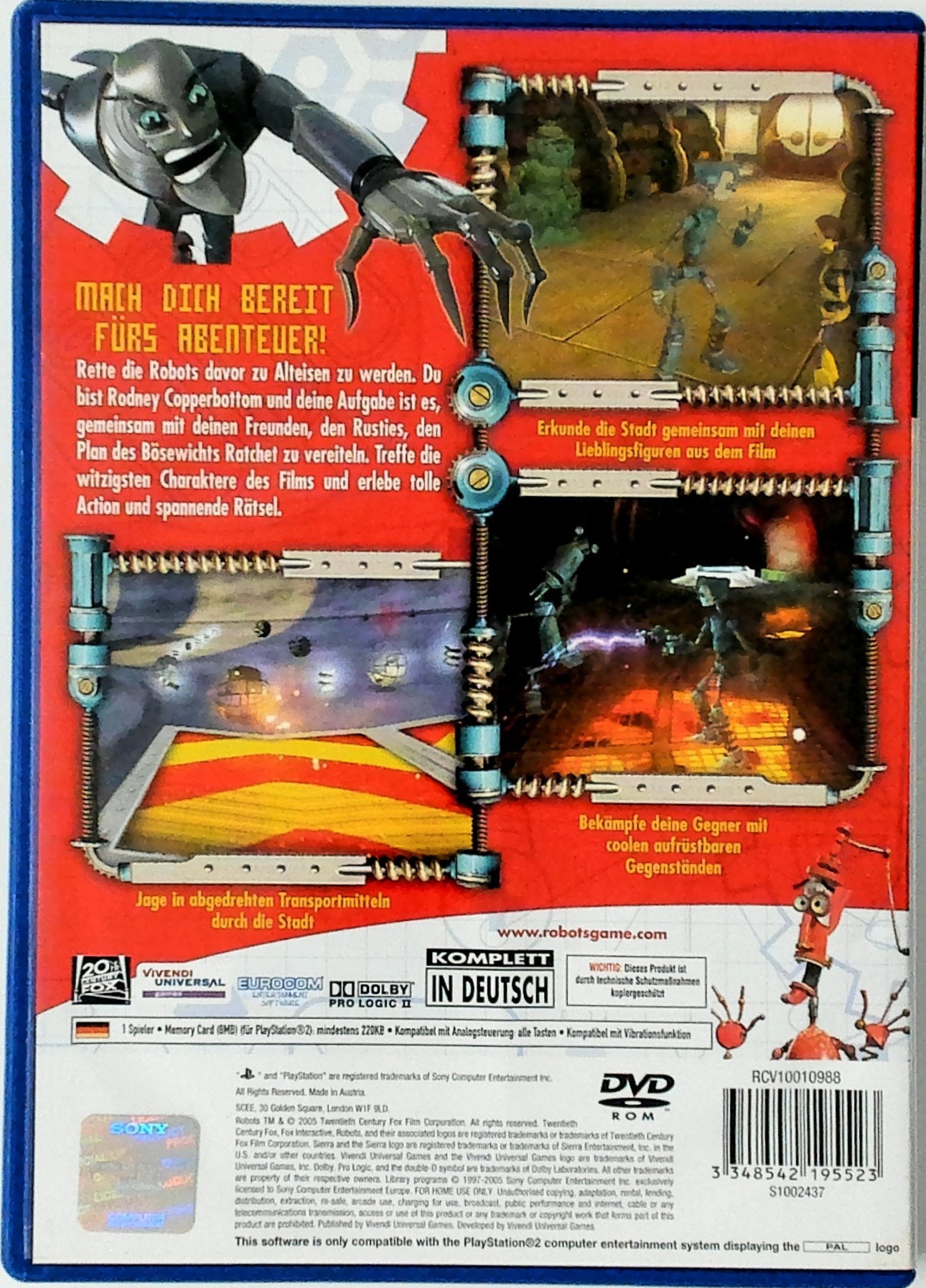
Press the RESET button. When the power indicator lights up, press the OPEN button and the disc tray will open.
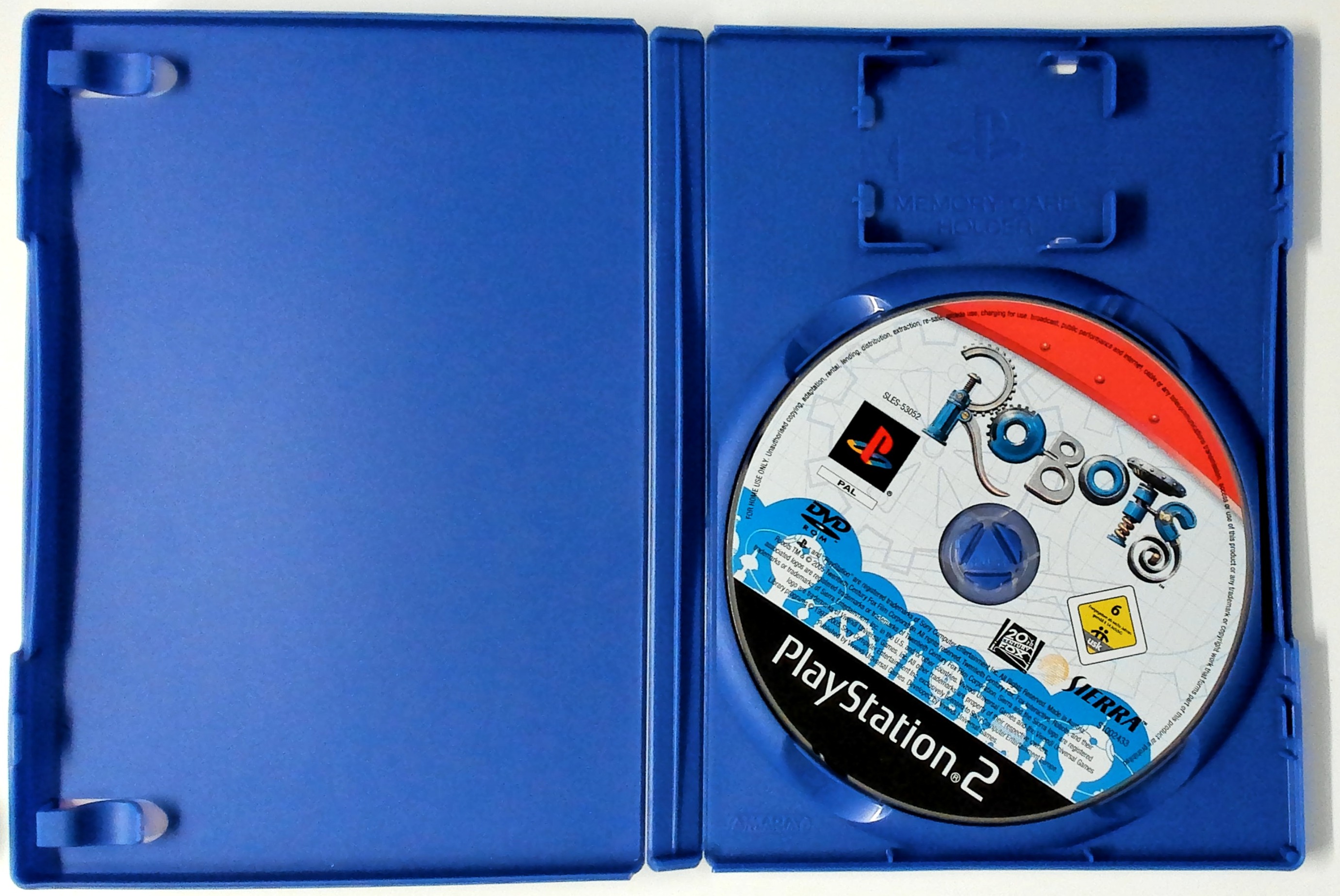
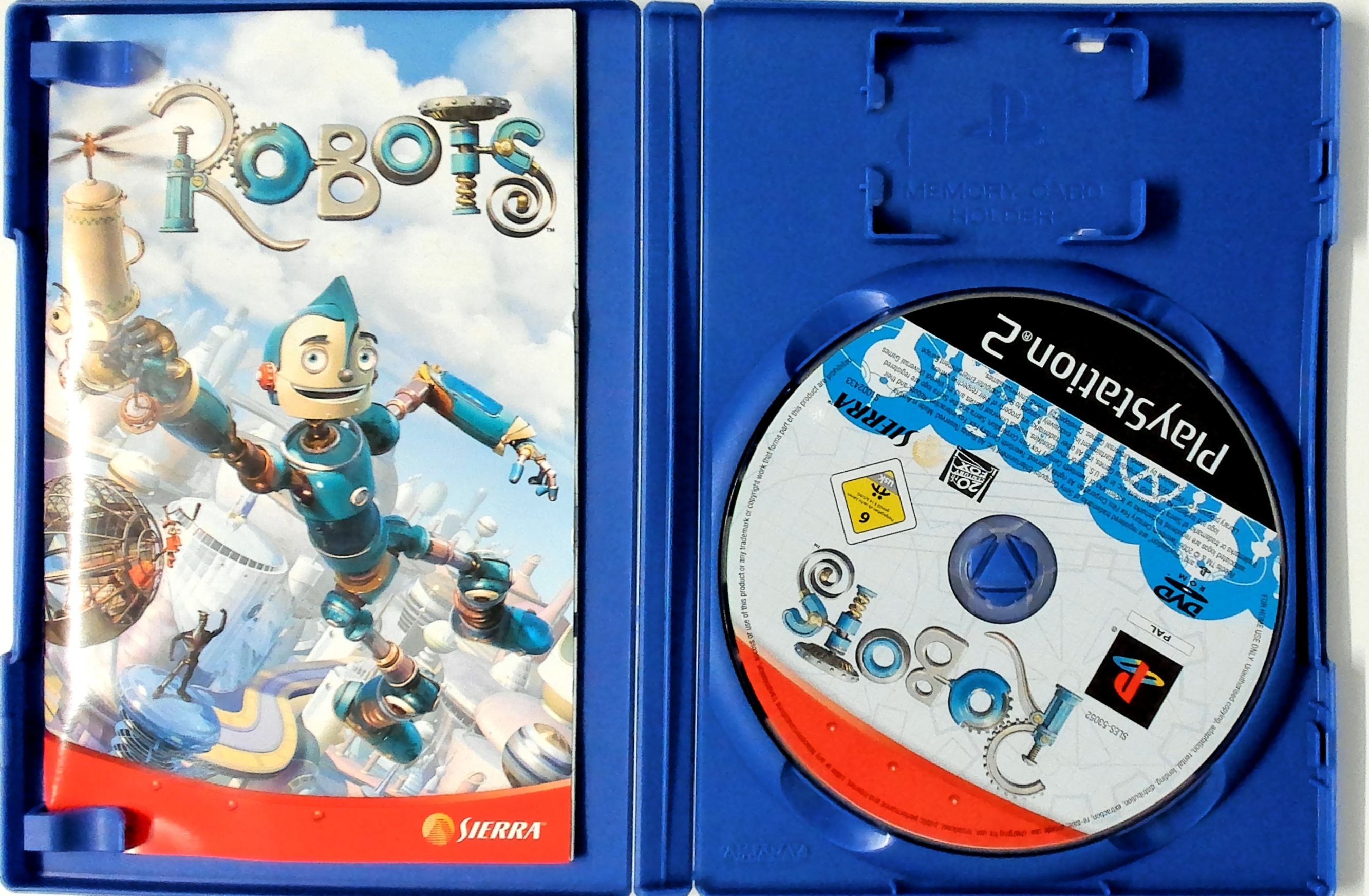
Place the Robots disc on the disc tray with the label side facing up. Press the OPEN button again and the disc tray will close.
Attach game controllers and other peripherals, as appropriate. Follow on-screen instructions and refer to this manual for information on using the software.
Memory Card (8MB) (for PlayStation®2)
You may save your progress while playing Robots. To do so, you must have a memory card (8MB) (for PlayStation®2) inserted into MEMORY CARD slot 1 of your PlayStation®2.
Game data can only be loaded and saved to a memory card (8MB) (for PlayStation®2) in MEMORY CARD slot 1. Do not insert or remove a memory card while the game is attempting to load or save game data.
Playing the Game
Main Menu
•
New Game: Start a new game
•
Load Game: Start a saved game
•
Options: Change game settings
•
Bonus Features: Browse bonus content
Options Menu
•
Music Volume: Adjust volume of game music
•
Sound Volume: Adjust volume of sound effects
•
Sound Mode: Adjust the type of audio output
•
Subtitles: Turn subtitles on/off
•
Vibration: Turn controller vibration on/off
•
Invert Camera X: Swap horizontal camera movement
•
Invert Camera Y: Swap vertical camera movement
•
Invert Target Camera X: Swap horizontal camera movement while in target mode
•
Invert Target Camera Y: Swap vertical camera movement while in target mode
Pause Menu
•
Continue: Resume gameplay
•
Options: Change game settings
•
Quit Game: Exit to the main menu
.png)

.png)