Controls and Setup
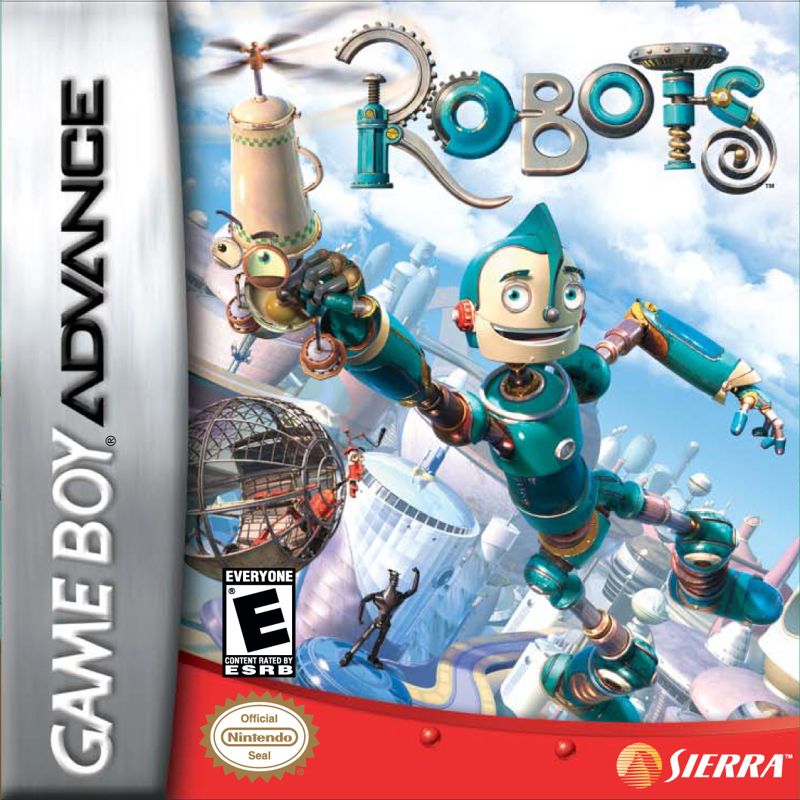
To play, turn OFF the power switch on your Nintendo® Game Boy® Advance before inserting the Robots Game Pak. Never insert or remove the Game Pak while the power is ON. To lock the Game Pak in place, press it firmly into the slot.
Turn the power ON to begin. The Legal Screen appears, followed by the introduction sequence. Press the A Button to advance to the Title screen, then press START to reach the Main menu.
Main Menu Options
When at the Title Screen, press START to begin the game. The Main menu provides the following options:
•
Select Game: Choose a SAVED GAME to play.
•
Copy Game: Copy a SAVED GAME.
•
Delete Game: Delete a SAVED GAME.
Saving and Management
To copy one SAVED GAME to another:
1. Highlight a previously saved game, then press the A Button.
2. Highlight a saved game you wish to copy to, then press the A Button.
3. Use the + Control Pad to highlight YES to confirm, or NO to cancel, then press the A Button.
At any point, you can press the B Button to cancel back to the previous step.
To delete a SAVED GAME:
1. Highlight a previously saved game, then press the A Button.
2. Use the + Control Pad to highlight YES to confirm, or NO to cancel, then press the A Button.
At any point, you can press the B Button to cancel back to the previous step.
Zip Line Challenge
At the end of Bigweld Mansion, Rodney grabs onto a seemingly endless Zip Line course. Press the A Button to jump from one Zip Line to another, and use the B Button to attack flying Dominoes with Rodney's Wrench.
If Rodney loses the challenge, he will be returned to Bigweld Mansion to replay it. Once successfully completed, the Zip Line Challenge becomes available to play at any time from the Title Screen.
Gallery Screen
Access the Gallery Screen at any time by pausing the game and selecting Gallery. Use the + Control Pad to move the cursor Up, Down, Left, and Right.
•
Found images appear as thumbnails; press the A Button to view the full-sized image.
•
Press the B Button to return to the Gallery Screen, or to return to the game from the Gallery.
There are 50 images total to discover, including scenes from the Robots Movie, special stills created for the game, and pre-production artwork.

 (En,Fr,De,Es,It).png)
 (En,Fr,De,Es,It).png)
.png)