Starting the Game
1. Turn ON the power switch on your Sega™ Saturn™ system. 2. Make sure a control pad is plugged into the port labeled Control 1 on the Sega Saturn system. 3. Open the disc tray and place the disc inside.
4. Press START to advance to the Game Mode screen. See Game Mode on page 4.
NOTE: Records and settings are saved and loaded automatically (if there are any) when the game is started.
UNFORMATTED MEMORY NOTE: Your memory must be formatted before playing The Need for Speed. If memory is not formatted you will receive a prompt stating that the System Memory is not ready for use. •
Press any button to access the Sega Audio CD Control screen. From this screen, select SYSTEM SETTINGS, then MEMORY MANAGER to clear your memory.
Welcome!
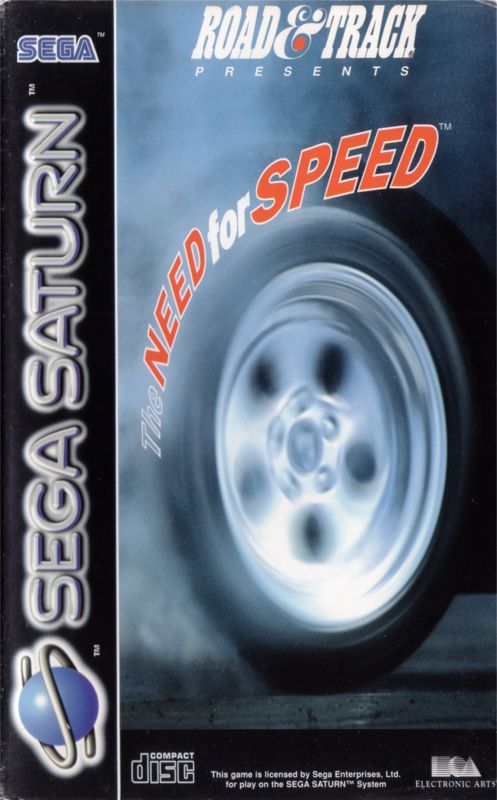
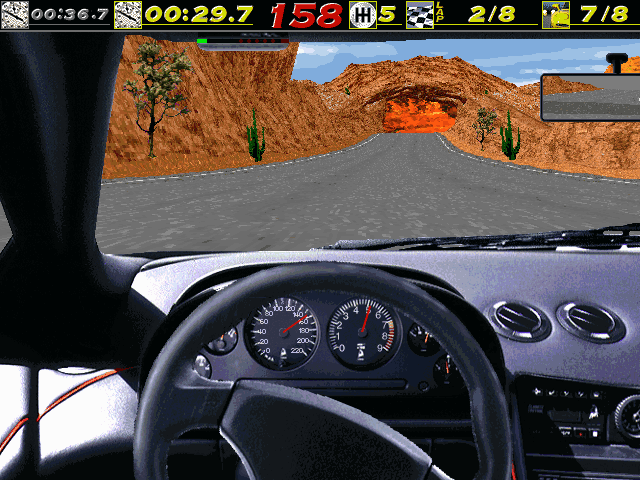
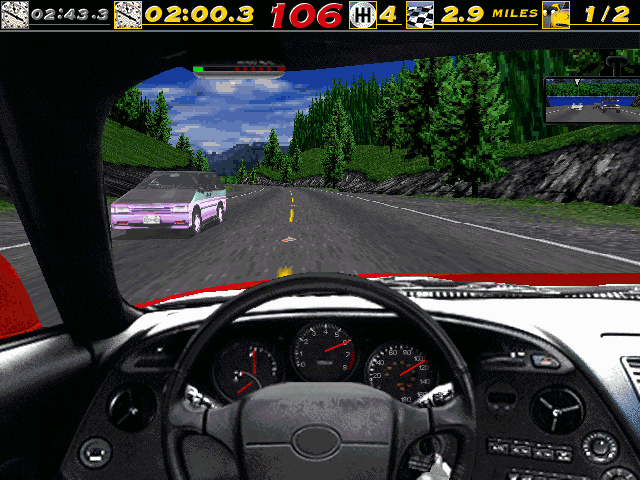
Welcome to the high-speed world of ROAD & TRACK® Presents: The Need for Speed™! The Need for Speed combines spine-tingling action with awesome graphics. As you race down an alpine road in your choice of eight high performance cars, you'll be amazed by the detail and realism. The sophisticated physics model recreates the feel of the cars themselves; you'll notice the difference in handling, braking, and raw power. Plan your strategy for each track-there are six to choose from during regular play, and each demands a different style of driving. There's also a bonus track if you win the Tournament. With different cars, different tracks, and different styles of racing fueling your need for speed, you'll find your addiction growing to a fever pitch. No need to worry-when you crash and burn in this game, there's always another day. •
7 different race locations-3 open road tracks and 3 closed circuit tracks, plus 1 bonus track.
•
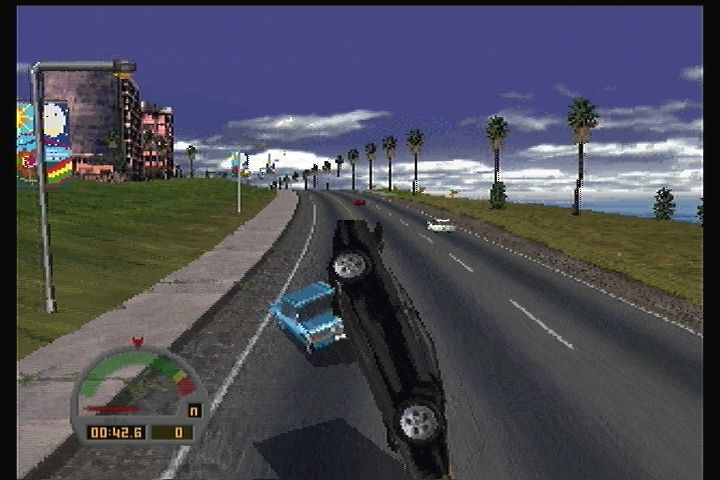
Multiple camera angles and instant replay let you see your spectacular crashes in full detail.
•
State of the art graphics improve the sensation of speed.
Game Mode
Select a one or two player game, view Records, and configure Options. The following controls are used for all screens and menus.
In All Menus
•
Highlight option: D-Pad Up/Down
•
Cycle/toggle highlighted option: D-Pad Left/Right
•
Advance/activate highlighted option: A or C
•
Return to previous screen (if applicable): B
Game Mode Options
One Player
Race against computer opponents or race against the clock in Time Trial.
Two Players
Race with a friend on a split screen.
Records
View records for different tracks and race configurations. See Records on page 17 for more information.
Options
Customize your game sound, and control options. See Options below.
When finished, highlight ONE PLAYER or TWO PLAYER and press A or C. The Race Type screen appears. See Race Type on page 7.
Options Menu
To access the Options menu, highlight OPTIONS from the Game Mode menu and press A or C. The Options menu appears. To return to the Game Mode menu, press B.
Audio
To access Audio options, select AUDIO from the Options menu. The Audio menu appears. To adjust Audio volumes, highlight the sound option you want to adjust and D-Pad <->.
•
Song Select: Choose a song to hear while racing. The song that you choose starts to play a moment after you have finished cycling through the choices. •
Menu Music Volume: Adjust the volume of music played in the menus and between races.
•
Racing Music Volume: Adjust the volume of music played during the game. •
Sound Effects Volume: Adjust the volume of sound effects played during the game.
Race Type
Choose one of four different kinds of races.
Time Trial
Race in any car on any track against the clock. This is a flat out duel against time; there are no cops or traffic to distract you.
EA TIP This is a great mode for practicing and learning the cars and tracks. Start with Rusty Springs Raceway and Autumn Valley Speedway, as they are easier to learn on than the more winding tracks.
When you set records in this mode, they are marked by a “T.T.” to distinguish them from records obtained during a race.
Head to Head
Race against a single opponent, either the computer or another player on a split screen. You can select any car or track. If you select an open road track (i.e., Alpine, Coastal, or City), you'll face traffic and cops to make things more challenging. Records in this mode are marked by an “H.H.” to distinguish them from records obtained during a race.
No Mercy Mode
To disable traffic, cops, and any computer racing assistance between opponents: Highlight HEAD TO HEAD, and press and hold both SHIFT buttons. While holding both SHIFT buttons, press A or C to choose No Mercy mode and advance to the Race Location screen. If you are using an Arcade Racer, press and hold X, Y, and Z to choose No Mercy mode. Single Race
Select this mode to race against seven computer opponents, or six computer opponents and a friend. The car you select for your computer opponent is used by all computer drivers unless you select THE PACK, in which case one of each type of car will be raced by a different computer driver. The open road tracks have been blocked off to public traffic for this event, and the cops are down at the local donut shop.
Tournament
This mode lets you participate in a Tournament in which you must place first on all tracks to win the Championship and advance to a