Start Up Info
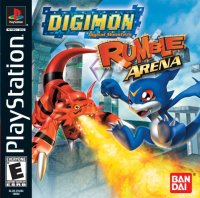
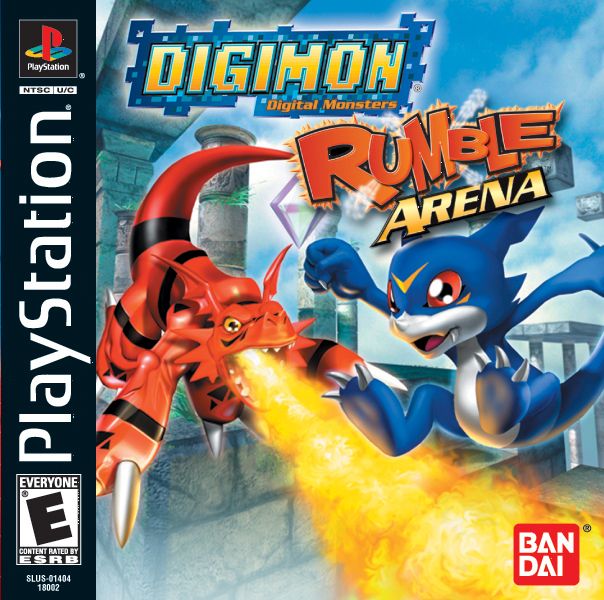
Set up your PlayStation® game console according to the instructions in the instruction manual. Make sure the power is off before inserting or removing a compact disc. Press the OPEN button on the console to open the cover, then place the Digimon Rumble Arena disc into the drive and close the disc cover. Turn the unit ON. Follow the on-screen instructions to start a game.
PlayStation® Game Console
Save and Load
Insert a MEMORY CARD into MEMORY CARD slot 1. If you select "Yes" for Auto Save in the Options, your battle victory data will automatically save.
If you select "No" for Auto Save in the Options, go to Save in Options to save your battle victory data. When choosing Load from Options, you will start the game at your last save.
Options
Game Modes & Options
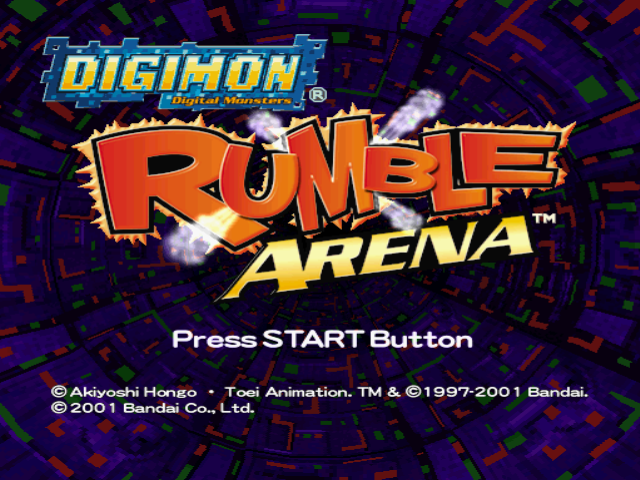
Before beginning a game, press the START button in the Title Screen and the Mode Menu will appear. Go to a Mode by moving the ↑ ↓ directional buttons or left analog stick and press the Ⓧ button to select.
Game Modes
•
1 Player Mode: Play against the computer and clear stages.
•
VS Computer Mode: Battle with the computer.
•
2 Player Mode: Battle with a friend.
•
Options: Change the game settings.
Options Menu
•
Game Level: Change the difficulty level of the game.
•
Sound: Change the setup for Stereo/Mono.
•
Play Time: ∞ is played until one player loses.
•
Auto-Save: Change Auto-Save setting for on/off.
•
Save: Save game played until now.
•
Load: Load data from MEMORY CARD in MEMORY CARD slot 1 and game can be continued from last save.
•
Controller: Change button configurations.
•
Screen Setup: Adjust the screen position with the directional buttons or left analog stick.
•
Passwords: Input a secret password and unlock powerful Digimon!
Digimon Selection
After selecting the game mode, the Digimon Selection screen will appear. Pick your Digimon with the button. At the start of the game only 9 Digimon are available.
This mark indicates Digimon that can be unlocked by clearing stages or inputting passwords in Options Menu. Bottom row cannot be unlocked in 1 Player Mode.
Handicaps
In both "2 Player" and "VS Computer" modes, handicaps can be set. Decrease Life Gauge levels by lowering squares with the ← → directional buttons or left analog stick.
Digimon Specialties
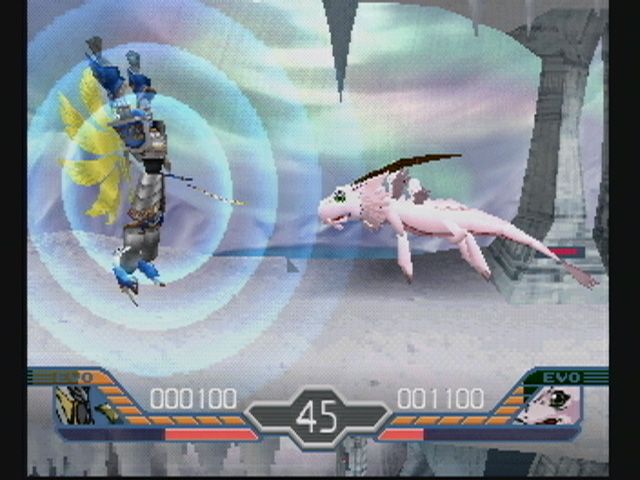
Each Digimon has its own Specialty. "Fire" Digimon are strong against "Nature," "Nature" Digimon are strong against "Water" and "Water" Digimon are strong against "Fire." Use your Digimon's specialties and battle strategically against your opponents.
Certain stages have a Specialty associated with it. A Digimon caught in its own Specialty trap won't get too much damage, but if for example, a "Nature" Digimon gets caught in a "Fire" trap, watch out!
Stage Selection
After selecting your Digimon, the Stage Selection screen will appear. Select a stage by moving the ←→ directional buttons or left analog stick. Press the Ⓧ button to begin battle! There is no Stage Selection in the "1 Player" mode.
Stages
•
Sanctuary / No Specialty: Lightning bolts will strike regularly from the hovering cube and center altar.
•
Wilderness / Specialty: Nature: Small and large boulders will roll out from the cave entrance. If your Digimon gets hit, he will be damaged. Small boulders can be deflected with an attack technique.
•
Garbage Recycling Center / No Specialty: At centerstage is a "compactor" that will open from time to time. Overhead is a crane that will drop containers. If your Digimon falls in or gets hit, he will be damaged.
•
Revolution / No Specialty: Digimon fall and get turned upside down when the whole stage revolves. Blocks will explode and damage your Digimon.
•
Glacier / Specialty: Water: The icicles will fall when hit and the edges will crumble when there is too much weight. Mega Level Digimon are heavier, so watch out!
•
Volcano / Specialty: Fire: The volcano will erupt with pillars of fire at the bottom of the stage. The rock face will light up to signal when the volcano will erupt.
Mini Games
If you clear the "1 Player" mode, you'll be able to play the Mini Games.
Target Games
Press the button to pump up the Gauge and let go to shoot! Whoever gets the most points wins!
Digivolve Race
Push the button to hit the punch ball. Whoever fills up the Gauge first wins!
Basketball Game
Press the button to pump up the Gauge and let go to shoot! First to 10 shots wins!
.png)

.png)




.png)