PlayStation 2 Setup
Set up your PlayStation®2 computer entertainment system using its Instruction Manual. Ensure the MAIN POWER switch (on the back of the console) is ON.
•
When the power indicator lights up, press the OPEN button to open the disc tray.
•
Place The Bible Game disc on the tray, label side up.
•
Press the OPEN button again to close the disc tray.
•
Attach game controllers and other peripherals as needed.
•
Follow on-screen instructions and refer to this manual for software use.
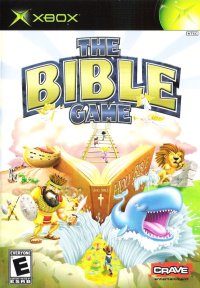
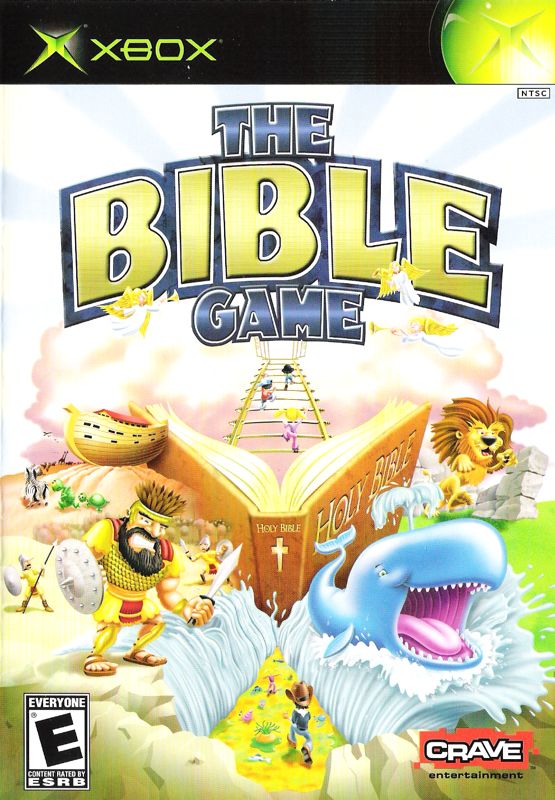
The Bible Game
This delightful game show competition brings Old Testament stories and characters to life for up to four players. It features a dozen themed mini-games, Bible trivia, individual challenges, and special twists, all in a television game show format. Press the START button to continue.
The Main Menu
This screen offers four main choices.
TV Game Show
This is a four-player, television game show format party game called "Do Unto Others!" Compete with other contestants to win the most points. Challenge Games
Play all challenge games individually and track ongoing total scores. Play your favorite game repeatedly, or play all twelve. See who can achieve the highest total score to win the tournament.
High Scores
This section displays high scores for game show totals, divided into short, medium, and long game scores. •
Use the directional buttons or left analog stick to move between the three screens.
•
Press the X button to save changes.
•
Press the A button to return to the Main Menu.
Options
Change audio levels, game length, trivia difficulty, mini-game difficulty, and help button position. •
Use the directional buttons or left analog stick to move up and down.
•
Move left or right to change the setting.
•
Press the X button to save changes.
•
Press the button to return to the Main Menu without saving changes.
The Game Show: Do Unto Others!
To play this game, select it from the Main Menu by highlighting the title and pressing the X button. You will then go to the Sign In Screen.
Sign In Screen
This is where players join the game. Move your highlight to the character you want to play; the highlight corresponds to your controller number. Each character has an assigned color.
•
Press the X button to select a character and name your player.
•
Use the directional buttons or left analog stick to highlight a letter and press the button to select it. The letter will appear in the name box.
•
To correct a mistake, press the up directional button to move to "Delete" and press the X button to remove the last letter.
•
After entering your name (maximum 8 characters), press the down directional button to select "Done."
•
Once all players have selected a character (up to four players with a multitap (PS2) and DUALSHOCK®2 analog controllers), press the START button to begin.
•
If fewer than four controllers are active, the remaining players will be randomly selected.
•
NOTE: Sign-in works the same for Challenge Games tournament mode. Your name remains as a default if you re-enter this screen without turning off the console. You can then select "Done" to accept the default.
Starting Up
After a brief introduction from host Justin Warren, all four players appear behind their podiums, each starting with 100 points. Player names are displayed at the top of the podium, with round total below and game total below that. Podiums light up in turn, randomly stopping on a contestant who gets to go first.
The Game Screen
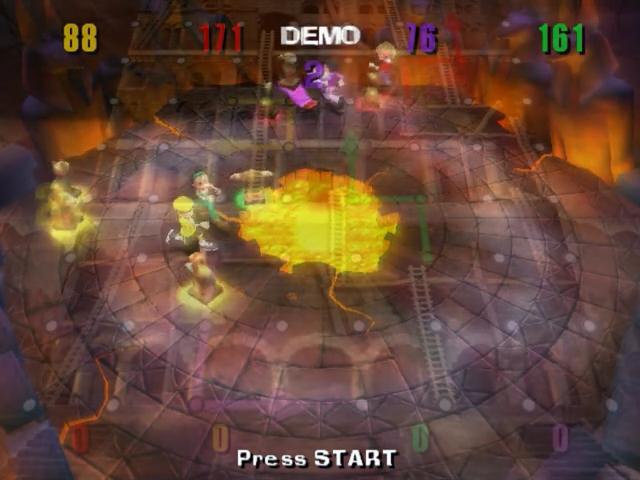
This is where rounds begin and end in "Do Unto Others!" The current player is shown at the bottom center. Number "squares" highlight randomly as the player waits to make a move.
When a player gains control of the board, including the very first move, they must choose at least one square. After that, they can continue choosing squares or pass control to the next player. Choosing a square awards points and triggers a game event.
Game Events
Several things can happen when you choose a square on the board.
•
Do Unto Others: The player selects from outcomes that benefit the player with the fewest points (e.g., give 150 points to Purple).
•
Commandment: The player receives points from either all other players or one other player.
•
Blessing Game: Starts a 1-player short game for points.
•
Challenge Game: Starts a 4-player challenge game for points.
•
Wrath of God: Triggers one of the plagues upon the player, ending the round and robbing the player of their round points.
•
Jackpot: You have a 1 in 4 chance of getting the jackpot if you select the last number available. If the jackpot doesn't come up, the Wrath of God does.
The Jackpot
The jackpot points are displayed at the top left of the game screen. This number increases every round and can only be won by selecting the last available number on the board after all others have been chosen. Even then, there's only a 1 in 4 chance; otherwise, it's the Wrath of God.
The Timer
The remaining game time is shown at the top right of the game screen. Short, Medium, and Long games start with different times (10, 20, and 30 minutes, respectively).
When the timer runs out, the next round




.png)
.png)
_1.png)


.png)
.png)
.png)



.png)