NBA Action: "I Love This Stuff"
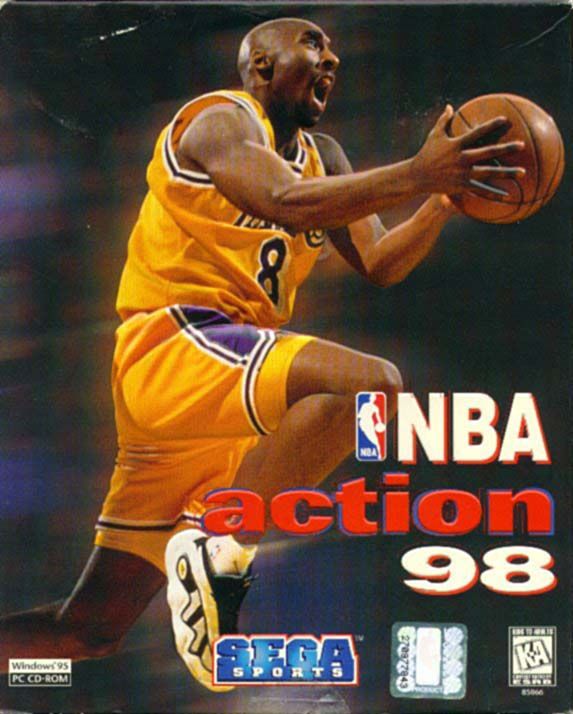
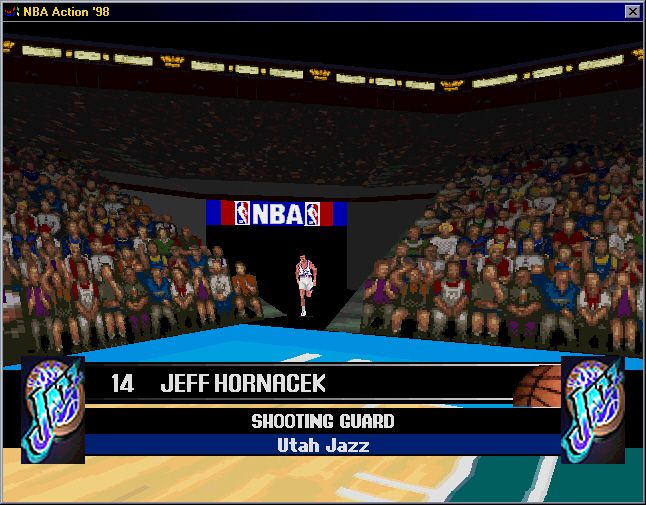
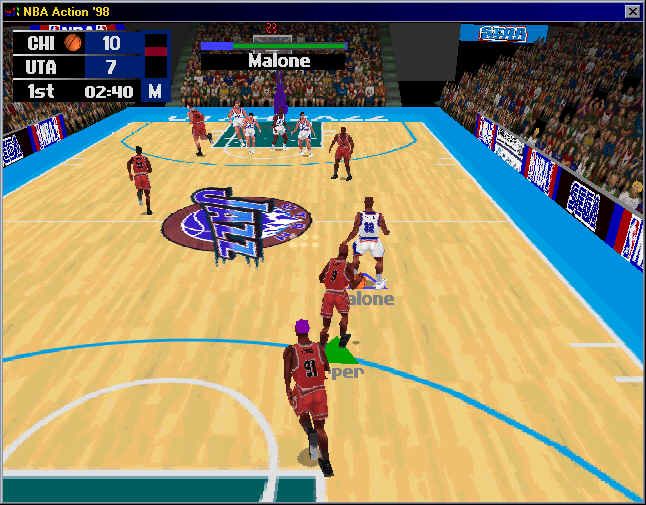
Sega Sports presents NBA Action. The name says it all. All 29 NBA teams from the '95-'96 season. Over 400 NBA players. Hundreds of offensive and defensive plays. Stat tracking. Set up entire league seasons and playoff schedules. Trades. Tomahawk Jams. Surround sound. TV-like camera angles. Marv Albert. It's all here, so crank it up!! Main Menu
EXHIBITION GAME
REGULAR SEASON
CUSTOM PLAYOFF
MANAGE ROSTERS
NBA STATS
HALL OF FAME
To go to the Main Menu at any time during the intro, press Start. All the menus in the game operate just like the Main Menu.
•
To move the highlight to the desired selection, press the D-Pad up/down.
•
To select the highlighted item, press A or Start.
•
To return to the previous screen, press X.
Exhibition Game
An Exhibition Game is like a practice game. The results and stats are not recorded.
Selecting Teams
Notice that below each team name is the team's strength rating, expressed as a fraction of 100. The 1995-96 Roster, which is the base roster contained on the disk, appears as the default roster. If you have created one or more custom rosters, you can select them here.
•
To select the teams, D-Pad left/right to move the highlight box to the Home or Visiting team, and then press A or use the left/right finger buttons to cycle through the teams.
•
To select the roster, highlight the roster box and press A until the desired roster appears.
Game Options
The Options menu allows you to tailor the game to suit your preferences and skill level. If you prefer to stick with the default settings, make sure the Bypass Options box reads “yes”, and then press Start.
•
To select an option, D-Pad left/right to move the highlight box to the desired option, and then press A to cycle through the available setting or to toggle the option on or off.
•
To save the options for future games, press C.
QUARTER LENGTH
There are four different quarter lengths, expressed in minutes. The game clock moves in real time.
SKILL LEVEL
There are three different skill levels. We suggest that you start out on the Easy level and move up from there. In the unlikely event that you master the Hard level, you can increase the difficulty by selecting one of the weaker teams and going up against one of the strongest teams. Or you can create teams from scratch to make things even more interesting.
REFEREES
The three referee settings correspond to the disposition of the Refs. Easy makes the refs their most lenient, and Hard makes them their most vigilant.
INJURIES
When you turn Injuries ON, players for both teams are subject to occasional Injuries. Injuries tend to occur randomly and without warning. With Injuries OFF, you won't have to worry about players getting hurt.
ROLE PLAYING
This feature allows you to play one and only one position on the team. For example, if you select SG, you will always play the Shooting Guard, regardless of substitutions. When more than two players wish to compete, this feature is essential. With Role Playing ON, the Role Playing selection screen appears after you exit the Game Options menu.
USER RECORDS
The User Records database allows you to track your personal stats, regardless of which team you're controlling. If you wish to include the current game in your User Records, make sure you select YES in this box. With User Records ON, the User Records selection screen appears after you exit the Game Options menu.
FATIGUE
With Fatigue ON, the players lose stamina while they're on the court, and regain stamina while they're on the bench. With Fatigue OFF, the players remain at full-strength for the entire game.
AUTO SUBS
Auto Subs stands for Automatic Substitutions. With Auto Subs ON, the computer automatically substitutes players for both teams, according to a sensible conservative strategy. This feature becomes most useful when Fatigue is ON and you don't want to interrupt the game to replace tired players. With Auto Subs OFF, the computer will not make any substitutions for you.
AUTO TIMEOUTS
With Auto Timeouts ON, the computer automatically calls timeouts for both teams at strategic times during the game. With Auto Timeouts OFF, the computer will not call any timeouts for you.
MUSIC, SOUND EFFECTS, COMMENTARY
For various reasons, you may wish to switch Off one or more of the audio options. If you change your mind, you can always return to the Game Options menu from the Game Paused menu.
Game Rules
With the top line selected, D-Pad left/right to toggle back and forth between Game Options and Game Rules.
PERSONAL FOULS
With Personal Fouls ON, the refs call fouls. When a player is assessed six fouls during a game, he is disqualified from the game and must be replaced.
TEAM FOULS
With Team Fouls ON, the refs record Team Fouls. Each team is allowed five fouls per half. After the fifth foul, your opponent is in the one-and-one.
BOUNDARIES
With Out of Bounds ON, play stops whenever the ball goes outside the boundary lines of the court, and the ball changes possession. With Out of Bounds OFF,
.png)

_2.png)