Quick Start
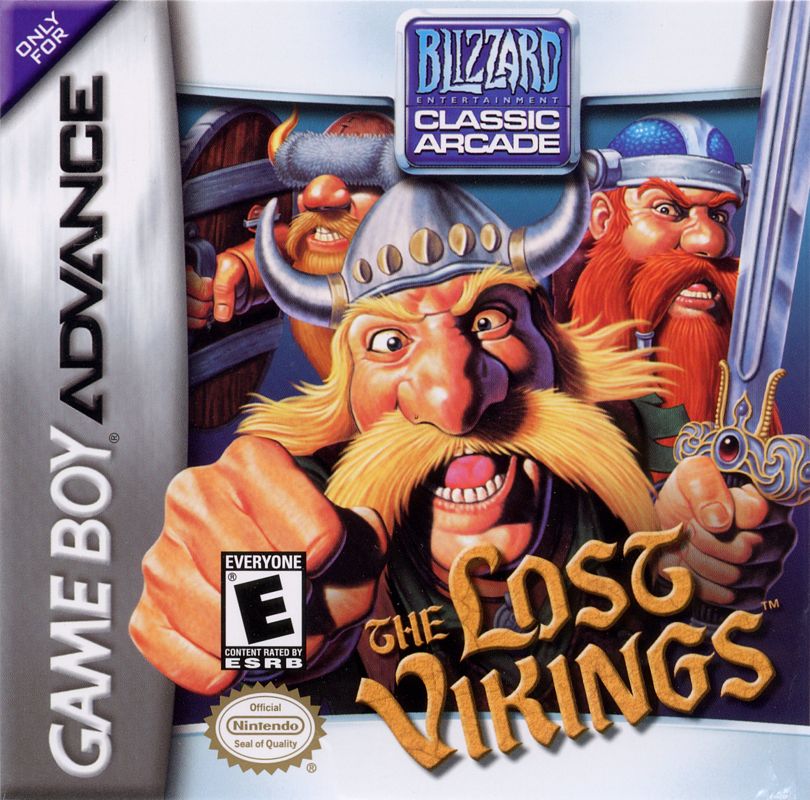
The Lost Vikings is a game that involves three Vikings, each with his own skills. You must guide all of them through each level to the exit, using each of their skills at some point in the game.
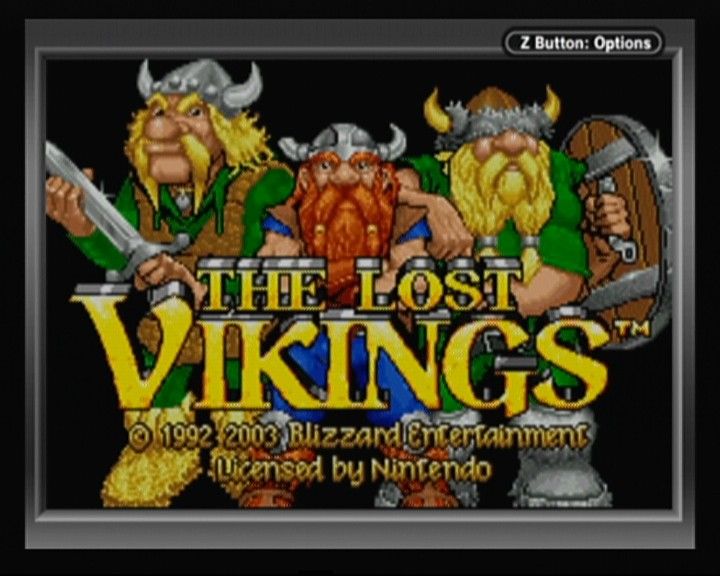
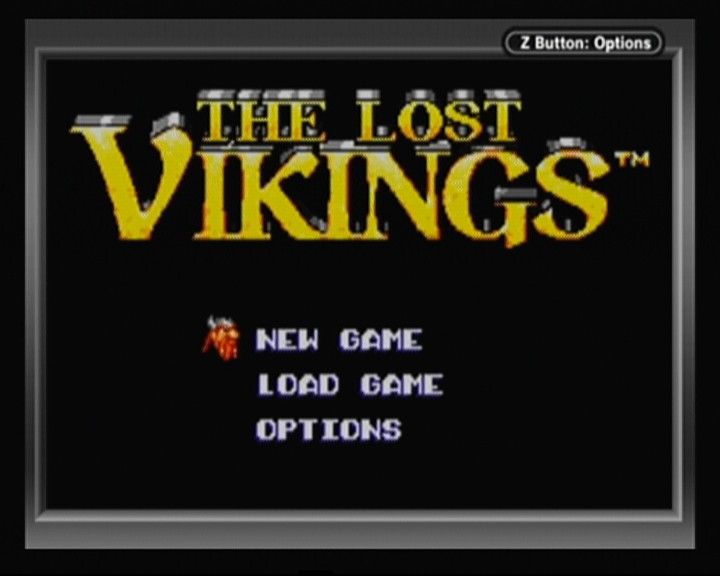
Insert your Game Pak into the Game Boy Advance (GBA) with the power off, then turn it on. Press START to enter the Main Menu screen.
At the START screen, choose to start a NEW GAME or LOAD GAME from a SAVE GAME SLOT. If continuing a previous game, select LOAD GAME and press the A Button. Then select the desired SAVE GAME SLOT and press the A Button again. Refer to the Saving the Game section for more details.
How To Play
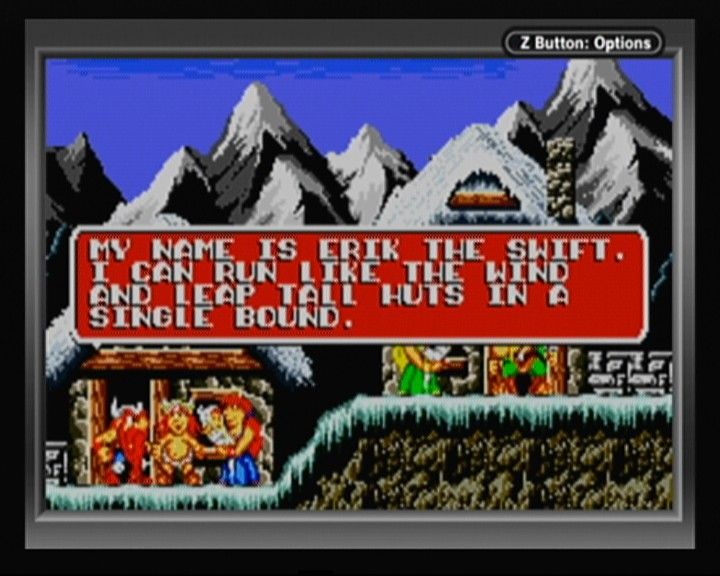
The goal is to help Olaf the Stout, Baleog the Fierce, and Erik the Swift find their way home. They must solve all levels across different eras until they confront and defeat their captor, Tomator.
To complete a level, all three Vikings must reach the EXIT alive. At the end of the last level of each era, a vortex will warp the Vikings to the next era.
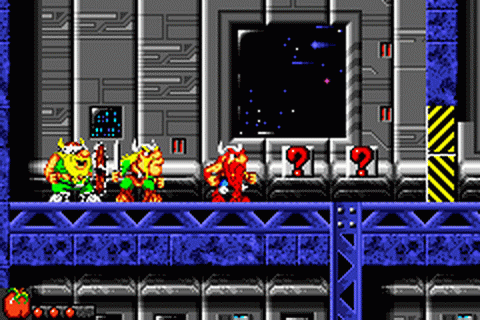
Vikings start each level with three health points and no items. Health can be lost one at a time or all at once depending on the enemy or obstacle. The health status is represented by three red dots under their picture in the status bar at the top of the screen. Press SELECT to display this status bar.
The active Viking's health is always displayed in the lower left corner of the screen. Health points can be restored by eating food found throughout the game. Vikings can also use armor to gain a bonus health point, represented by a blue dot. Vikings must use their skills cooperatively to solve puzzles. One Viking cannot use his skills alone to complete any level.
The game automatically saves your progress when you reach a new level. You can start this game later by using the LOAD GAME menu.
In early levels, hint buttons with a question mark appear. When a Viking is near one, press and hold the R Button and then press the A Button to receive a hint. Inventory Control
Each Viking can carry up to four items. If there is room, the Viking automatically picks up an item when touching it. To use an item, press SELECT to open the inventory and move the flashing box to the desired item.
Press SELECT again to close the inventory. Once an item is selected and shown in the lower left of the screen, press the USE ITEM button to use it. See Game Controls for details on the USE ITEM button.
Vikings can trade items if they are close to each other. Switch control to the Viking holding the item you want to trade.
Press SELECT to open the inventory, then move the flashing box to the desired item. Press the A Button to select the item for trading.
Move the item to another Viking's inventory using the +Control Pad. Press the A Button again to confirm the trade. Press SELECT to begin play again.
You can throw away food or bombs by moving them to the trash can. Saving The Game
The Lost Vikings allows you to continue where you left off by loading a saved game. The game automatically saves your progress at the beginning of each new level.
When creating a new game, you will pick the memory slot to use. To load a saved game, pick LOAD GAME in the main menu and press the A Button.
Select SAVE GAME SLOT to load. The game reminds you of your progress by naming the slot and showing how far you have come with a percentage.
The save menu displays the following options:
Options
From the OPTIONS screen, you can turn the music and sound on or off. Access this screen by selecting OPTIONS from the START screen.
Move the controller down to the option you want to change and press the A Button. Select EXIT to go back to the START screen, or press the B Button.
The OPTIONS screen is only accessible from the START screen. You cannot change any options once you have started the game.