Getting Started
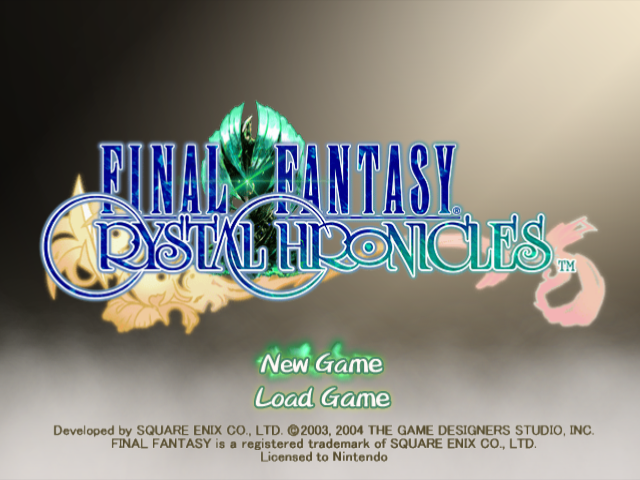
First, choose "New Game" or "Load Game."
New Game
Select this option to start the game from the beginning. Choose single-player mode or multiplayer mode, and the opening movie will play. Once you choose a name for your village, your journey will begin.
Load Game
Select this option to resume playing a previously saved game. Choose either single-player mode or multiplayer mode, and then select the save file you want to load. Any save file can be used for either mode.
Select Gameplay Mode
Final Fantasy Crystal Chronicles can be played in single-player mode for one player, or multiplayer mode for up to four players. Any character can be played in either mode. Single-player mode
This gameplay mode is for one player using a Nintendo GameCube Controller. Mog will accompany you. You can connect a Game Boy Advance to view the radar screen. Multiplayer mode
This gameplay mode is for one to four players. The Game Boy Advance is used in place of the Nintendo GameCube Controller. A GBA and Game Boy Advance cable are required for each player. World Map Menu
The world map menu is used to create characters, change caravan members, save data, and more.
Menu for the Whole Caravan
At the world map, press the B Button to open the world map menu. Use the Control Stick to cycle through the menu options, and press the A Button to confirm your selections.
Set Out: Create or change caravan members
Create New Character
To create a new character, select an empty slot and press the A Button. Choose a name, gender, tribe, appearance, and family trade. In multiplayer mode, character creation is done on the GBA screen.
Select Character
Select the character you want to play, then press the A Button. In multiplayer mode, each player selects one character. Press START/PAUSE when finished.
Diary: Read entries in your diary
Here you can read all the entries in your caravan's diary. The entries are written automatically as you progress through the game. The Control Stick turns the pages one by one, while the L and R Buttons turn ten pages at once.
Save Game: Save your progress
Save your game progress to a Memory Card. Select Slot A or Slot B, then select the place where you want to save your data. One Memory Card can hold up to four save files. Press the B Button to return to the world map menu.
Options: Configure game settings
Change graphic, sound, and other game settings.
Bring a Friend: Load data for a guest player
Load data from another Memory Card so a friend's character can join your caravan.
Game Progression
Basic steps to advance the game are outlined below. They generally apply to both single-player mode and multiplayer mode.
The Basics
Players are members of a crystal caravan that seeks out myrrh. Your adventure will unfold in the following manner:
From the world map menu, select "Set Out," then select a character or create a new one. You can have up to eight characters in a caravan.
•
2 Traverse the World Map
Use the Control Stick to move your caravan across the world map. When you reach your destination, press the A Button to enter.
Once you enter a dungeon, the world map is replaced with the field map. You are given a chance to set up your command list before advancing further.
Defeat monsters you encounter and solve puzzles hindering your path. Collect treasure from monsters and treasure chests.
•
5 Challenge Boss Monsters
Deep within dungeons, formidable boss monsters await. Summon every power at your disposal to defeat them. Once a battle begins, you cannot flee.
After defeating a boss monster, you can collect a drop of myrrh. Each drop fills a third of your chalice. Once you collect myrrh from a myrrh tree, it takes several years for the tree to replenish its supply.
A moogle will come to deliver mail while you rest after battle. You can send replies as well. No mail will come if the myrrh tree there is dry.
Items and artifacts are divided among the members of the caravan. In multiplayer mode, the player who earns the most bonus points gets first choice. The number of points you accumulate depends on how well you fulfill the bonus condition displayed on your GBA screen. Return to the World Map
Return to the world map to continue your journey. Be sure to purchase new equipment from blacksmiths in town now and then. You never know what you'll run into on your journey. Single-Player Mode
In single-player mode, Mog joins you on your travels.
Single-Player Mode Features
Connect a Nintendo GameCube Controller to Controller Socket 1 to play single-player mode. Major features include the following: When you explore dungeons, Mog accompanies you and helps out with things like carrying the chalice.
You can view a radar screen on the GBA by connecting a GBA to Controller Socket 2.
•
3 Fuse Spells on the Command List
You can fuse spells together on the command list to create new ones.
Game Screens
Here is a guide to the three types of screens found in the game:
.png)

.png)



.png)

.png)
_1.jpg)

_1.png)
.png)
_1.png)
_1.jpg)