GETTING STARTED
Set up your PlayStation®2 computer entertainment system according to the instructions supplied with your system. Check that the system is turned on (the on/standby indicator is green). Insert The Incredible Hulk™ disc in the system with the label side facing up. Attach game controllers and other peripherals as appropriate. Follow the on-screen instructions and refer to this manual for information on using the software.
Memory Card (8MB) (for PlayStation®2)
To save game settings and progress, insert a memory card (8MB) (for PlayStation®2) into MEMORY CARD slot 1 of your PlayStation®2 system. You can load saved game data from the same memory card or any memory card (8MB) (for PlayStation®2) containing previously saved games.
INTRODUCTION
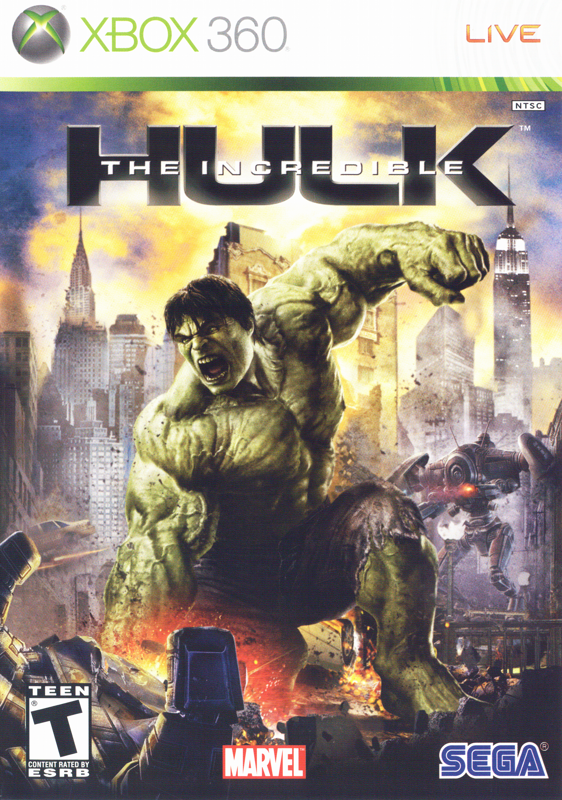
Cursed to contain the rampaging monster within him known as the Hulk, scientist Bruce Banner is living in the shadows, scouring the planet for an antidote to the gamma radiation infection that turns him into a living engine of destruction. But the warmongers who dream of abusing his powers won't leave him alone, nor will his need to be with the woman he loves, Betty Ross. Upon returning to civilization, Banner is ruthlessly pursued by the Abomination—a nightmarish beast of pure adrenaline and aggression whose powers match the Incredible Hulk's own. A fight ensues as Banner must call upon the hero within to rescue New York City from total destruction.
WEAPONIZE OBJECT
Once you have unlocked the corresponding ability, you can turn a car or tank into a powerful weapon, or grab a piece of pavement and use it as a shield. Press button + button to weaponize an object. A certain level of Rage is required.
CLIMB
Jump when you are close to and facing a building and press the button to grab the wall of the building. While you are grabbing a building, use the left analog stick to climb.
Press the button to release your grip and fall. Press the button while holding onto a building to spring off the wall in the opposite direction.
Note: You can't grab a building if you are holding an object.
SUPER MOVES
If you have built up enough Rage, you can perform any Super Move that you have unlocked. Use the directional buttons to select the Super Power you want to use.
•
Press up for the Super Ground Smash attack.
•
Press right for Damage Boost.
•
Press left for the Super Handclap attack.
•
Press down for Accelerated Regeneration.
Press button + button to perform your selected Super Move.
Note: In order to use a Super Move, you must have already unlocked it, and have enough Rage (indicated by your Rage Meter).
GAME MENUS
START MENU
STORY MODE
Select Story from the Main Menu to play the main story. See page 8 for more information.
EXTRAS
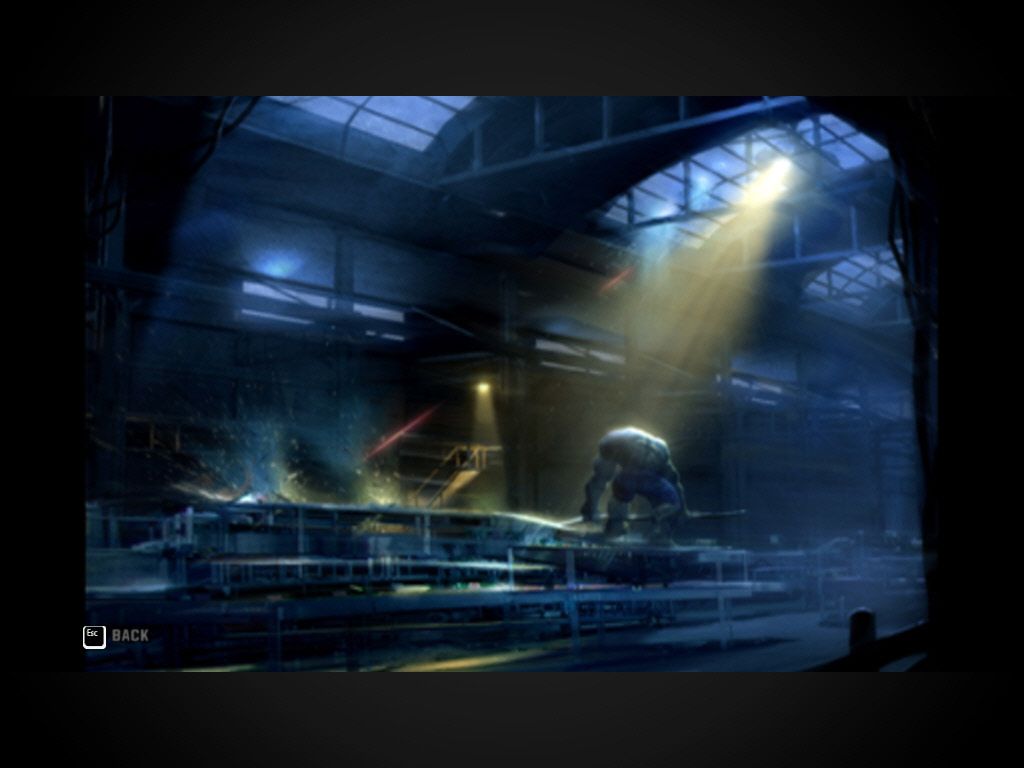
View unlocked content, including concept art, videos, landmarks, secret characters and comic book covers. You can unlock extras by finding pick-ups, exploring the world's landmarks and completing certain Feats.
SETTINGS
Adjust game options.
SETTINGS MENU
GAME
•
Invert X Look - Set left/right camera movement to Normal or Inverted.
•
Invert Y Look - Set up/down camera movement to Normal or Inverted.
•
Vibration - Toggle vibration on/off.
•
SFX Volume - Set volume for Sound Effects (SFX).
•
Music Volume - Set volume for Music
•
Dialogue Volume - Set volume for Dialogue.
•
Subtitles - Turn subtitles on/off.
PAUSE MENU
Press the START button while playing to open the Pause Menu. Press the L1 button or the R1 button to cycle through the following options:
•
Settings - Adjust game options.
•
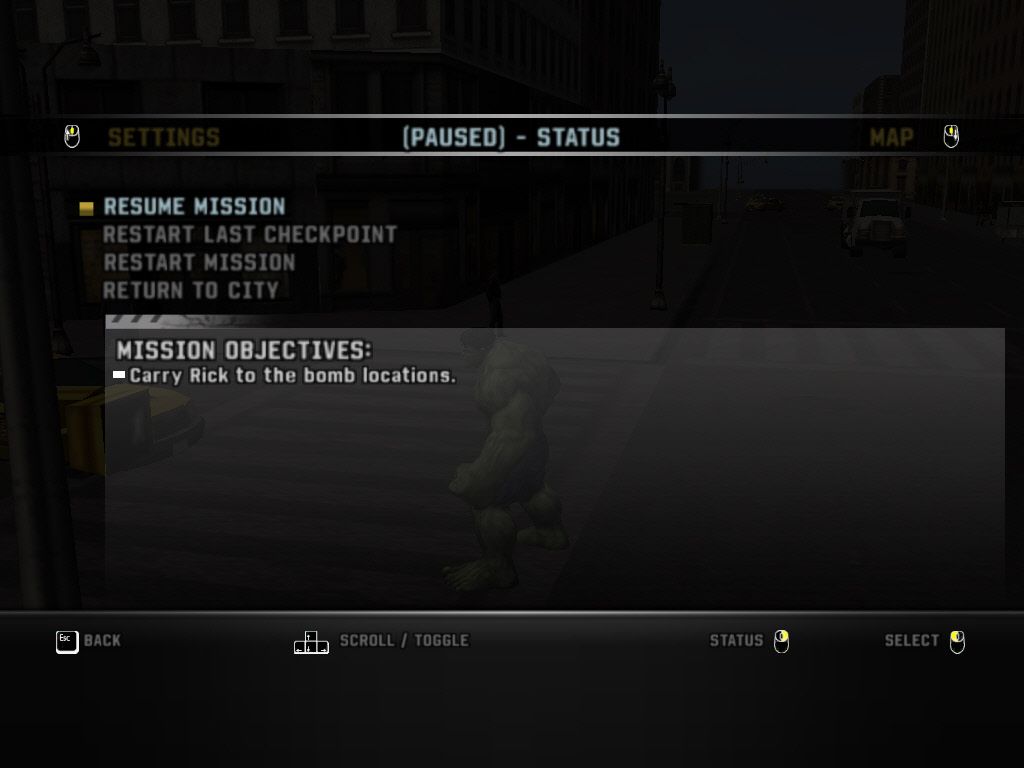
Status - View your current game status, including Health, Rage, Threat Level, Score, and the number of Gamma Canisters and Fury Canisters you have found.
•
GPS Map - This interactive overhead map of the city displays missions and objectives, and allows you to set waypoint markers and more.
•
Upgrades - See a list of your unlocked Feats and Super Powers.
•
Stats - See a list of current achievements, including unlocked Feats, enemies defeated, objects destroyed and more.
•
Quit - Quit the game and return to the Main Menu.
Press the button or the START button to return to the game.
STORY MODE
Story mode consists of a number of missions that follow distinct story lines. Between missions, you are free to explore and destroy to your heart's content. This allows you to unlock some Feats, which lead to bonus powers and abilities.
Objectives show up on the Mini Map as colored circles. Each color corresponds to a different story arc. Seek out these objectives to advance the story line.
INTERACTIVE FEATS OF STRENGTH
Certain events in Story mode, such as digging yourself out of rubble, require you to perform an Interactive Feat of Strength. Follow the on-screen prompts to find out which buttons to press to successfully complete the task.
MINI MAP
The Mini Map is located in the lower-right corner of the screen. Use it to zero in on missions, objectives, enemies and more. Icons on the Mini Map indicate the



_1.png)















_1.png)





.png)







.png)