Game System
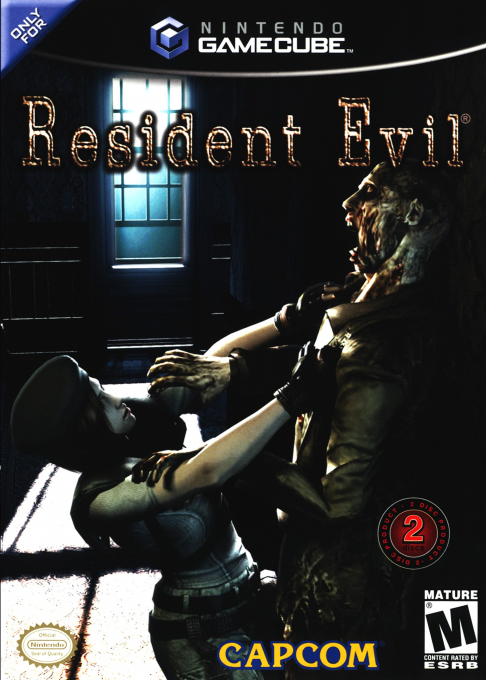
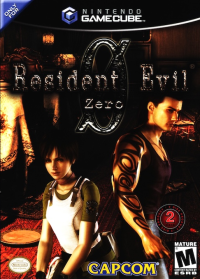
RESIDENT EVIL® contains two discs for the NINTENDO GAMECUBE. Use Game Disc 1 to start the game. When Game Disc 1 is finished, you will be prompted on screen to switch discs. Follow the instructions to continue the game.
If you enter Game Disc 2 and turn off your NINTENDO GAMECUBE without saving, you will not be able to start the game with Game Disc 2. Starting the Game
•
Soon after you turn on the power, the Language Select screen will appear. Choose the language you wish to play by pressing the A Button.
•
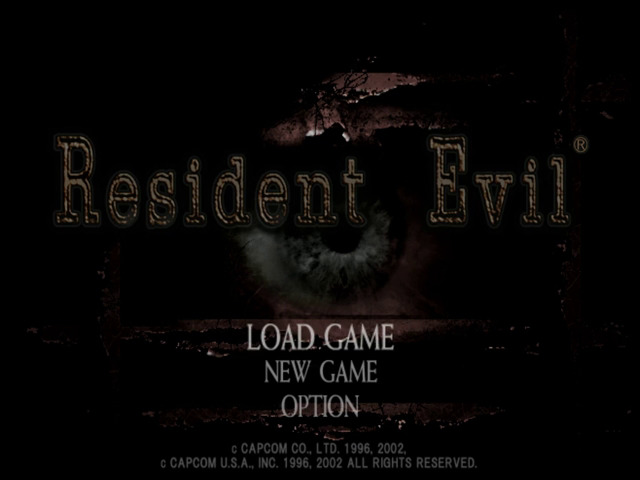
The Title Screen will appear - press START/PAUSE to display the Menu Screen.
•
To start a game, you can select NEW GAME or LOAD GAME. Highlight your choice and press START/PAUSE or the A Button.
Game Modes
Load Game
Continue a previously saved game. From the File Select Screen, select the save file you want to play.
New Game
Start a new game from the beginning. Select your character.
You will be asked a question before entering the prologue. The questions are tricky, so be careful when choosing your answer.
Play as different characters, Chris or Jill, for somewhat different stories.
Option
Change various game settings.
Game Over
Your character takes damage when attacked by an enemy or caught in a trap. When the damage accumulates to a certain level, your character dies and your game is over.
You can see your character's condition by checking the electrocardiogram in the Status Screen.
File
If you select FILE, the File Screen will appear. Here you can look at information on the files you have acquired.
Select a file to view its contents. You may find a helpful clue.
Saving
To save your progress, you must first find an Ink Ribbon hidden in the mansion. Then you must find a typewriter to use the ribbon.
•
Stand in front of a typewriter with an Ink Ribbon in your inventory, and press the A Button.
•
You will be asked if you want to save your game. Select YES.
•
A list of save files will appear. Select a file to save with the Control Stick/Control Pad ▲ and ▼.
Saving a game consumes one Ink ribbon. The number of Ink Ribbons in the mansion is limited so think carefully about when to save your game.
Option Mode
Press START/PAUSE during gameplay to display the Option Screen, where you can adjust game settings. You cannot display the Option Screen during a game event or while in the Status Screen.
You have the following options:
Brightness Adjust
Use this screen to adjust the brightness of your monitor.
Depending on your monitor, this option may not be appropriate. In this case, press the Control Stick/Control Pad ► and select the mode where you can adjust brightness in the game.
 (Disc 1).png)

 (Disc 2).png)

_1.png)


.png)




.png)