Console Top View
•
POWER BUTTON/RESET BUTTON
Console Front View
Alternate Console Top View
Alternate Console Front View
Setup
Set up your PS one™ or PlayStation® game console according to the instructions in its Instruction Manual. Make sure the power is off before inserting or removing a compact disc. Insert the Rascal Racers disc and close the Disc Cover. Insert game controllers and turn on the game console. Follow on-screen instructions to start a game.
About Rascal Racers
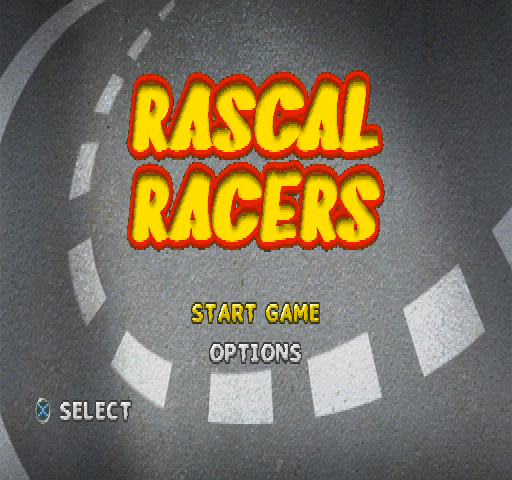
Rascal Racers™ is a cute, colorful, kart-style racing game. While adjustable settings will allow even the youngest drivers to enjoy this game, the multiple tracks and different racing modes can challenge the most seasoned racing veterans. Main Menu
Select START GAME to choose the gameplay mode.
Tournament Mode
In this mode, you race in one of three different Cup races. Each Cup tournament consists of three different tracks.
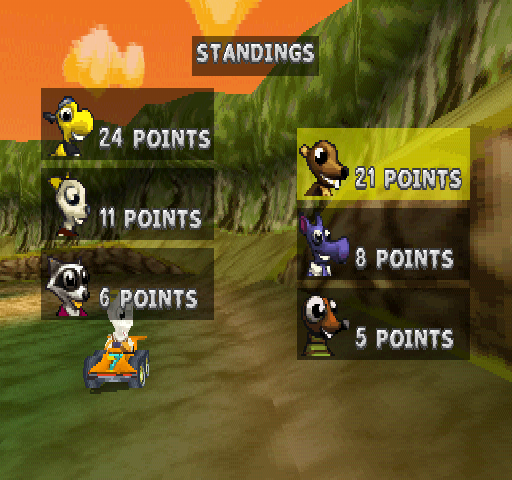
As you race, you will earn points depending on what position you finish the race. The better you do, the more points you will earn. At the end of the three races, the points will be tallied and the winner will receive the Cup.
Arcade Mode
In this mode, you race on a selected track. Be fast because it's a quick race, but only the best will win!
Timetrial Mode
In this mode, you simply race against the clock. Choose a character, choose a track and then off you go!
This is a great way to learn the tracks, as you are the only one racing, and you can study every nook and cranny to prepare for later competition. Options
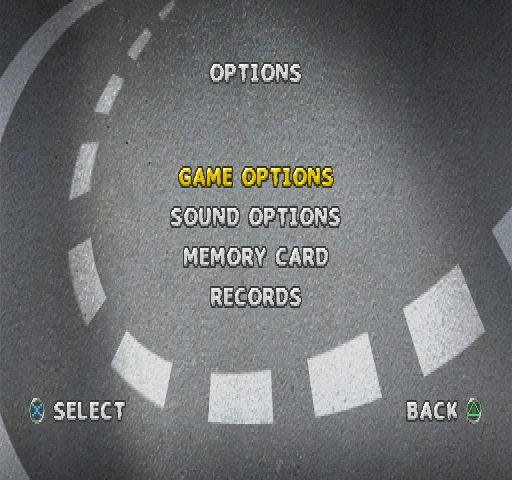
Select OPTIONS to configure your game.
Game Options
•
Select difficulty, number of laps, and vibration function on or off.
Sound Options
•
Adjust sound effects and music.
Records
•
View all the record times.
Memory Card
Choose to load or save the game settings.
You must save the game settings after every playing session to retain the current Game Options, Tournament progress, and Records. You must load the game settings at the start of every playing session to restore the Game Options, Tournament progress, and Records from your last playing session.
Characters
The game features 10 characters for you to select as your driver. All characters are cute, friendly, adorable animals. Each character has his or her unique style of driving. At the beginning of the game, only 8 characters will be unlocked, with 2 characters hidden to be unlocked later.
Ahab
This bear is slow to reach top speed, but once there he is very fast! He does not handle well, but he can push most other characters out of his way. Ahab is a good choice for players with less experience.
Argyle
This anteater's acceleration and top speed are great, but his handling is quite poor (maybe that big nose of his gets in the way). Good for more experienced players.
.png)


.png)
.png)
.png)




.png)
.png)
.png)

.png)
.png)
.png)