Gear Up To Rock!
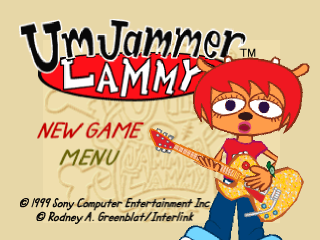
Set up your PlayStation® game console according to its Instruction Manual. Make sure the power is OFF before inserting or removing a compact disc. Insert the Um Jammer Lammy™ disc and close the Disc Cover. Insert the game controller into Controller Port 1 and turn ON the PlayStation game console. Follow the on-screen instructions to start a game. When the first story ends, the Game Menu screen appears. For first-time players, use the Directional Buttons to select NEW GAME and press the X button to accept.
After selecting NEW GAME, you will see another movie leading up to Lammy's challenges.
Memory Cards
Um Jammer Lammy allows you to save stages after every performance onto a Memory Card or load previously saved games. Insert a Memory Card (sold separately) into the PlayStation game console BEFORE starting gameplay. Saving gameplay requires one block of memory. You may also save up to four replays on your Memory Card(s), which requires one block per saved performance.
MilkCan Live!
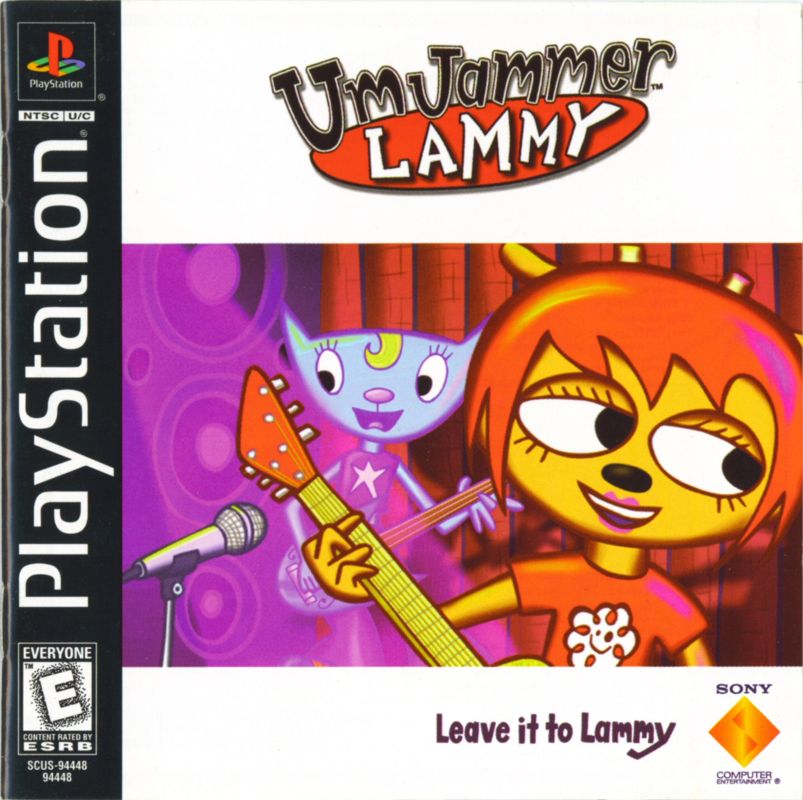
Meet Lammy, the guitar-slinging megastar of the all-girl band, MilkCan. Lammy is always late, but she better not be late today, or she'll mess up her band's first live gig. She'd also be letting down her friends and fans, and all that practice time would be wasted!
It's up to you to help Lammy make it to her big gig on time. You'll make Lammy strum her guitar, but she can only play like a superstar if you press the buttons in rhythm. If you don't play well, Lammy doesn't play well. If you ride the rhythm, Lammy will rock like a superstar. When you clear the first stage, you can jam with Rammy, Lammy's rival, to clear the next stage, or compete against Rammy in a guitar duel. Depending on the stage, when it's cleared, you'll get an "Effecter" for your guitar. Using the Effecter changes the sound of the guitar, making Lammy's playing even more cool. But if it gets too weird, the sound will hurt your ears!
Taking the Stage
Solo Performance (One-Player Mode)
•
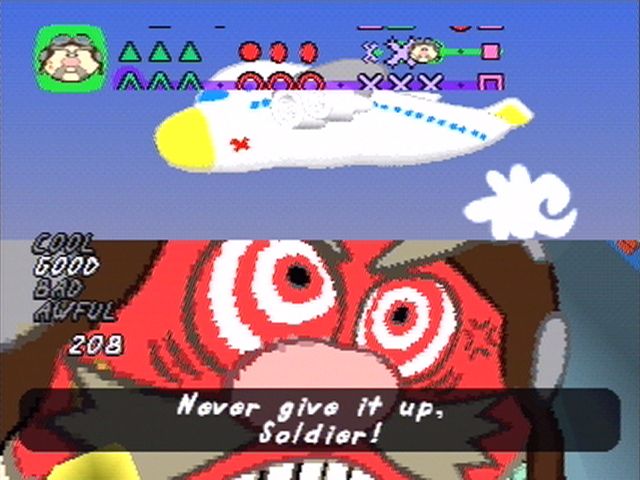
1. Turn Window: Tells you whose turn it is.
•
2. Rhythm Bar: This tells you the buttons to push and the timing of when to push the buttons. •
3. Lammy: This is you (player one), the main character of this game.
•
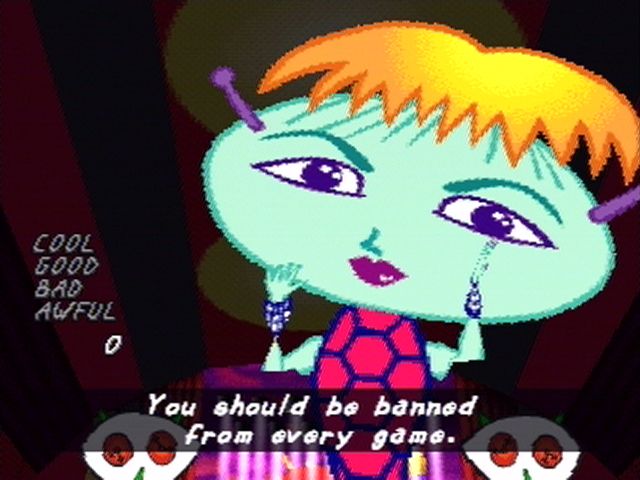
4. Lammy's Rating Meter: The rating meter starts at "GOOD." If you play badly, your rating goes to "BAD." If you are really terrible, you go to "AWFUL." When you get worse than "AWFUL," it's game over.
•
If you are doing great, it goes to "COOL," and your teacher will disappear, giving you the stage to yourself. When a rating is blinking, it means you are halfway to a rating change.
•
5. The Teacher: The teacher will sing for you as an example. When it's your turn, you need to answer the singing with your guitar.
•
6. Score: The score reflects your guitar-strumming skills.
•
7. Subtitles: This shows you the movie screen conversations and lyrics to the songs. Go ahead and sing along!
Live vicariously as a cool rock star. You are Lammy, the hit female guitarist in the up-and-coming band called MilkCan. When you push the buttons, you'll play the guitar, just like Lammy!
The teacher shows you the example songs, and you answer with the guitar. The game goes like this: the teacher's example, your guitar, the teacher, you, and so on. Basically, getting with the rhythm and pushing the buttons will work just fine. Which buttons do you press? On top of the screen, you will see the buttons spaced out in rhythm, so follow that. All right! •
1. Turn Window: Whomever's turn it is to play, their face will appear in this window. When the window shows Lammy's face, it is your (player one's) turn to play.
•
2. Rhythm Bar: , , , , L, and R, are the kinds of buttons that are going to be shown on the Rhythm Bar. This shows you when to push which button and the timing of when you should push them. For the marks L and R, you should press L1 and R1, respectively. •
3. First the Teacher: When the teacher's example begins with the music, the teacher's face icon moves across the Rhythm Bar. When Lammy's face icon overlaps the button icon, it's time for you to press the buttons. •
If you're using a DUAL SHOCK analog controller, the vibration tells you that your turn has come. You should press the buttons with the rhythm. If your rhythm is good, that's great! If you are doing badly, your rating will go down. Jam Session (Cooperative Two-Player Mode)
•
1. Rhythm Bar: This time it works like this: Teacher → Lammy → Teacher → Rammy and so on. This is the order of gameplay. •
2. Lammy: The person who uses Controller One plays this character.
•
3. Cooperative Rating Meter: This meter shows Lammy's and Rammy's combined rating.
•
4. Score: The two players' combined score is shown here. If the number
.png)