Setting Up
Set up your PlayStation®2 computer entertainment system according to its Instruction Manual. Ensure the MAIN POWER switch (on the back of the console) is turned on.
Press the RESET button. When the power indicator lights up, press the open button to open the disc tray. Place the BURNOUT™ disc on the disc tray with the label side facing up. Press the open button again to close the disc tray.
Attach game controllers and other peripherals as appropriate. Follow on-screen instructions and refer to this manual for information on using the software.
Memory Card
BURNOUT™ only supports MEMORY CARD slot 1. To save game settings and progression, insert a memory card (8MB) (for PlayStation®2) into MEMORY CARD slot 1.
BURNOUT™ features an AutoSave system, and the game will automatically save your game progression at certain points. Insertion or removal of the memory card (8MB) (for PlayStation®2) after switching the console on may cause data to be overwritten or lost.
BURNOUT™ also supports manual save and load of game data from the Main Menu. After performing a manual save/load, the game will again AutoSave your progression at the relevant points.
Controllers
BURNOUT™ is a one or two-player game played using the DUALSHOCK®2 analog controller. Connect the controller to be used to controller port 1.
In a two-player game, connect controllers to controller ports 1 and 2.
GT FORCE™ Steering-Wheel Controller
Before using the GT FORCE™™, read its accompanying instruction manual. Before switching ON the power to your console, insert the GT FORCE™™ directly into the console's upper USB connector. Do not disconnect it while the console is booting up. A USB hub cannot be used.
Use the GT FORCE™ Steering-Wheel Controller to drive your car just like a real car. Feel the feedback exerted on the steering wheel corresponding to the status of the car.
If you boot up your console with the GT FORCE™ already inserted, the steering wheel will automatically move as the game checks the connection.
Introduction
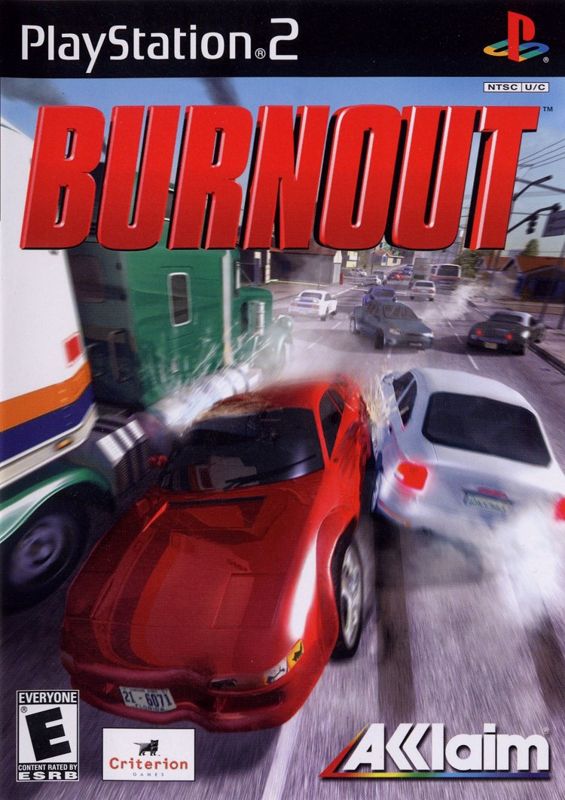
Welcome to BURNOUT™ - the fastest racing game on the block. Your aim is to race to the finish line through a series of checkpoints as quickly as possible. Try a full Championship, unlocking modes and vehicles as you careen about trying to live long enough to be the Grand Prix prizewinner, or see how long you last in Survival Mode. Or maybe you'd like to do some damage in Face Off Mode.
If you've got a friend with more courage than sense, you've found the ideal partner for a two-player Head to Head contest. You're about to show the world the real meaning of road rage, but remember: it's only a game...
Getting Started
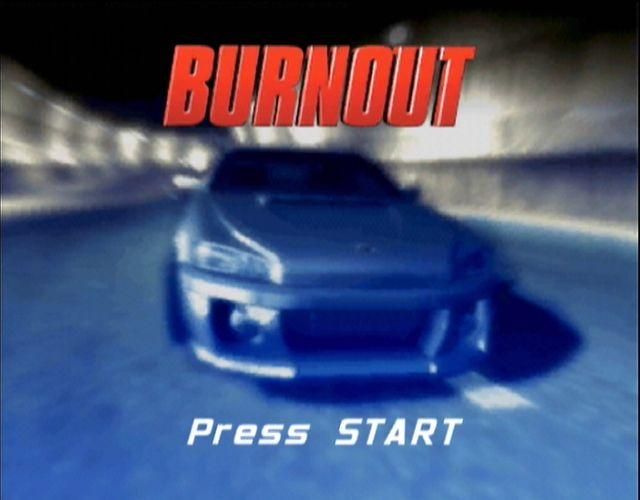
After a short introduction, the Title Screen will be displayed.
Main Menu
At the Title Screen, press the START button to advance to the Main Menu. You will see these choices:
Championship
Push your driving skills to the limit in Championship Mode. Please see the Championship menu on page 09 for further information. Single Race
Get into the action instantly in this mode. Pick a car and hit the road. Please see the Single Race menu on page 010 for further information. Head to Head
In this mode, two players race against each other on a split screen. Please see the Head to Head menu on page 010 for further information.
Time Attack
Race against the clock to set the hottest lap time. Please refer to the Time Attack menu on page 010 for further information.
Options
This menu is used to specify various game settings. For more details, please see the Options menu on page 011.
Special
Discover the Special modes of play, including the Crash Replay theater. Please refer to the Special menu on page 011 for more information.
High Scores
This menu is used to view high scores. For more details, please see the High Scores menu on page 012.
Game Modes
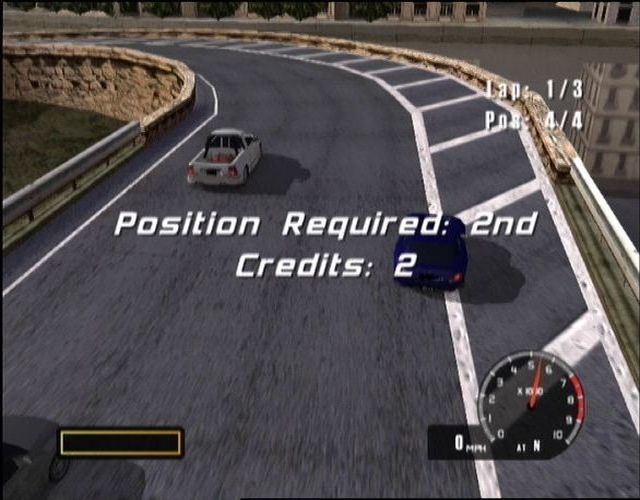
There are two basic modes: single-player and two-player. Single-player games are contests against up to three other computer opponents, while two-player games are split screen contests between two human players and up to two computer opponents.
BURNOUT™ is all about daring and aggressive driving. You'll be scored in races by how mad your manner behind the wheel is, earning points for these unusual "skills": •
Drift distance - how much you powerslide your vehicle
•
Oncoming distance - how long you can survive driving on the wrong side of the road •
Number of Near Misses - how close you come to almost hitting another vehicle
These parameters contribute both to the rate of increase of your Burn Meter, and are also used to determine your overall "Best Driver" Score at the end of the race. Once the Burn Meter is full, press the "Burn" button to get a turbo boost.
Championship Menu
In Championship mode, the player races through a series of Grand Prix and Marathon races, unlocking additional courses and modes as they progress. New courses that are unlocked
.png)

.png)



.png)

.png)

.png)

_1.jpg)


_1.png)

.png)
_1.png)
.png)


.png)

.png)


.png)
.png)
_1.png)


_1.jpg)