GETTING STARTED
1. Set up your PlayStation®2 computer entertainment system according to the instructions in its Instruction Manual.
2. Make sure the MAIN POWER switch (located at the back of the console) is turned on.
3. Press the RESET button. When the power indicator lights up, press the OPEN button and the disc tray will open.
4. Place the Rumble Racing disc on the disc tray with the label side facing up. Press the OPEN button again and the disc tray will close. 5. Insert game controllers and other peripherals, as appropriate.
6. Follow on-screen instructions and refer to this manual for information on using the software.
SETTING UP THE GAME
Set up the ultimate race that fits your driving style. START RACING
Skip all of the pre-race activities and jump right into a race by pressing the button four times from the Main menu.
MAIN MENU
From the Main menu, you can select your racing difficulty, select the number of players (1 or 2), and set up a number of different game options. •
Select this for 1 player mode
•
D-Button to change a setting
When your game options are set, press the button to advance.
D-Button to change a Main menu selection.
NOTE: Default options are listed in bold in this manual.
MAIN MENU SETTINGS
1 PLAYER
Take on a field of drivers who will do anything, including running you off the road, to win a race.
2 PLAYERS
Rumble against a friend or take on a field as teammates.
DIFFICULTY
Select the difficulty of the racing class: FORGIVING, INTENSE, or NO MERCY. Forgiving mode is best for racers who are still learning how to manage the road. Once you dominate at the Forgiving level, move on to Intense mode for tougher competition. No Mercy mode is set up for those with a lead foot and mad driving skills. Ya know, now that we think about it, this mode may be too tough for you. Just forget we mentioned it. POWER-UPS
Select your race with or without Power-Ups. When ACTIVE, Power-Ups are selectively spaced throughout the course for intensified racing action. When OFF, there are no Power-Ups on the course. For more information, ➤ Power-Ups on p. 11. HALL OF CHAMPS
View the various Standard Cup and Team Cup trophy collections for all championships plus winning times and records.
GAME OPTIONS
Modify the game settings and options to your advantage. ➤ Game Options on p. 22.
SHOWCASE
View the Rumble Racing introduction video and view the team credits. RACE SELECTION MENU
After you select the difficulty level, set the Power-Ups, and choose the number of players, it's time to select a game mode from the Race Selection menu.
•
Press the ▲ button to return to the previous menu
•
Press the ✖ button to advance to the Car Selection Screen
•
D-Button ↕ to change a menu selection
SINGLE RACE
Run a basic single race on any of the unlocked tracks.
CHAMPIONSHIP
Race in a Championship series and see if you have what it takes to win a prized cup and unlock more tracks and cars.
CO-OP (2 PLAYERS)
Join up and race as a Co-op team. For more information, Single Race on p. 19.
STUNT CHALLENGE
Compete in a timed 2 minutes and 30 second Stunt Challenge.
SHOWDOWN
Race in a head-to-head, one-lap race against a Human or CPU opponent.
SINGLE RACE OPTIONS
Adjust your race options. You can set the number of vehicles in a race, the number of laps to be run and the opponents.
VEHICLES
Race with 1 to 8 vehicles on the track in a single race.
TEAMS
Include up to 4 teams in a single race (2 Players only).
LAPS
Race up to 8 laps. The default is set at 3.
SELECT OPPONENTS
Select the vehicles you race against or let the computer choose for you. When set at YES, you select each opponent from the Car Selection menu - you can even race against the same vehicles. The default is set at NO.
For more information on the game modes and how to unlock tracks, ➤ Game Modes on p. 19.
GETTING TO THE TRACK
After you select a game mode, it's almost racing time! But first, you must select a vehicle to drive. After you select the race type from the Race Selection menu, press the button. The Car Selection screen appears.
CAR SELECTION SCREEN
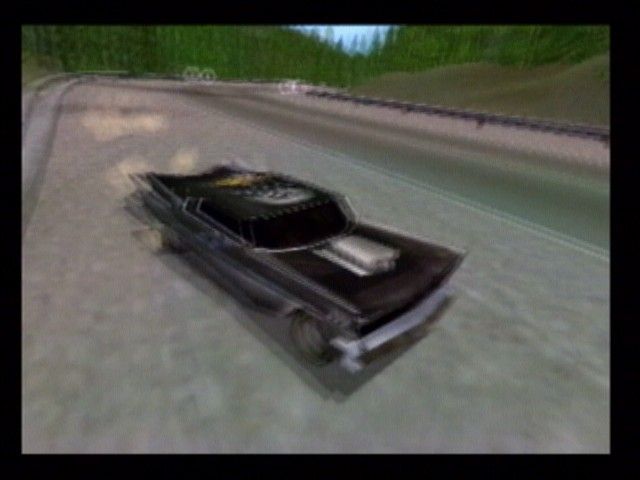
Rumble Racing features a number .png)



.png)

_1.png)


.png)


 (En,Fr,Es).png)


_1.jpg)


.png)

.png)


_1.png)