GETTING STARTED
Set up your PlayStation®2 computer entertainment system according to the instructions supplied with your system. Check that the system is turned on (the on/standby indicator is green). Press the OPEN button to open the disc cover.
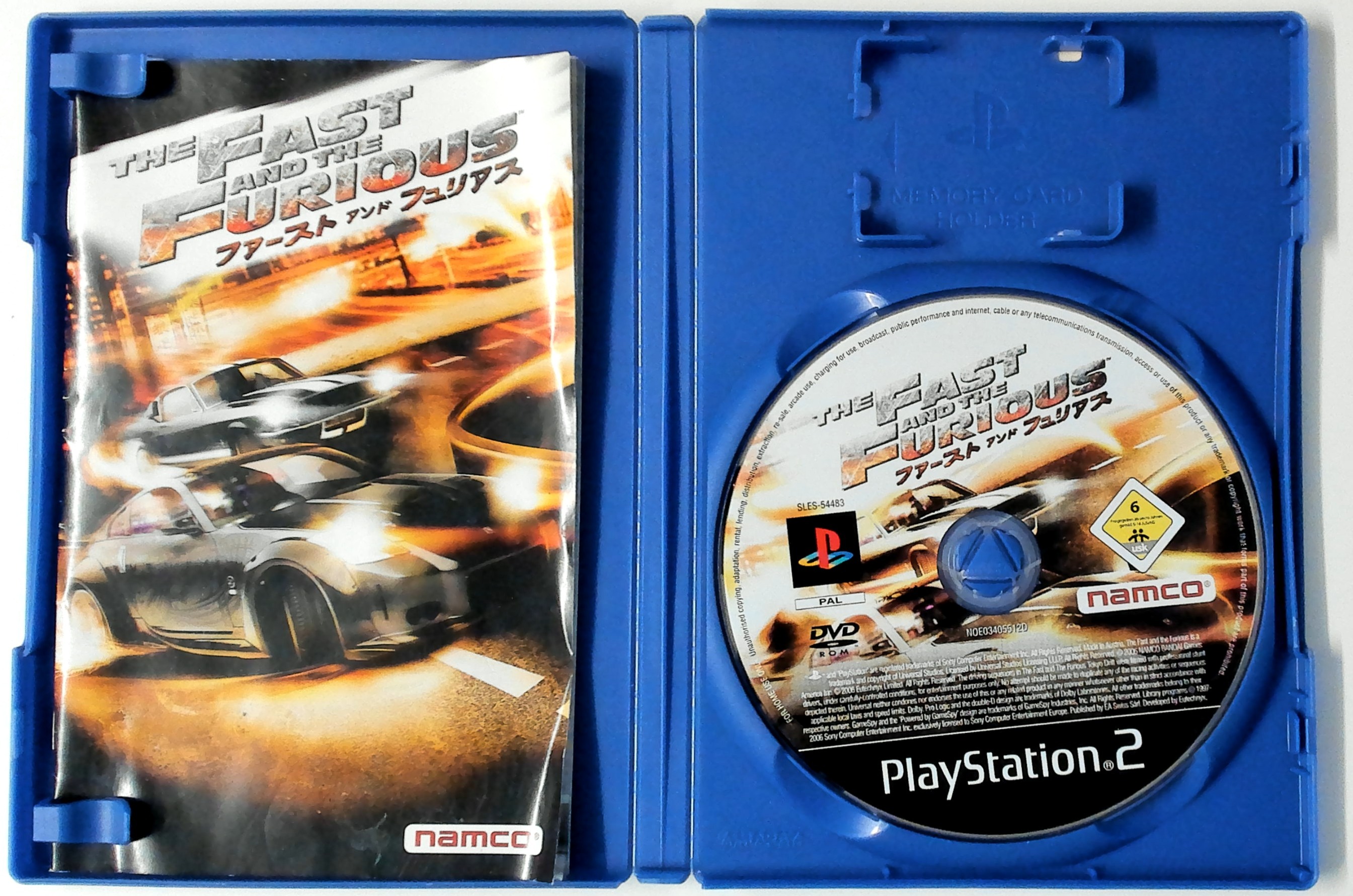
Place THE FAST AND THE FURIOUS™ disc with the label side facing up in the disc holder, and then close the disc cover. Attach game controllers and other peripherals as appropriate. Follow the on-screen instructions and refer to this manual for information on using the software.
MEMORY CARD (8MB) (for PlayStation®2)
To save game settings and progress, insert a memory card (8MB) (for PlayStation®2) into MEMORY CARD slot 1 before powering on the system. At least 667KB of free space on the memory card is required to save game data.
This game supports saving and loading of game data in MEMORY CARD slot 1 only. You can load saved game data from the same memory card or from any memory card containing previously saved THE FAST AND THE FURIOUS™ games. See Autosave Settings on page 8 for more information on saving game data.
GETTING INTO THE GAME
START MENU
Press the START button on the Title screen to display the Start menu. Use the menu controls (page 3) to make your selection:
NEW PROFILE
Begin a new game. You'll start by creating a profile, which is used to store your saved game data and other information.
LOAD PROFILE
Selecting this option displays a list of saved profiles. Select a profile to resume the previous game corresponding to that profile.
MAIN MENU
Use the menu controls (page 3) to make your selections:
CAREER MODE
Hit the streets and make a name for yourself.
MULTIPLAYER
Check the competition, for real.
•
LAN: Race against another player on a Local Area Network (LAN) connection.
•
Online: Using GameSpy servers, race online against other players around the world.
•
Splitscreen: Race against another player in Splitscreen mode on the same PlayStation 2 system. OPTIONS
Sound Options
Select Mono, Stereo or Dolby® Pro Logic® II.
Sound Volumes
Change volume levels.
•
SFX Volume: Change the volume of sound effects.
•
Music Volume: Bump the noise up or cut it out completely.
•
Speech Volume: Check the chatter, up and down.
Controller Options
•
Preset Configs: Choose a pre-set layout.
•
User Defined Configuration: Set up your controls any way you want.
•
Vibration: Toggle controller vibration On/Off.
Screen Adjust
Adjust the position of the game screen.
HUD Options
Choose from the three gauge display options based on Pioneer's AVG-VDP1 system. (The HUD display can only be changed from the Main Menu Options Menu.)
•
Analog Mode: It's all about keeping it simple. Analog Mode has the standard round gauges you're used to.
•
Cyber Mode: Want to see how many Gs you're pulling out of a drift? Then Cyber Mode is for you.
•
Digital Mode: Displays it all: revs, speed, gear, even torque and horsepower at the wheel. If you don't see everything you need in this mode, chances are, it doesn't exist.
•
AVG-VDP1 On/Off: Turn the AVG-VDP1 overlay On/Off.
Driving Assists
•
Auto Transmission: Take full control of the car without worrying about shifting.
•
Semi-auto Transmission: Want to experience all of the fun of manual transmission but not worry about shifting all of the time? Then this transmission setting is for you. When you're coming up on extreme turns or when you need to slow down, this setting will automatically downshift for you. You only need to worry about upshifting.
•
Manual Transmission: Play like the pros. To really experience drifting as it is meant to be, try this transmission setting.
•
Driving Assist On/Off: Choose On for assisted steering, drifting and braking or select Off if you think you can handle your car like a pro.
Camera View
Choose from External Cameras, Hood Camera or Bumper Camera.
Autosave Settings
•
Autosave Enabled: Activate the autosave function to save your game automatically prior to exiting areas and upon completing races.
•
Autosave Disabled: Turn off the autosave function.
Exit
Return to the previous menu.
SIGN IN
Jump to the GameSpy server and sign in for Online Multiplayer action.
EXIT PROFILE
Exit the current profile in order to switch to another profile.
GAME MECHANICS
SELECTING A CAR
Choosing a car, first of all, depends on what car you can afford. The first car you select is an important decision; one that will set your course for the entire game, so choose wisely. Looks and style are definitely important, but it's what the car is made of that will ultimately decide whether you win or lose. In freeway and grip battles, it's all about speed and control.
All Wheel Drive (AWD) cars have excellent high speed stability and superior off-the-line traction for launching, but may not have the top speed potential of some of











.png)

_1.jpg)

_1.png)
.png)


.png)


 (En,Fr,Es).png)


.png)
.png)



_1.png)