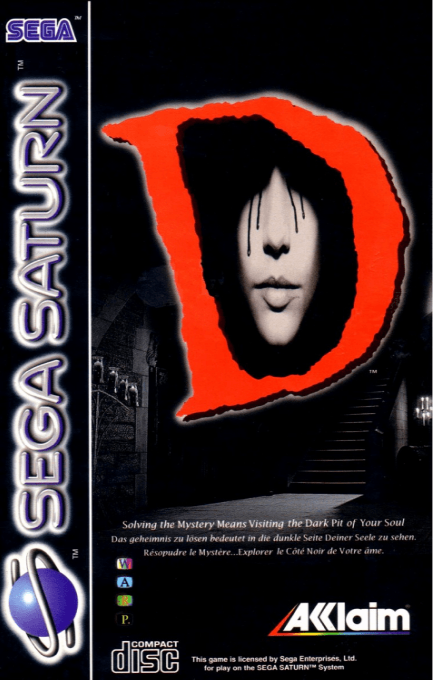
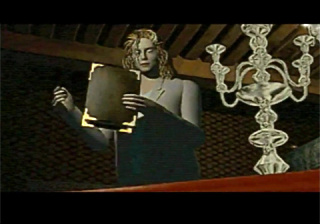
System Setup
Set up your Sega Saturn™ system as described in its instruction manual. Plug in Control Pad 1. Disc 1 Setup
Place Disc 1 of D™, label side up, in the well of the CD tray and close the lid.
Powering On
Turn on the TV or monitor and the Sega Saturn™. The Sega Saturn™ logo appears on screen. If nothing happens, turn the system off and make sure it is set up correctly before turning it on again. Controls
If you wish to stop the game in progress or the game ends, press the Reset Button on the Sega Saturn™ console to display the on-screen Control Panel. Getting Started
After the opening introduction, the Title Screen appears. You can press START at any time during the introduction to bring up the Title Screen. From the Title Screen, press START to begin. You're ready to explore the horrible mystery waiting in the hospital...
Time Limit
This game has a two-hour time limit due to its story. Laura, the protagonist, enters the hospital at 3 o'clock, but at 5 o'clock the other world is closed off, so the game terminates. Be aware of the time while you are playing this game. •
In keeping with the time limit, this game does not contain a pause feature.
Multiple Endings
This game has multiple endings, which vary depending on the action of the protagonist. We hope you will play, without giving up, until the words "THE END" appear.
Two CD Set
This game comes in a two CD set. Midway through the game, the player must switch from the 1st to the 2nd CD. Change CDs according to the instructions on the screen.
Recommended Settings
To get 120% enjoyment out of your Saturn™ D, follow these suggestions: •
Make the room as dark as possible by drawing the curtains and turning off the lights.
•
Turn up the TV or audio volume.
•
If playing in the middle of the night, wear headphones so you do not disturb people around you.
Can you solve all the riddles before the door to the other world closes?