GETTING STARTED
Set up your PlayStation® game console according to its Instruction Manual. Make sure the power is off before inserting or removing a compact disc. Insert the BREATH OF FIRE III disc and close the Disc Cover. Insert Controllers and turn on the PlayStation® console. Follow the on-screen instructions to start a game. Resetting the Game
To reset your game at any time, press the Select button and the Start button together for 3 seconds.
PlayStation® Console Components
Starting the Game
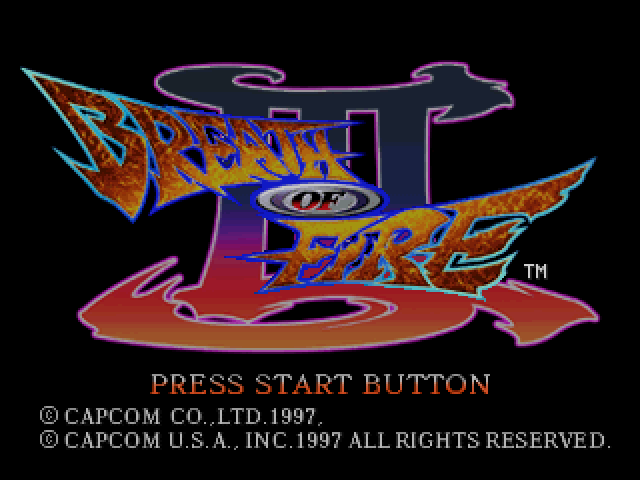
After loading the BREATH OF FIRE III game, press the Start button during the intro sequence or wait until it is completed. You will be presented with the title screen. Press the Start button to begin the game.
New Game or Load Game
At this point, you have a choice between starting a NEW GAME or re-starting a game with LOAD GAME.
Loading a Saved Game
To load a saved game, you must have a memory card with the saved files loaded in either Memory Card Slot. Then highlight LOAD GAME and press the Start button or the X button.
Starting a New Game
To begin a new game, highlight NEW GAME and press the Start or the X button. Next you will enter the name of your character.
Entering Character Name
•
Use the Directional button to highlight a letter, then press the X button to select the letter.
•
Press the X button for Select (OK).
•
Press the button to Delete a selection.
•
Press the button, the R1 button or the R2 button to highlight the Next entry space.
•
Press the button, the L1 button or the L2 button to move the cursor Back an entry space.
•
To begin when finished, highlight START and press the X button or the Start button, or simply press the Start button.
•
To choose the default name, Ryu, press the Start button without entering a name.
Returning to Title Screen
Highlight QUIT and press the Start or the X button to return to the title screen.
CONFIG SCREEN
After entering a name, you will see the Config Screen. This allows you to configure the setup of your game before beginning play.
Config Screen Options
•
MSG SPEED: Adjust message/dialog speed (Fast, Med, Slow).
•
WINDOW CLR: Change window color (1, 2, 3, 4).
•
BACKGROUND: Select background pattern (1, 2, 3).
•
SOUND: Choose stereo/mono, depending on your system.
•
DASH: Set manual or automatic run function (Off, On).
•
CONTROLLER: Configure your button functions.
Adjusting Config Settings
•
Press the Directional button or to highlight a function.
•
Press or to make a change.
•
For CONTROLLER, highlight the function, then press the button you want to perform that function.
Exiting Config Screen
To quit the Config Screen and begin play, highlight QUIT and press the Start button or the X button.
Accessing Config During Gameplay
To enter the Config Screen during gameplay, press the Start button from the World Map to CAMP. Highlight CONFIG and press the Start button or the X button.
Resetting Config to Defaults
To reset the Config Screen to the default settings, highlight INIT and press the Start button or the X button.
SAVING/LOADING
Saving
You must have a Memory Card inserted into either Memory Card slot in order to save. BREATH OF FIRE III allows you to save 3 different files.
Ways to Save Progress
•
Speak with the innkeeper at an inn, which appear in many towns.
•
At the CAMP screen, view the journal.
•
Pray at a religious statue of the dragon.
•
Find a journal inside a dungeon.
Saving Process
Once in the save process, select which Memory Card slot your Memory Card is in and press the Start button or the X button. You will be presented with 3 files. Highlight the file you want to save to and press the Start button or the X button. Your game will be saved.
Memory Card Warning
Make sure you have at least 1 block available on your memory card before beginning play. This ensures that your progress can be saved. BREATH OF FIRE III consumes 1 block on a Memory Card. Without a free block, you will not be able to save.
Saving Precautions
While saving, do not remove the Memory Card, reset your game or turn off your PlayStation™ game console. This may destroy your saved data. Loading
Load BREATH OF FIRE III as outlined on page 6. The game will automatically check your Memory Card, and if it detects a file that was saved previously, the LOAD GAME option will appear below NEW GAME.
Loading Process
Highlight LOAD GAME and press the X button or the Start button. If you have a Memory Card plugged into Memory Card Slot 2, you will be asked to select which slot you want to load from. Select which slot, then you will see the files you have saved on that Memory Card.
Highlight the file you want to load, then press the X button or the Start button to load the file. Select YES to load the file, NO to return to the file list. Then choose another file or press the Directional button


_1.png)