GAME SET-UP
1. Set up your PlayStation game console according to the instructions in its instruction manual. 2. Make sure the power is off before inserting or removing a compact disc.
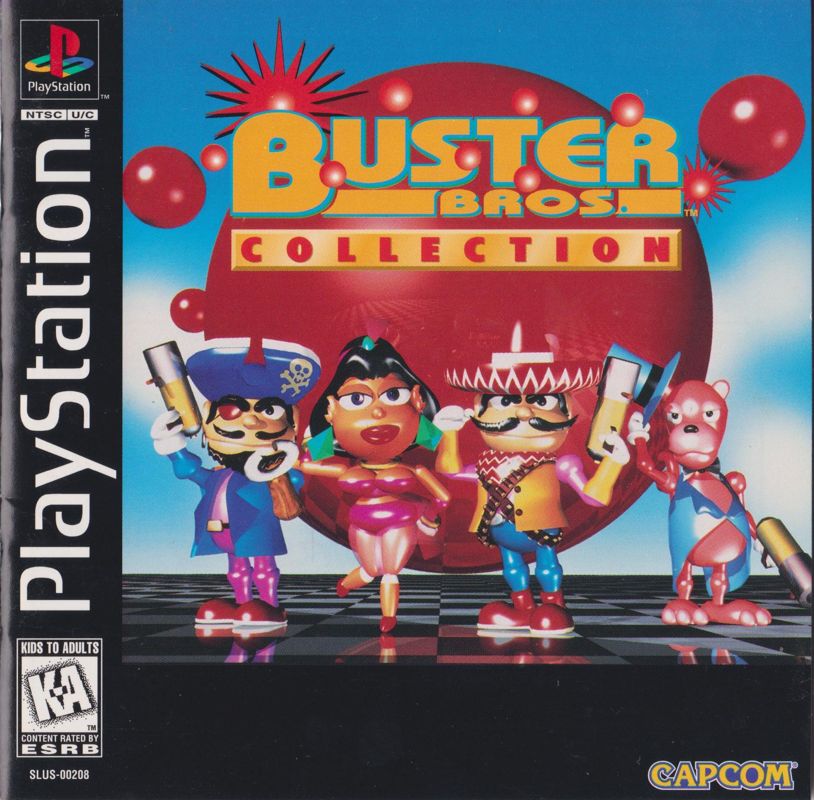
3. Insert the BUSTER BROS. COLLECTION disc and close the CD door.
4. Insert game controllers and turn on the PlayStation game console. Follow the on-screen instructions to start a game. STARTING A GAME
To bypass the opening sequence and jump to the BUSTER BROS. COLLECTION title screen and begin playing, press START on the Player 1 controller.
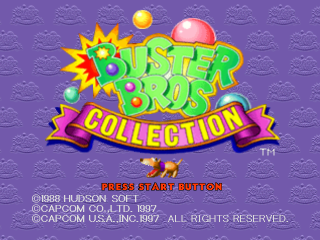
From the title screen, press START again to see the GAME SELECT SCREEN. Use the Directional Button to highlight the game you want to play and press START. The game's title screen will appear.
Press START to move forward or to bypass the demo sequence. Select GAME START to begin playing, CHANGE GAME to return to the GAME SELECT SCREEN or OPTION MODE to adjust the configuration of your game.
PAUSE
At any point during gameplay, press START to pause the game. You will be presented with a menu window. Use the Directional Button to highlight a function, then press START to select it.
Choose from the following options:
•
EXIT: Closes menu window and returns to game
•
RESTART: Quits current game and returns to TITLE SCREEN
•
CHANGE GAME: Quits current game and allows you to select another game. Choose CANCEL to return to current game.
•
MAIN MENU: Quits and restarts opening sequence
CONTINUE
You begin each game with a certain number of credits. Each credit allows you chances to successfully clear the screen of falling bubbles. If time runs out or you get hit by a bubble, you lose one chance. When you run out of chances, the game will end. But if you have credits remaining, select CONTINUE before the time runs out. When your credits run out, the game is over.
Note: You cannot continue while playing in PANIC MODE.
OPTION MODE
To adjust the options in your game, highlight OPTIONS from the menu screen of any of the 3 games you can play and press START. Select an item by pressing or ↑ on the Directional Button, then change the item by pressing or on the Directional Button. Press START to return to the game's menu screen.
•
GAME LEVEL (DIFFICULTY): Adjust the difficulty of your game. As you increase the number, the game becomes more difficult.
•
PLAYER: Choose the number of player's chances per game credit.
•
CONTROL: Configure your control buttons as you like here. The controls listed on page 3 are the default controls.
•
SOUND MODE: Choose between STEREO and MONO sound, depending on the capabilities of your sound system. You may also adjust the volume level of BGM (background music) and S.E. (sound effects).
BUSTER BROS. START A GAME
BUSTER BROS. is a 1 or 2-player game. After selecting BUSTER BROS. from the GAME SELECT SCREEN, you will see the title screen. Press START to bypass the demo mode and then you can select the type of game you want to play.
Press START on the Player 1 controller to play a 1-player game or press START on both controllers to play a 2-player game. Note: You can only play a 2-player game if you have 2 controllers plugged in.
After selecting a 1 or 2 Player game, you will be presented with the Tour Mode map screen. Use the Directional Button to select a city to defend. Press START to select the city and away you go!
Move your Buster Bros. left or right along the screen and press the attack button (or X) to fire the rope gun at the falling bubbles. When you hit a bubble, it will break into smaller bubbles. Keep shooting the bubbles until the screen is clear to save the city. Collect items for extra points and for special power-up abilities. SUPER BUSTER BROS. START A GAME
From the GAME SELECT SCREEN, highlight SUPER BUSTER BROS. and press START or X to select it. You will then see the SUPER BUSTER BROS. title screen. Press START to bypass the demo mode.
Select a 1 or 2-player game as you would in BUSTER BROS. The next screen lets you choose between TOUR MODE and PANIC MODE. Use the Directional Button to highlight which mode you want then press START to begin playing.
SUPER BUSTER BROS. PANIC MODE
Your goal in this mode is to finish 99 levels of non-stop popping action! As you destroy the bubbles, a "Pop Meter" at the bottom of the screen will track your progress. When you fill up the "Pop Meter" you will move to the next level. But be very careful! As you advance to higher levels, the bubbles will get larger and faster. See the section titled "BUBBLES" for information on special types of bubbles you may find in the PANIC MODE. **BU
.png)


.png)
.png)


.png)
.png)
.png)
.png)
_1.png)

.png)