Introduction
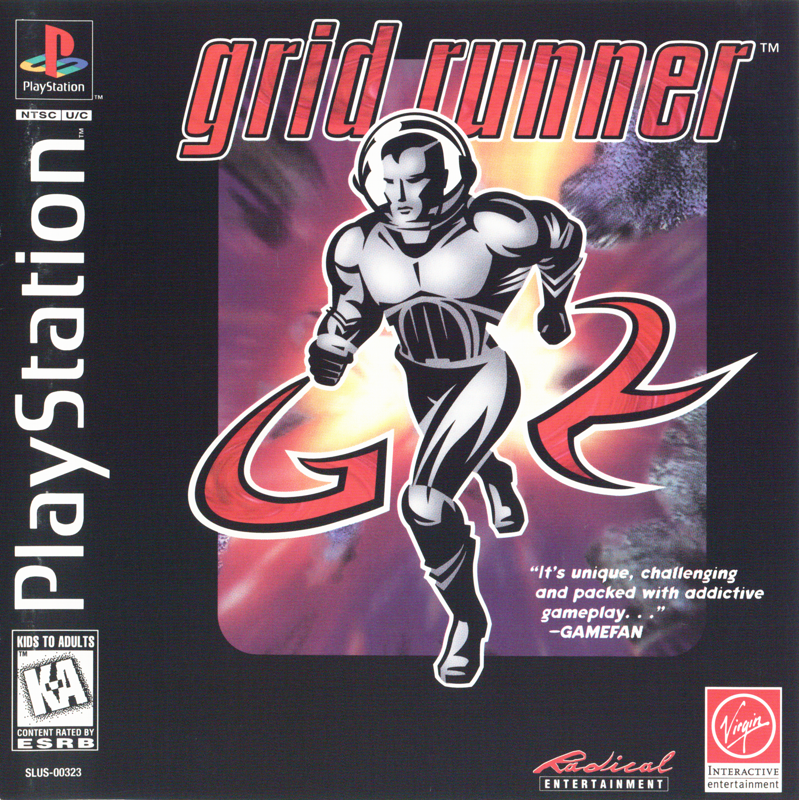
The Gridonian Asteroid Field, once a safe route, is now quarantined due to disappearing ships. Axxel and Tara, freelance explorers, are hired by the Galactic Government to investigate.
They discover a deserted ship with an unusual alien design and pick up a distress signal. Axxel boards the vessel and finds it's a trap set by Empress Vorga. You, as Axxel, are now an unwilling participant in her deadly game, with only two choices: be a Grid Runner™... or die!
How to Play
The game begins with a tutorial round that teaches you step-by-step. You'll need to press START after each tip.
•
To turn off the tutorial, go to the SETTINGS MENU, highlight TUTORIAL, and select OFF.
Your objective is to defeat enemies in Vorga's underworld realms by capturing the designated number of flags for each round. If an enemy tags you "IT," you must tag them back before collecting more flags.
Each grid contains obstacles and pests. Some must be avoided, while others can be used to your advantage. Each new stage introduces a more skillful opponent.
Easy-to-Follow Guide
•
The round starts with both players being neutral ("Not IT").
•
The first player to capture a white flag remains neutral ("Not IT") and can capture more flags.
•
The other player becomes "IT" and must chase and tag their opponent.
•
To "tag" an opponent, simply touch them. While "You're IT," you cannot capture flags.
•
While "Not IT," you must capture the designated number of flags.
•
You can capture your opponent's flag, adding to your tally and removing one from theirs. Your opponent can do the same to you.
•
After capturing the designated number of flags, you win and advance to the next round.
One-Player Game
To play against computer opponents:
•
Select START GAME and press the X Button.
•
Use the D-Pad to highlight ONE-PLAYER START.
•
Press the X Button again to begin.
Two-Player Game
Grid Runner™ also offers a two-player head-to-head mode.
•
Select START GAME and press the X Button.
•
Use the D-Pad to highlight TWO-PLAYER START.
•
Press the X Button again to begin.
•
Note: Two controllers must be plugged in to select a two-player game.
•
Player One is the blue Axxel on the top screen, and Player Two is the red Axxel on the bottom screen.
Two-Player Options
Before the first two-player round, you will have the following options:
•
PLAY ROUND: Select this to warp to world 1, round 1.
•
WORLD: Select this to choose your destination from 28 rounds.
Main Menu and Modes of Play
From the Main Menu, use the D-Pad to highlight your selection and press the X Button.
Start Game
In the START GAME menu, you can:
•
Start a One-Player game.
•
Start a Two-Player game.
•
Restore a previous game.
•
Exit back to the Main Menu.
Settings Menu
In the SETTINGS MENU, use the D-Pad to highlight your selection and the X Button to change it. Pressing left and right on the D-Pad also changes these options.
•
Configure Controller: Press the X Button to cycle through four preset button layouts.
•
Sound Mode: Choose "mono" for one speaker or "Stereo" for more than one. Press the X Button to select.
•
Sound Volume: Press the X Button to adjust sound effects volume.
•
Music Volume: Press the X Button to adjust music volume.
•
Two-player Handicap: Press the X Button to adjust the handicap. This allows players to be evenly matched. A setting of 1 (left) reduces player 2's speed, agility, and magic. A setting of 2 (right) reduces player 1's speed, agility, and magic.
•
Tutorial: Press the X Button to turn the tutorial ON or OFF.
•
To return to the Main Menu, highlight EXIT TO MAIN MENU and press the X Button.
Screen Layout
•
opponent/player 2 flag tally
Magic Meter and Spells
You have various magical spells available, usable as long as your magic meter allows. The magic meter shows your current magic. When empty, you cannot cast spells.
Magic replenishes automatically over time, but collecting bouncing red power-ups speeds up the process.
Magic Spells (You and Opponents Can Cast)
•
Slow Spell: Energy flows out to slow your opponent down.
•
Speed Spell: Each button press increases your speed by one increment.
•
Teleport Spell: Warps you randomly to one of the gray tiles on the playing field.
•
Mine Spell: Lays down a mine with each press, toppling an enemy who runs into it.
Remember to pace yourself and watch your magic meter!
Magic Spells (No Magic Cost)
•
Build Spell: Throws down a small bridge. Walk over it to reach power-ups or flags. Bridges are temporary and will disappear.
•
Fire Energy Ball: Temporarily slows an opponent. Destroys pests.
Magic: Things You Pick Up That Help You
•
Red Power-Ups: Give one magic increment each.
•
Green Power-Ups: Speed you up one increment
.png)


.png)
.png)





(Llamasoft).png)






_1.png)





_1.png)

_1.png)
.png)


