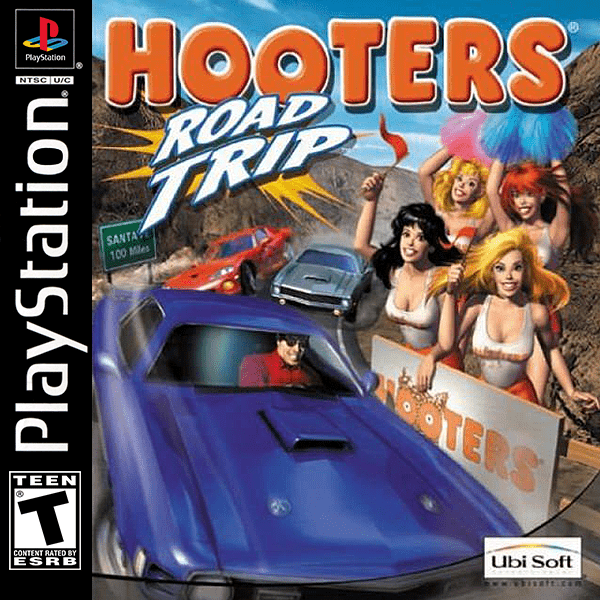
Front View
Setting Up
Set up your PlayStation® game console according to the instructions in its Instruction Manual. Make sure the power is off before inserting or removing a compact disc. Insert the Hooters® Road Trip™ disc and close the disc cover. Insert game controllers and turn on the PlayStation game console. Follow on-screen instructions to start a game. Quick Start Page
From the Desktop Menu:
1. Choose RACE.
2. Select a Mode: Test Drive, License, Practice, Roadtrip or Custom Roadtrip.
3. Select a Car.
4. Select manual or automatic transmission.
5. RACE!
Car Selection Screen
Main Menu
RACE
There are several racing modes to choose from here: Test Drive, License Car, Practice, Roadtrip, and Custom Roadtrip.
Test Drive
This gives you the chance to test out a new or different car in your garage before starting a Roadtrip. This is strongly recommended, as you cannot change cars once a Roadtrip has started. The only option you have here is to choose a car, because the test track is always the same.
License Car
In this mode, you race a newly granted car on the test track in order to license it for use in a Roadtrip. You will need to beat the time displayed for licensing in order to 'license' that car for future competitions.
Avoiding the cones on the track is key to gaining good time. Additionally, the number of obstacles on the track varies depending on the difficulty mode you have chosen. (See Game Options).
Practice
This mode allows you to focus your skills on mastering a particular track. You can use any car available to you, and choose from any track you have completed, or any track in the current Roadtrip. There are opposing race cars in Practice Mode.
Roadtrip
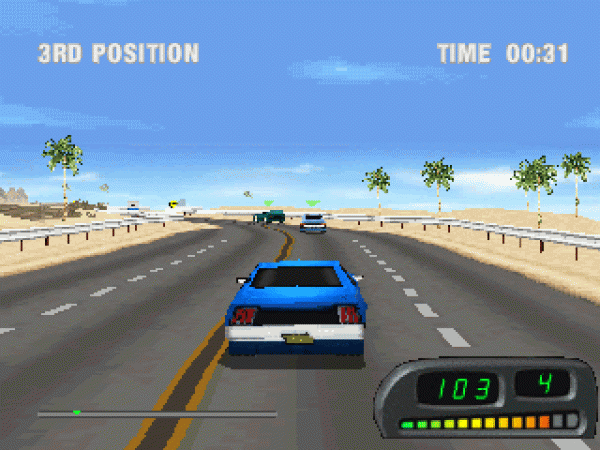
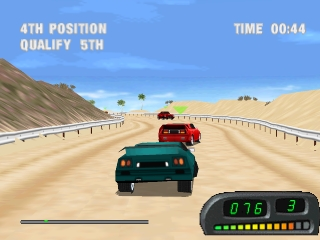
This is the timed racing segment of the game. You will always race against four other racers, and they can be identified by the green triangles above their cars. You will race a series of stages that make up the current Roadtrip.
You will need to place at a certain level in order to continue to the next stage. For Roadtrips 1 and 2 you must place fifth or higher to continue. For Roadtrips 3 and 4 you must place fourth or higher to continue. For all remaining Roadtrips you must place third or higher to continue, and so on.
Custom Roadtrips
This mode allows you to construct your own Roadtrips, by creating a list of available unlocked tracks. This includes the mirrored versions of any completed stages as well. How many total stages can you complete...?
MAP
This screen shows the route of the current Roadtrip.
RECORDS
This shows the best times for each track.
MUSIC
Allows you to control the game music. Individual tracks can be selected or deselected for play. The 'random' function will play the selected tracks in random order. The 'repeat' function will play the selected tracks repeatedly.
Options
Sound Options:
•
Music - This slider controls the music volume.
•
Sound FX - Controls the sound effects volume.
Game Options:
•
Difficulty - This sets the speed and aggressiveness of opposing racers. Pro Mode is only available after completing all six Rallies at the hard level.
•
Vibration Function - This turns the collision effects on / off when using a DUALSHOCK® analog controller.
Memory Card
•
Load - Loads a previously saved game.
•
Save - Allows you to save your game progress.
(For more information on Saving and Loading, please refer to the 'Getting Started' Section).