STARTING A GAME
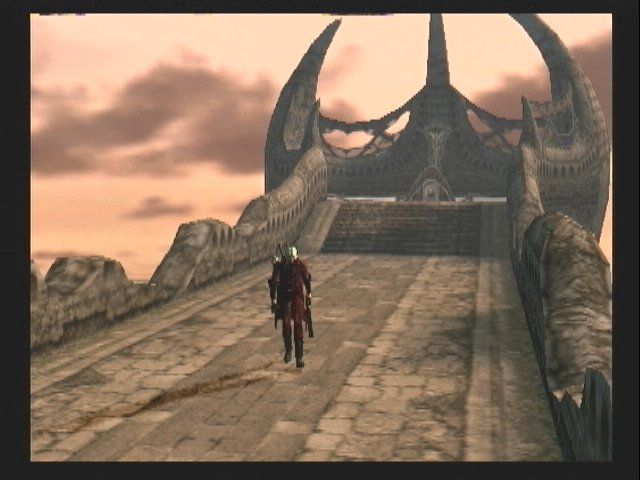
As generations passed, former strangers blended into a single people. Their mix of languages, customs, and gods gave birth to new, unique religions.
The gods worshipped were an ancient family of beings inhabiting a different dimension. They wielded strange powers and existed outside the concepts of right and wrong. Deities considered evil or pagan in the old world were, on Dumary Island, simply thought of as "other gods" – there were far too many to count. Rites performed in honor of these idols often resembled exorcisms and demon sealing ceremonies.
The priests of these cults were known as "guardians" and were sometimes called upon to protect the gods and their worshippers. Many legends told of guardians who had borrowed the power of their own gods to defeat enemy gods. One recent tale, only a few hundred years old, told of a great swordsman appearing from "the outside" to aid in exorcising the most evil god of all time.
Over the centuries, Dumary Island's success in supporting the worship of unique religions while maintaining its existence out of the mainstream has been nothing short of miraculous. Lately, however, agents of international corporations have quietly begun infiltrating the island. Their purpose is to acquire the "special ores" discovered in the island's interior.
On Dumary Island, the people's simple religious piety, as well as the fabulous artifacts buried in the inner mountains, are now in great danger.
GAME DISCS
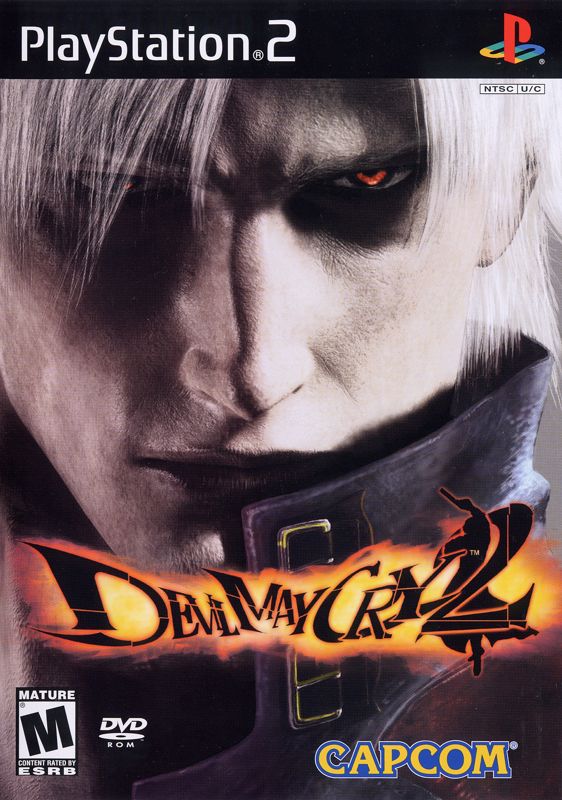
You can start the game from either Dante's Disc or Lucia's Disc. Both characters have their own personal adventure.
MEMORY CARDS
To save game settings and progress, insert a Memory Card (8MB) (for PlayStation®2) into MEMORY CARD slot 1 or MEMORY CARD slot 2 before powering on the system.
Without a memory card, when you power on the system with the DEVIL MAY CRY™ 2 disc inserted, you will see a notice that a memory card is not inserted. Turn off the system, insert a blank memory card (or one with previously saved DEVIL MAY CRY™ 2 games), and then power on again.
If you don't have a memory card, you can play without saving.
This game requires 368kb of free space on a memory card in order to save games. If less free space exists, erase older data.
Do not remove the memory card or power off while data is being saved or loaded. Your game data may be lost if you do.
MAIN MENU
At the Title screen, press the button to display the Main Menu.
•
Press the directional buttons or move the left analog stick/ to make selections.
•
Press the X button to confirm.
NEW GAME
•
Start a new DEVIL MAY CRY™ 2 experience from the beginning.
LOAD GAME
•
Resume a previously saved game from a memory card.
•
You'll start from the beginning of the last-played mission.
•
(Insert any memory card containing previously saved DEVIL MAY CRY™ 2 games before powering on.)
OPTION
•
Adjust various game settings.
•
To enter Option mode from gameplay, press the button to pause the game and display the Subscreen.
.png)

.png)
 (Disc 2).png)
 (Disc 1).png)
 (Disc 2).png)
