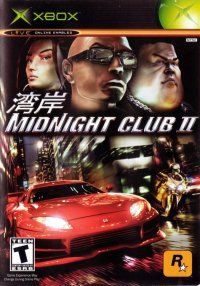
Quick Start
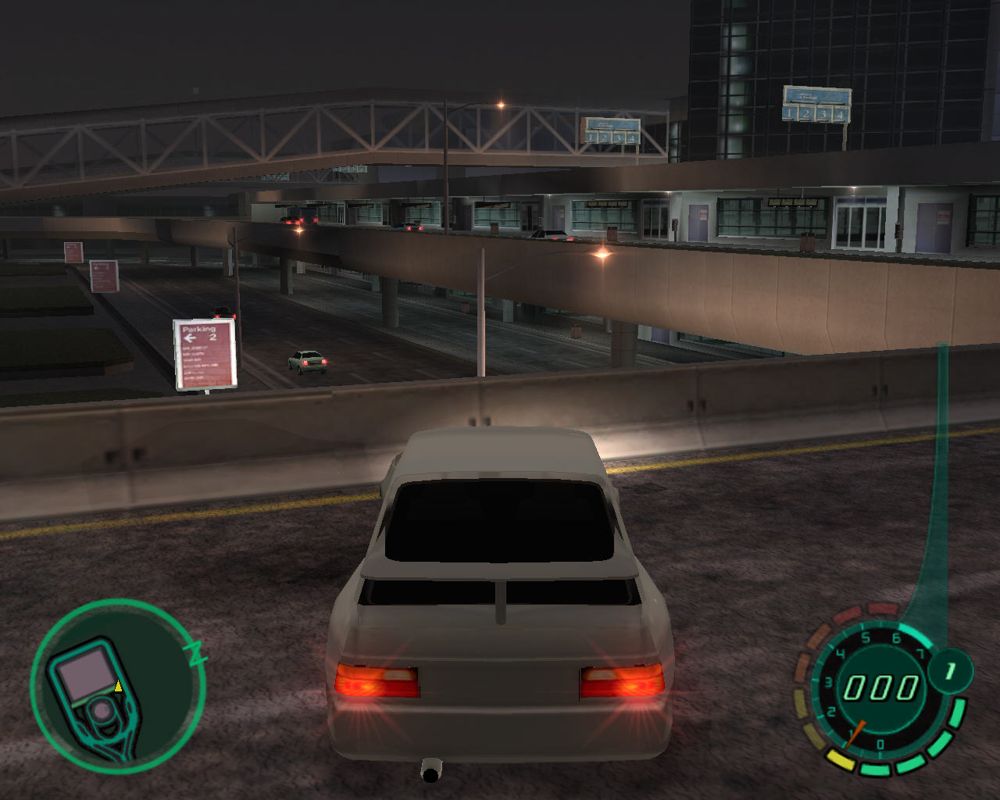
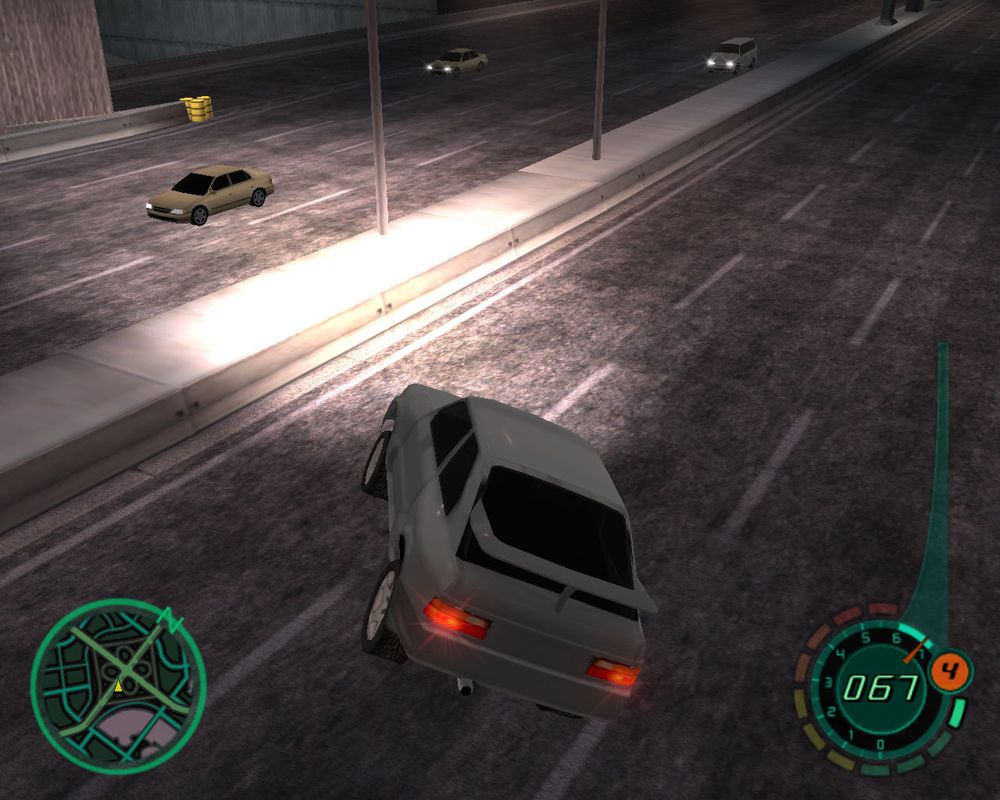
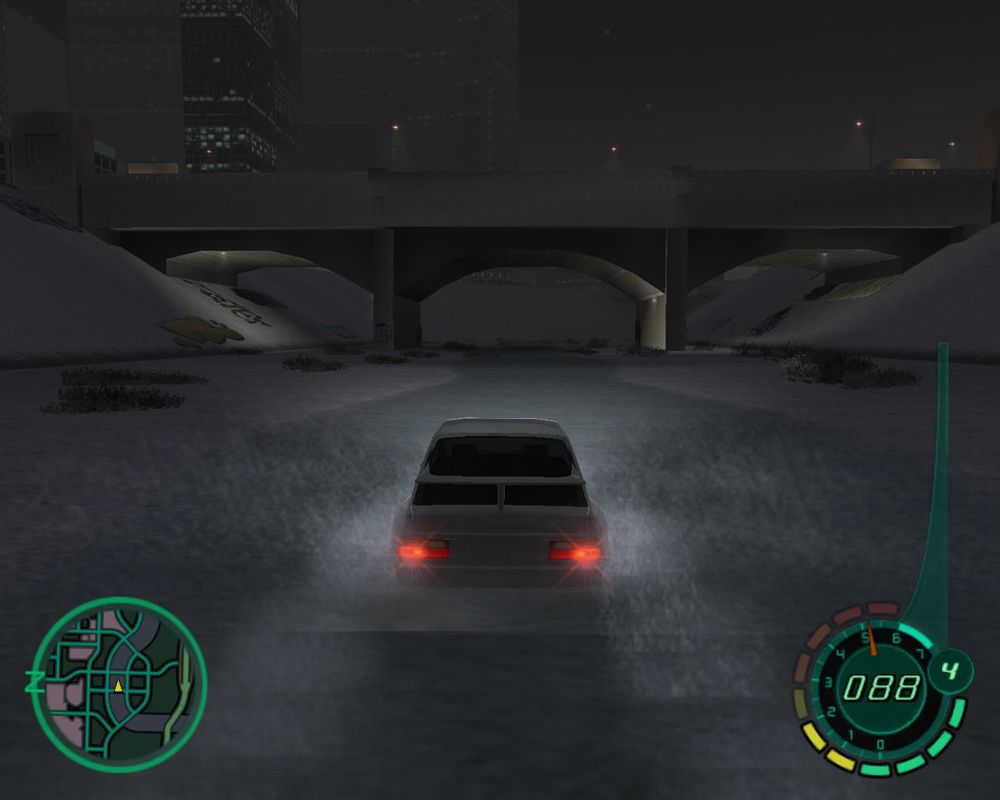
Scroll to ARCADE in the menus and select CRUISE mode. To play with a friend, toggle to 2-PLAYER.
Refer to the back cover of this manual for controls. Even with just the Cocotte, this is a great way to familiarize yourself with Los Angeles and the game before starting your racing career.
Arcade Modes
CRUISE
A great way to familiarize yourself with the cities and get a feel for the game before you start your racing career. CRUISE also gives you a risk-free arena to test new cars out. Everything you've unlocked in career is available here.
CIRCUIT RACES
Traditional lap races, but with pedestrians and gridlock traffic. Tick through the checkpoints first and pick up the checkered flag. Like career racing, proper vehicle selection and shortcuts are key. Because there are usually multiple laps in Circuit Races, make sure your vehicle can take some serious punishment.
Battle Modes
Car combat at its finest, play solo or go online. Play classic Capture the Flag mode as well as innovative Detonator mode, both all-out battles to survive on the streets.
DETONATE
Grab the detonator first, then make it to the trigger point in one piece to light your opponents up. Destroy the car with the detonator and a new round starts with new opponents.
SETTINGS:
•
Time Limit: 0-30 minutes
•
Detonator: Light/Heavy (Heavy Detonators reduce the top speed of the vehicle carrying it)
CAPTURE THE FLAG
Pick up the flag and race it back to the goal before your opponent. Take the flag by tagging the racer carrying it. Use the Power-ups to your advantage and assure victory.
SETTINGS:
•
Time Limit: 0-30 minutes
•
Flag: Light/Heavy (Heavy flags reduce the top speed of the vehicle carrying it)
Battle Mode Icons
•
EFFECT: An opponent hit by this power-up will have a distorted view.
•
EFFECT: An opponent hit by this power-up will accelerate, hitting the brake will not stop the acceleration. One of the opponent's available nitros will be used.
•
EFFECT: An opponent hit by this power-up will drive as if on ice.
•
EFFECT: When the player activates this, opponents in the immediate vicinity will be pushed away. It's like an explosion force without the explosion.
•
EFFECT: The player becomes invisible for a few seconds.
•
EFFECT: One nitro boost is added to the player's reservoir.
•
EFFECT: The player inflicts four times the normal damage to opponents.
•
EFFECT: The player becomes immune to damage of any sort.
•
EFFECT: An opponent hit by this power-up will suddenly engage both the brake and the handbrake.
•
EFFECT: When an opponent is hit by this power-up the steering is reversed. Steering left turns right & vice versa.
•
EFFECT: When activated, the players swap positions.
Game Options
GAME (Change options for both local players):
•
Automatic / Manual Transmission
•
Rearview Mirror: On/Off / Auto (only on when useful)
•
Mini Map: Rotate / Fixed
•
Default Camera: Driver / Very Close / Close / Medium / Far
AUDIO:
Edit volumes of the various sounds in Midnight Club 2 Music, Sound Effects and Voices, as well as Dolby Pro Logic II, Stereo or Mono sound. SAVING:
Midnight Club 2 is an autosave game. To save a game, you will need a Memory Card (PS2) with at least 53KB of free space. The game will automatically save after you win any race in Career Mode or Circuit Race Mode. Whenever you alter any of the options on the Options Menu, those changes will be saved when you leave the Options Menu. Midnight Club 2 only supports MEMORY CARD slot 1. If you have entered any game mode without a Memory Card (PS2), and you decide you wish to save, exit to the Midnight Club II Title Screen, and then insert a Memory Card (PS2) into MEMORY CARD slot 1. Replay Mode
•
X button - Stop/Resume replay
•
O button - Stop replay/Advance replay frame by frame
Race Editor
Pick a city that you've unlocked in Career Mode. Choose one of the
.png)



.png)


_1.png)
.png)


.png)


 (En,Fr,Es).png)