Getting Started
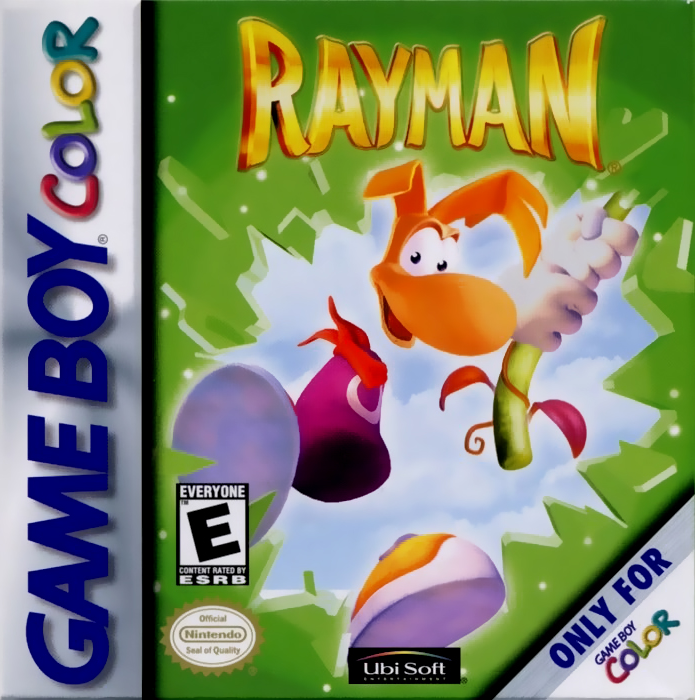
1. Insert the Rayman® GamePak into your Nintendo® Game Boy® Color system with the label turned outward. 2. Turn ON the power switch.
3. The title screen is displayed and the Main Menu screen appears.
4. Select an item using the Control Pad and enter your selection by pressing the A button.
Main Menu
NEW GAME
Press START to begin a new game.
There are two ways to exit this mode:
•
GAME OVER: Rayman has no more lives left. Screen returns to Main Menu. •
QUIT: Choose this option from in-game by pressing SELECT. Enter your latest acquired Password (refer to explanation in CONTINUE). Screen returns to Main Menu.
OPTION
When you choose OPTION from the main screen, press the A Button to access features and to confirm your choice. You can customize two game features: LANGUAGE and SOUND.
Language
This option allows you to choose between 6 languages.
Choose your language with the Control Pad Up and Down arrows and select by pressing the A Button.
Sound
This option allows sound for both MUSIC and FX to be turned ON or OFF.
•
Choose MUSIC or FX with the Control Pad Up and Down arrows and select by pressing the A Button.
•
Choose ON/OFF with the Control Pad Left and Right arrows and select by pressing the A Button.
•
NOTE: Setting both Music and FX on OFF will help save battery power.
Bonus Stages
Rayman can enter bonus stages in different worlds. Look out for BONUS-STAGE SIGNPOSTS. To enter, step over this signpost. The goal in the Bonus Stages is to collect all the Tings within a given time period. An on-screen timer displays the countdown.
•
If you succeed in catching all the Tings, you return to the previous level with an extra life.
•
If you do not succeed in catching all the Tings, you can retry or continue on in the previous level.
HOW TO TRANSFER THE UBI KEY
A brief explanation is displayed on-screen as soon as you find the key.
1. Place the infra-red links of the two Game Boy® Color units facing each other a few centimeters apart.
2. Press and hold down the A Button to start sending the key.
3. The receiving player must be in the UBI KEY section of the main menu of a game. The player must hold down the A Button until the key has been transferred. As soon as the key is transferred, the player is automatically projected into a secret level of the game.
Proof of Purchase
0.08888.12005.6
0 08888 12005 6
.png)




 (En,Fr,De,Es,It,Nl).png)
.png)



 (En,Fr,De,Es,It).png)








 (En,Fr,De,Es,It).png)





_1.jpg)