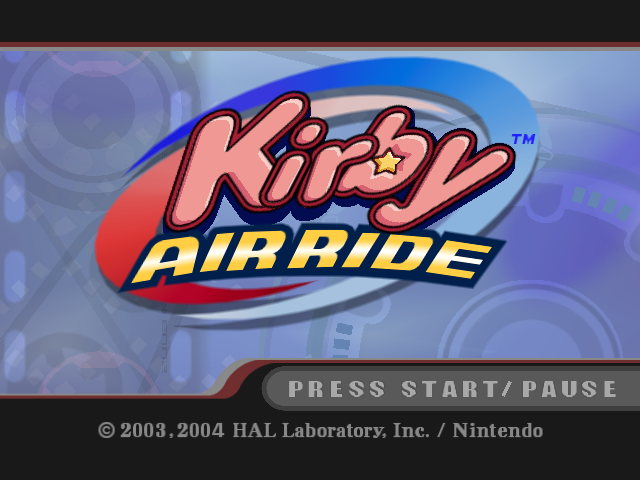
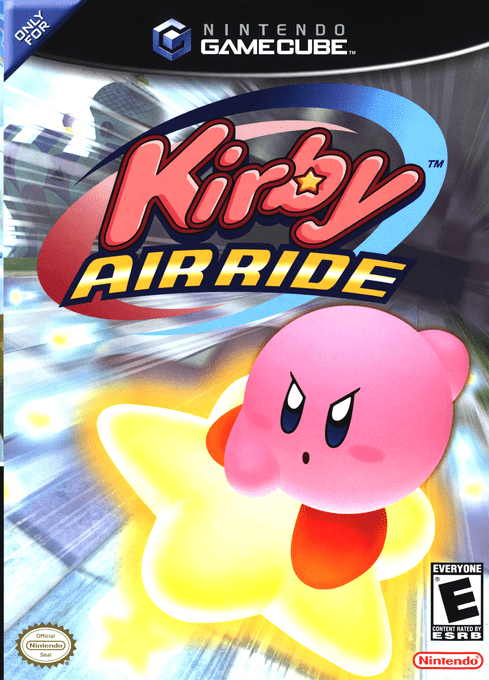
Welcome to Kirby Air Ride! High-Speed Fun! Action Racing!
Pick an Air Ride machine and steer it through action-packed races on wild courses!
Choose Your Favorite! Three Game Modes!
Choose your favorite mode from the three available and play it as much as you like!
Air Ride
This action-packed 3-D racing game has simple controls that let you feel the speed and use Copy abilities with just one button! Super-Easy Controls!
Control the Air Ride machines with only the Control Stick and A! Even though the game uses only a few buttons, you can pull off all sorts of cool moves!
Top Ride
View this lighthearted 2-D race from above as you pick up items and react to crazy course events!
City Trial
Race around the city and collect items to power up then compete in the Stadiums with the machine you built!
Hit the Course!
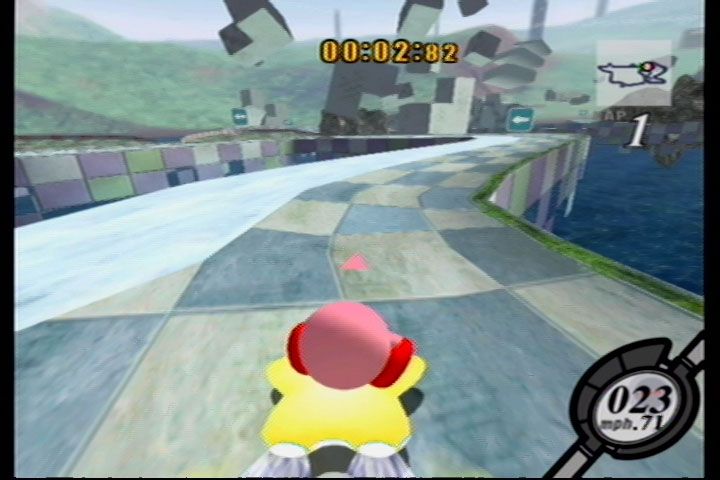
Let's try racing on a real course to see exactly what actions you can perform using the Control Stick and A! Start!
When the START signal appears, your machine will automatically start racing! However, if you hold down the Control Stick during the race countdown and release it precisely at the beginning of the race, you can do a charged-up Boost! Turn
Turn with the Control Stick. The farther you tilt Left or Right, the sharper your turns will be.
Drift
In sharp turns, if you hold down A while tilting the Control Stick, you will drift through the turn. While you are sliding sideways, you can charge up without decreasing your speed dramatically.
Charge While Drifting
Your Boost Gauge will power up during a drift turn. As you complete the turn, release the A Button you've been holding down and burst forward with a charged-up dash.
•
Full Charge: Fill up the whole Boost Gauge to do a huge Boost!
Use Features
You can operate the features along the surface of the course by Boosting on top of them. There are many different features on all of the courses!
Annoy Your Rivals
•
Quickly tilt the Control Stick
When rivals get too close to you during a race, you can do a Quick Spin attack by quickly tilting the Control Stick to the Left and Right!
Jump
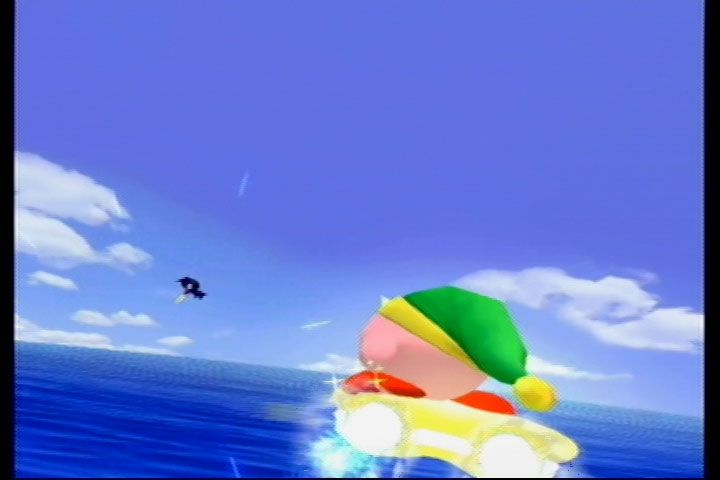
If you ride over jumps along the courses, your machine will go airborne! Tilt Down when you jump to sail higher than normal. After taking off you can glide along at that level.
Glide
•
Land smoothly using the Control Stick
While you are gliding in the air, use the Control Stick to raise or lower the nose of your machine. After raising the nose and increasing your altitude, you can extend the distance of your flight by adjusting your machine to be level with the ground. If you land with your machine perfectly parallel to the ground, your speed will not decrease when you touch down.
Starting a New Game
Place a Memory Card and the Kirby Air Ride Game Disc in the Nintendo GameCube, close the Disc Cover, and press the POWER Button to turn the Nintendo GameCube on. Once the Kirby Air Ride title screen appears, press START/PAUSE. Cautions Regarding Memory Cards and Saving
1. In order to save the course records and Checklist data you've accumulated, the Memory Card inserted into Slot A must have 4 free blocks of available space.
2. Before starting a game, be sure to follow the instructions provided on-screen to create a Kirby Air Ride game file on the Memory Card in Slot A. (Once a file has been created on the Memory Card, game data will be saved automatically.) 3. During game play, game data will be saved to the Memory Card automatically. Therefore, do not remove and reinsert the Memory Card during game play.
Removing and Reinserting the Memory Card
During game play, do not remove and reinsert the Memory Card or repeatedly press the POWER or RESET Buttons as it could cause permanent damage to the Memory Card or cause data to be deleted from the Memory Card.
To quit the game, first return to the title screen before turning the power OFF.
For information regarding deletion of game files stored on the Memory Card or for information regarding Memory Card formatting, please refer to the Nintendo GameCube Instruction Manual. Mode Intro: Air Ride
This game mode gets you into intense and exciting 3-D racing action! Copy your enemies' abilities, use them to compete against your rivals, and make it to the goal in first place! Game Progression
1. Select Mode
2. Select Course
3. Set Player Entries
4. Start Game
5. View Replay
6. View Results
Step 1: Select Mode
First you must select the game mode you want to play. In the Air Ride mode menu, if you select Free Run you will then be able to select between Time Attack and Free Run.
•
Compete against other players or CPUs.
•
Race against time over as many laps as you select.
•
Compete for the best time on each lap. Press START/PAUSE to finish.
From the Air Ride mode screen, you can change game options or view the records from various game modes.
.png)


_1.png)