Starting the Game
Turn ON the power switch on your 3DO Interactive Multiplayer™. The READY light indicates that the unit is on. Make sure a Control Pad is plugged into the Control Port on the Multiplayer console. If it is not plugged in, turn the player OFF, plug in a Control Pad, and turn the player ON again.
Press the OPEN/CLOSE button. The disc tray extends.
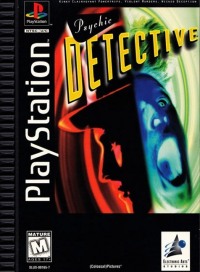
Insert the Psychic Detective™ movie disc labeled #1 into the disc tray (label side up) and press OPEN/CLOSE to retract the tray. The 3DO™ logo appears. If you don't see the logo after a few moments, turn OFF the player and begin again at step 1.
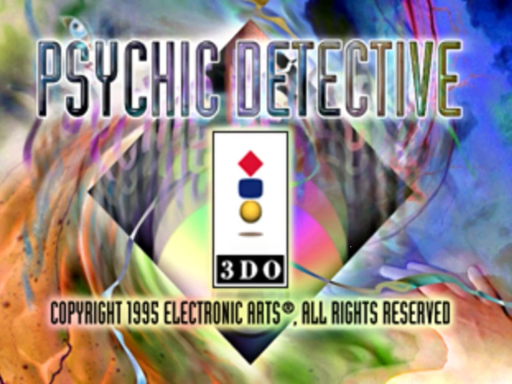
After the opening title screens, a prologue plays introducing you to Eric Fox. Be sure to watch the prologue the first time you play to get the skinny on the characters you'll be meeting. After that, you can skip the prologue by pressing A. System Requirements
Psychic Detective requires a minimal amount of NVRAM. This memory is needed to store information between changing discs. If you have other games saved on your 3DO Interactive Multiplayer, your NVRAM may be full. If the NVRAM is full, a message appears letting you know. Eject the Psychic Detective disc and insert the NVRAM manager that came with the machine. Once you have cleared enough room, you can restart Psychic Detective. Please consult the 3DO Interactive Multiplayer documentation for more information. Intermissions and Discs
There are three movie discs in Psychic Detective labeled 1, 2, and 3. Insert #1 first, and continue through to the next disc as prompted by the instructions on the game screen. After disc #3, reinsert disc #1 for the conclusion of the movie. From disc #1, you can restart the movie from the beginning. There is no need to save each movie. Once you've played through, you start again.
Pausing the Movie
To pause the movie, press P. Press P again to resume the movie.
From the Pause menu you can restart the movie completely. To restart the entire movie, press A from the Pause menu. Reinsert disc #1 if it is not already in the machine.
About the Story
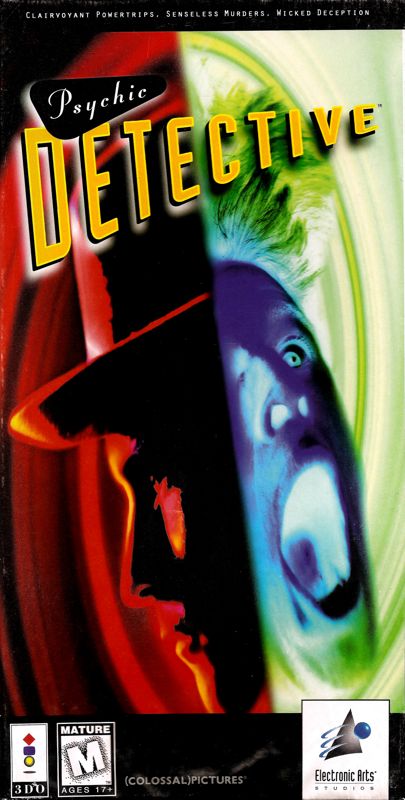
Psychic Detective is a fresh approach to the evolving form of the interactive movie. In the Case of Black Diamond, you take the role of Eric Fox, who calls himself "The Psychic Flash." You are employed by the mysterious Laina Pozok to discover the truth behind her father's death. But you'll find there's more to this case than you realize. Whom can you trust? What is the Black Diamond? What is a psychic collector? And just how deeply can you delve into this mystery before you go stark raving mad?
Eric is a bit of a sleaze and a slacker when you first make his acquaintance, but Laina reveals to him a startling psychic power. With Laina's guidance, Eric can "transmit" his psychic self into others, to see through their eyes and hear through their ears. He can also gather clues from the past by touching certain objects, revealing their psychic history. He can even influence the behavior of other characters.
Gameplay Overview
There are many different paths, and many different conclusions to this twisted tale. Unlike more traditional games that ask the player to point and click to guide their protagonist, Psychic Detective uses the plot device of psychic power to manipulate the movie. You ride around in Eric's head, and though you don't physically steer him through the movie, you do guide what he does and how the plot develops. There are a few set video sequences, but you'll soon find out how deep and diverse the story can be when you choose different paths for your main character.
Now comes the interesting part: you're not going to just talk to these people, you're going to sneak into their private lives through a mental back door. As a psychic, you can gather information and view the action in rooms where your body is not.
You do this by transmitting through, or jumping to, another character's head. Your entire point of view changes when you transmit; this is your primary means of gathering the clues you need to solve this mystery.
Transmitting Through Characters
When a character becomes available to you to transmit through, their circular character icon appears in the left area of the game screen. The character's name appears under the icon. Usually you must be near a character to transmit through them.
However, once you jump into their head, you can travel far with them, and head-hop from character to character.
NOTE: Occasionally you can transmit through a character far away. See Operating the Psychic Collectors on p. 14.
To transmit through a character:
1. When the character icons appear on the upper left border, they are now available. Use the D-Pad to move the highlight clockwise or counter-clockwise around the movie border. A yellow highlight ring indicates a choice you can activate.
2. When the character you want is highlighted by the yellow ring, press A, B, or C to select that character.
3. The scene shifts, and you're now occupying the new character's psychic space. That character's icon has a blue highlight ring, so you know whose head you're invading.
NOTE: Eric keeps moving and talking to characters even if you decide not to choose any character to transmit through. Like a movie, the story flows whether you act or not.
Each time you jump into a different character's head, not only will the information you hear change, but you'll be changing the way the movie turns out. The