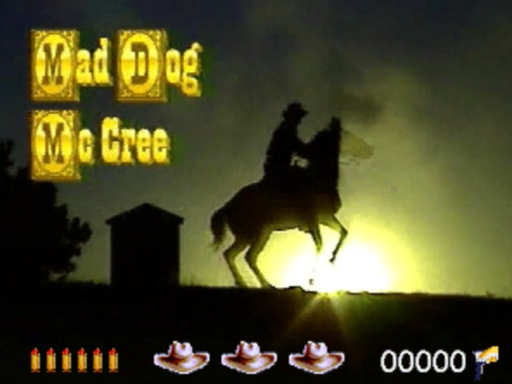
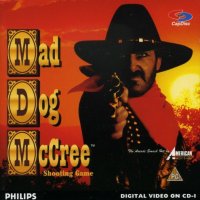
Running Mad Dog & Mad Dog II: The Lost Gold
Both games start in a looping mode displaying various scenes. To begin, press the "Stop" button (game pad) or the "Option" button (lightgun) to access the menu. Use the cursor to select items by moving over them and pressing "A" or shooting with the lightgun.
•
Start: Initiates a new game.
•
Difficulty: Select levels from easiest (Deputy) to toughest (U.S. Marshall). This can be adjusted anytime via the menu.
Mad Dog Specifics
•
Bottles: Starts a new game with bottle target practice on a fence.
•
Hints: Shoot the cow skull for extra bullets. Earn a bonus life every 5,000 points.
Control Pad Usage (Mad Dog Series)
The cursor is a hand holding a gun, aimed using the sight.
•
A Button: Fires the gun.
•
B Button: Moves the cursor twice as fast when held.
•
C Button: Moves the cursor four times as fast when held.
•
Control Right Shift: Fires the gun.
•
X Stop Button: Exits the game (Mad Dog) or brings up the menu (Mad Dog II). •
P Pause Button: Brings up the menu screen (Mad Dog) or pauses/resumes the game (Mad Dog II). •
Control Left Shift: Brings up credits in the menu screen (Mad Dog only). The gun fires as long as bullets remain on screen. Moving the cursor to the bottom lowers the gun to point at the ground. Press "A" or Control Right Shift to drop the gun into the holster and reload.
Running Crime Patrol
This game starts in a looping mode. Access the menu by pressing the "Stop" button (game pad) or "Option" button (lightgun). Select items by hovering the cursor and pressing "A" or shooting.
•
Start: Initiates a new game.
•
Difficulty: Select levels from easiest (Rookie) to toughest (Captain). Adjustable anytime via the menu.
Control Pad Usage (Crime Patrol)
The cursor is a hand holding a gun, aimed using the sight.
•
A Button: Fires the gun.
•
B Button: Moves the cursor twice as fast when held.
•
C Button: Moves the cursor four times as fast when held.
•
Control Right Shift: Fires the gun.
•
X Stop Button: Brings up the menu screen.
•
P Pause Button: Pauses/resumes the game.
The gun fires as long as bullets remain on screen. Moving the cursor to the bottom lowers the gun. Press "A" or Control Right Shift to drop the gun into the holster and reload.
Common Instructions for All Games
Menu Options
•
Continue: Resumes the game from the last save point. Requires an active game.
•
Lives: If all lives are lost, you can continue up to nine times (three lives per continue).
•
Player Count: Switching to one player in a two-player game does not cost a continue.
Player 1 vs. Player 2
Pressing this selection toggles between one or two players. Both players play simultaneously with separate scores, bullets, and lives.
•
Player One: Red laser blasts, red score, and flesh-colored hand/gun cursor.
•
Player Two: Blue laser blasts, blue score, and blue-colored hand/gun cursor.
Connect the game pad/lightgun/mouse in a daisy chain: Player 1 first, then Player 2.
Lightgun Calibration
This option is valid only if a lightgun is connected. Four feet is the recommended distance for best accuracy.
1. Shoot the "Calibration" option on the menu or press the lightgun's Option button.
2. Aim at the center of the bullseye and shoot once.
3. Press the Option button again if unsatisfied to repeat.
4. Shoot "Exit" to return to the main menu.
This sequence can be repeated at any time.
Using the Lightgun
There is no on-screen cursor. Pull the trigger to fire, creating a bullet hole. Reload by pointing the gun away from the TV and pulling the trigger. Press the Option button to access the menu.
Using the 3DO Mouse
The left button fires and makes menu selections. It is the only button needed for Space Pirates.
•
Aim: Move the mouse cursor (hand-and-gun) to the target.
•
Reload: Move the cursor to the bottom of the screen.
•
Stop/Pause: Drag the cursor to the bottom-left corner and press the left mouse button.