Loading the Game
•
Make sure the power switch is OFF.
•
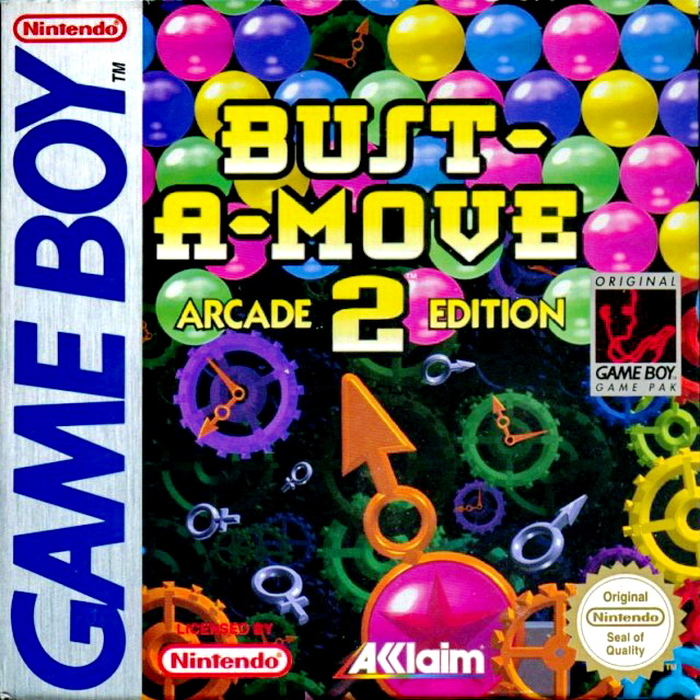
Insert the Bust a Move 2™: Arcade Edition Game Pak as described in your NINTENDO GAME BOY® instruction manual.
•
Turn the power switch ON.
When the Bust-A-Move 2™: Arcade Edition title screen appears, press START.
About Bust-A-Move 2: Arcade Edition
Welcome to Bust-A-Move 2™: Arcade Edition, the insanely fun bubble-busting puzzle game. Before we begin, have you done your homework? Fed the dog? Talked to your family?
Because once you start playing Bust-A-Move 2™: Arcade Edition, time has a way of vanishing, chores have a way of being neglected, and your loved ones have a way of fading into the background... So take care of business, then let's get down to the fun stuff! And don't forget to eat!
Basic Rules
Aim bubbles with the Control pad and fire them with the A BUTTON. Pretty simple, eh? So simple that you're free to concentrate on playing instead of learning a bunch of rules and controls.
Heck, you don't even need to look at the rest of this manual. But I'd appreciate it if you did. Keep me in good with the boss, y'know?
Object of the Game
•
The idea is to burst bubbles by linking any three bubbles of the same color.
•
The game is over once a bubble gets crowded over the bottom line.
Controls
•
B BUTTON: Fine Aim. Use the B BUTTON + the CONTROL PAD to fine aim the launch arrow.
•
A BUTTON: Launch the Bubble/Finalize Selections.
How to Start the Game
After the logo screens appear, a game demonstration begins. Press the START button to bypass the demo and get to the Title Screen.
At the Title Screen, press the START button once more. The Game Select screen will appear, with these choices: GAME START, TIME ATTACK and OPTIONS.
Game Select Screen
Selecting GAME START takes you to the Mode Select Screen, where you choose what kind of game you'd like to play, but first you will want to set your options!
Options
In OPTION MODE you can change the game in lots of ways:
•
GAME LEVEL: Set the overall skill level: choose between Easy, Normal and Hard skill levels. (Later on, you can set the difficulty of the game in each game mode.)
Game Modes
Puzzle Game
Choose the Puzzle Game mode and you've got a ton of excitement on your hands. Work your way through the alphabet, as the puzzles get tougher and tougher to solve!
The right move at the right time is the difference between earning a quick time bonus and being buried alive in bubbles! An unexpected strategy may work wonders!
After you select Puzzle Game in the mode selection screen, you will be taken to the Course Selection Screen.
•
Each lettered course consists of five puzzles. Master all five and you go on to the next set of five.
•
Choose your course with the Control Pad, then press the A BUTTON.
•
When you have finished the last round, you have completed the game.
Continue
When a bubble sinks below the dead-line, the game is over. If you have any credits remaining, you can resume playing the game from where the game ended by simply pressing the START BUTTON during the CONTINUE count-down. (You set the number of credits in the Options Screen.)
Special Bubbles
There are Special Bubbles that can show up at any time, either in the bubble frame or in your shooter cue. Use your head when aiming them—they can really help! Different bubbles show up depending on what game mode you choose.
•
Star Bubble: The Star Bubble bursts all the bubbles of the type it first touches. For example, if it strikes a white bubble first, all the white bubbles will be eliminated. It has no effect on other Special Bubbles.
•
Metal Bubble: This heavy Metal Bubble destroys all bubbles it touches on the way to the top.
•
Jama Bubble: You can't bust this one! You must drop it by busting its neighbors.
•
Jama Block: This block will never disappear! You can't drop it, because bubbles stick to it!
Name Entry
When your score in a Player Vs. Computer Game is among the five best scores, you can choose and enter up to three characters. Press LEFT or RIGHT on the Control Pad to toggle to the letter you want, then enter it by pressing the A BUTTON.
Player Vs. Computer
When you choose Player Vs. Computer in the Mode Select Screen, you will be taken to the Level Select Screen. (When the Timer reads 0, the level will be set wherever the cursor is stationed at that time.)
Difficulty Select
•
Practice: A practice game is just three rounds, with the aiming pulsar guides ON.
•
Normal and Hard: Normal and Hard levels feature 12 screens in total.
Rules for One Player Vs. Computer
This is a Do-Or-Die scenario. When you defeat one computer opponent, the next challenger will appear. If you are defeated, the game is over.
Drop bubbles that are attached to the ones you bust and you can dump them on your opponent's side- the ultimate move!
•
Special Bubble: Star Bubble.
Time Attack Mode
.png)


_2.png)
_3.jpg)
.png)

.png)


.png)


.png)








 (Rev A).png)
.png)
.png)
