Console Top View
Console Front View
Power Up
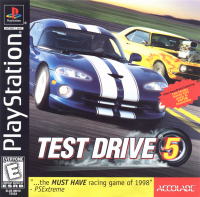
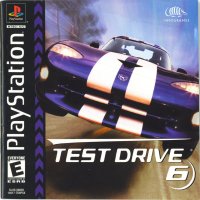
Set up your PlayStation® game console according to the instructions in its Instruction Manual. Make sure the power is off before inserting or removing a compact disc. Insert the game disc and close the disc cover. Insert game controllers and turn on your PlayStation® game console. Follow the on-screen instructions to start the game. Welcome to Test Drive 6
Did you ever want to challenge a dream supercar against a flexing muscle car? Slip behind the wheel of your street rod off the lot, or a high tech concept car right out of the R&D garage.
Race all over the world, win your races and upgrade your ride. Are you the best? Find out...in the ultimate thrill ride!
Main Menu
The Main Menu offers the following options. Use the directional buttons to select an option and then press the X button.
To back up one menu, press the ▲ button. To return to the Race Menu from gameplay, press the START button, RETIRE and YES.
Practice
•
SELECT TRACK: Press the right and left directional buttons to choose from the linear or circuit tracks available. Win Tournaments to unlock more Practice tracks.
•
SELECT CAR: Press the right and left directional buttons to choose from the vehicles available.
•
TRANSMISSION: Use the right and left directional buttons to toggle between automatic and manual transmission.
Tournaments
At first, only the Class 1 Tournament is available. Cars in Classes 2 through 4 have higher performance and greater costs.
When you have acquired enough credits and purchase a car in Class 2, 3 or 4, the respective tournaments are also opened to you.
Tournament Wagering System
Make a wager on your race, and the other five racers will match your bet. There are maximum and minimum limits to the amount you are allowed to wager.
If you cannot meet the minimum wager, you must go out and earn more credits through Single Races, Cop Chases or Challenges.
Half of the credits ponied up for each race in a tournament is paid out to the top three finishers, and the other half goes into the Tournament pot. The pot is paid to the driver with the lowest cumulative racing time at the end of that Tournament. Cop Chase
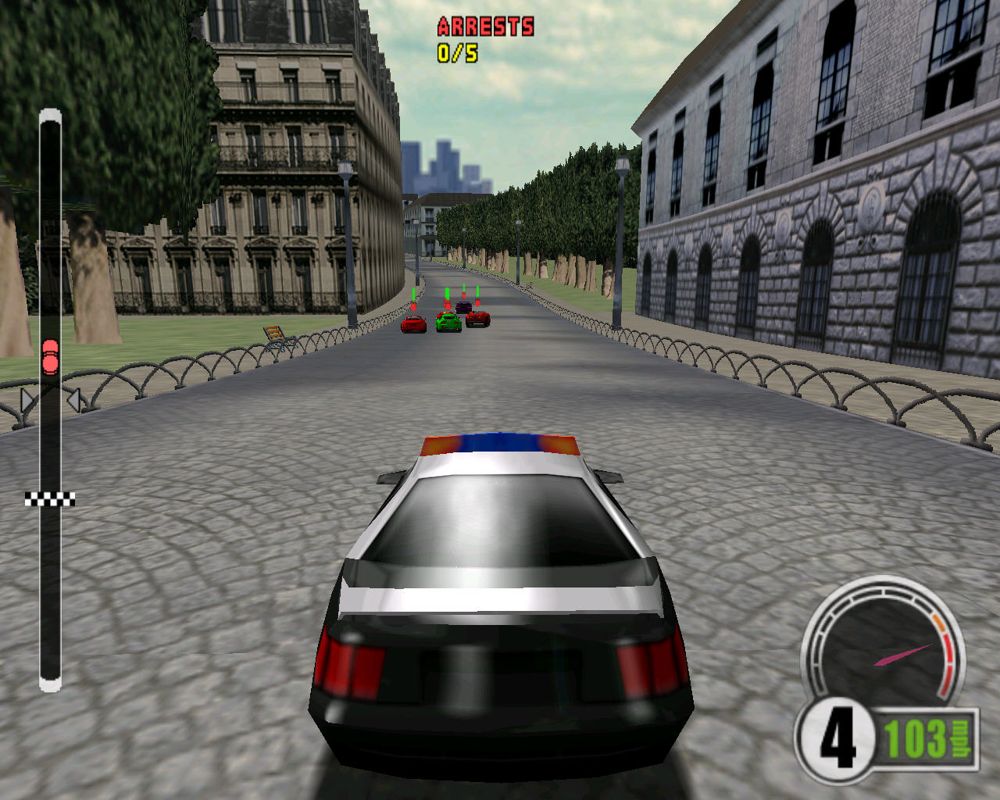
You may choose this feature only after you have purchased a vehicle in the Garage. Choose a police vehicle to drive in pursuit of the other drivers. Choose your course, and choose your mission.
For the event, "Stop the Racers," every racer has a "morale" bar shown above his car. Knock the morale bar down to zero by bumping into him to pull him over. Or, block him off, using your car as a barricade to stop his forward progress. For every racer you manage to cite, you will be rewarded with credits. Hot Tip
If you are the cop, go after the fastest racer first, otherwise, the others may slip past you. If you arrest all the racers on all the tracks, the event "Stop the Bombers" will become available. In this event, a mad bomber will continually drop bombs to try and stop you. He must be arrested at all costs.
Challenges
You may only choose this option after you have purchased a vehicle in the Garage. These races are outside the tournament structure, and may be outside of "acceptable" public behavior.
Each is a test of your driving skills and measurement of the competitiveness of your vehicle. While the rewards are high, you may encounter difficulties in completing each Challenge. Garage
Enter the Garage to select a car to race, purchase a new car, modify cars you own, or sell cars.
Change Car
Choose from the vehicles in your garage for your next race or tournament.
Upgrade
Once you have at least one vehicle in your garage and some credits in your account, you can begin upgrading your vehicle(s). There are four categories of upgrades, and each category has a number of levels of superiority to make the vehicles better, faster, and more competitive.
The categories are Engine, Brakes, Tires and Suspension. Each upgrade can be adjusted in the garage, making it possible to fine-tune your vehicle for the tracks on which you will race.
Buy
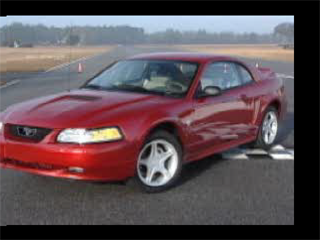
Choose the vehicle class (1-4) which also determines base price and base performance. Use the right/left directional buttons to choose from the vehicles in that class.
Press the X button once to view that vehicle's performance statistics. Press the ● button to go to the Paintshop, where you can customize the color of the vehicle.
In the first column, use the up and down directional buttons to choose a color. Tap the right directional button to go to the brightness column, and use the up and down directional buttons to alter the brightness of the vehicle.
After you have accepted the paint job, press the X button to purchase the vehicle. You will be asked to confirm your purchase – once you have, appropriate funds will be deducted from your account and the vehicle will be yours.
Sell
Do you need money? Are you unsatisfied with a vehicle? Sell a car back – for less than you bought it for, naturally.
Two Player Race
Single Race
Hook up two controllers for you and a buddy and race against each other to see who's the better driver.
•
SELECT TRACK: Press the right and left directional buttons to
.png)





.png)