Connectors
Setting Up Your PlayStation 2
Set up your PlayStation 2 computer entertainment system according to the instructions in the Instruction Manual. Make sure the MAIN POWER switch (located on the back of the console) is turned on. Press the RESET button. When the power indicator lights up, press the open button and the disc tray will open. Place the MISTER MOSQUITO™ disc on the disc tray with the label side facing up. Press the open button again and the disc tray will close.
Attach game controllers and other peripherals, as appropriate. Follow on-screen instructions and refer to this manual for information on using the software.
Main Menu
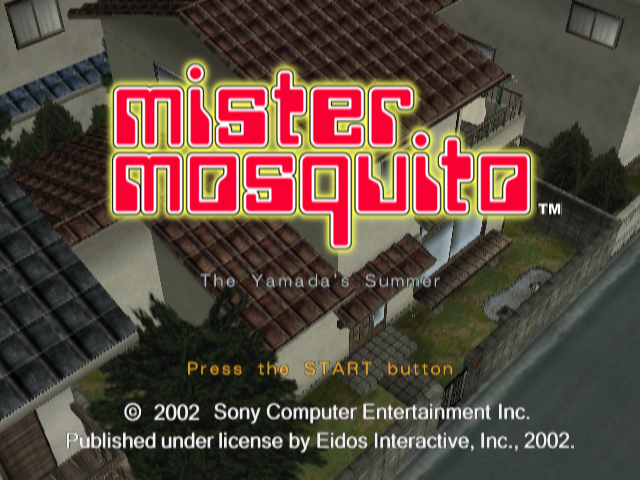
Press the START button at the Title screen to display the Main Menu. Highlight an option and press the button to confirm your choice.
Stage
Advance to the Stage Select Menu where you can select a stage to play. Before each stage you can listen to a narrative description of it. Select START to kick off a family meeting and then begin the stage.
You can replay already cleared stages an infinite number of times. EX Tanks and items already collected are not displayed in a stage that you are retrying. Color
Display the Color Settings Menu where you can select a color for your mosquito. The color that you select does not affect the mosquito's ability. You can acquire new colors by winning battles within the specified time.
Record
Display the Stage and Battle Records screens. You can view the top clear times from the stages and battles you've cleared so far. To the right of the Battle Records screen, you'll see the mosquito colors you've acquired by winning battles within the specified time.
File
Display the Saving/Loading screen. Here you can save and load your game to and from a memory card (8MB for Playstation 2). Insert your memory card into MEMORY CARD slot 1. The game requires 400KB of available space to save to a memory card. Playing a Stage
Getting Into a Stage
Select the stage you want to play on the Stage Select screen by pressing the directional buttons ◄ or ►. Press the START button to enter your selection. A Yamada family meeting will commence.
Press the START button during a meeting to skip it and go straight into the stage. After the family meeting, you'll see a brief explanation of the stage, the amount of blood you must suck to clear the stage, and the number of EX Tanks in the stage. The stage will start as the stage briefing ends. Basic Rules
•
Find your human host in every stage. Suck a set amount of blood to clear the stage.
•
Target points appear according to your host's activities and the passage of time. To suck blood, pierce the human's skin at a target point. Suck as much blood as possible with careful timing and without being noticed. Keep an eye on the Stress Meter and warning messages as you play.
•
A battle commences if you are spotted. Attack and hit the relax points on your opponent to calm him or her down. Your lives are depleted when you are swatted during a battle or come in contact with insecticide from a mosquito coil. Also, you cannot suck blood during a battle.
•
The game ends when you run out of lives. Regardless of the number of lives you have, the game ends immediately if you are swatted while sucking blood.
Bloodsucking Screen
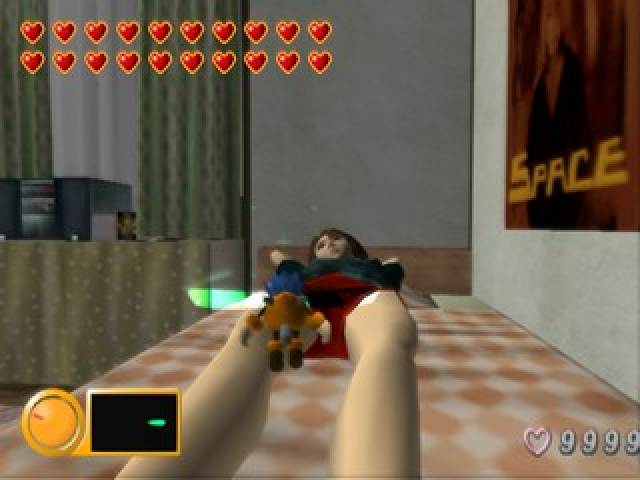
When you begin sucking blood, an additional indicator, the Bloodsucking Dial, appears. This indicates your bloodsucking speed.
How to Suck Blood
1. Look for red points on the body of your prospective host. These may not be visible at first, and may only appear after the passage of time and according to the host's movements.
2. Lock onto and attack a bloodsucking point to land on it. Once you land, pierce the skin and start sucking.
3. Watch the Bloodsucking Dial. Adjust your sucking rate to keep the white ball within the blue parameters. Sucking too fast or too slow stresses your host. The blue parameter may change to red and you may be spotted. If you are caught bloodsucking and you are swatted, the game ends, regardless of the number of lives you have left.
4. Take off quickly when you've sucked enough blood, or if you think you may be spotted.


_1.png)