STARTING GAME
Multitap Connection Diagram
Precautions for Using the Multitap
Connect the Multitap to controller port 1 or controller port 2. Next, connect the controllers to the controller ports on the Multitap.
When the Multitap is connected to controller port 1, always make sure to connect a controller to controller port 1-A on the Multitap first and then connect additional controllers to each of the controller port B, C and D.
If a Multitap or controller that was connected when the game was saved is not connected while it is being loaded, that location will automatically be controlled using controller port 1.
Network Screen
The Network screen appears after the START button has been pressed at the Title screen. In the network screen, you can register a hunter, save/load data, sell items, level up your hunter and so on.
Use the Directional buttons to select the icon you want, then press the button to confirm. The description of each icon is displayed on the information window.
Office
Registration
Register new characters here. Name the character and then allocate the eleven skill points among the following skills:
•
MV Moving - Every 3 point increase = +1 to movement
•
AT Attack - Every 1 point increase = +1 to attack
•
DF Defense - Every 2 point increase = +1 to defense
•
HP Every 1 point increase = +3 HP
Save/Load/Status/Erase
•
SAVE ICON - Save game data to a MEMORY CARD
•
LOAD ICON - Load game data from a MEMORY CARD
•
STATUS ICON - View character stats
•
ERASE ICON - Erase the current character
Network Screen Window
Switch the information on the window. Pressing the button also switches the window information.
Option
•
CONTROLLER ICON - Select the controller that will be used to control your character, select a cursor movement style and turn the controller's vibration function ON/OFF.
•
SOUND ICON - Turn the BGM and SE ON/OFF. Select a sound setting STEREO or MONO.
•
WALL PAPER ICON - Select from different background images.
Cards
A total of 100 different cards are available in this game. Cards play an integral role in winning the game. The 4 types of cards are: BLUE, RED, YELLOW and GREEN.
Blue Card
•
When moving - The number displayed on the card is added to the character's movement range. If an [E] is displayed on the card, the character can warp to the EXIT.
•
During battle - If the "Escape" command is selected, this card can be used. The number displayed on the card will be added to the character's chance of a successful escape. If an [S] is displayed on the card, the chance of a successful escape is 100%.
Yellow Card
•
When moving - The number displayed on the card is added to the character's chance of avoiding a trap. If a [S] or [A] is displayed on the card, the character's chance of avoiding a trap is 100%.
•
During battle - The number displayed on the card is added to the character's defense ability. If a [D] is displayed on the card, the defense of the player's character is doubled. If an [A] is displayed on the card, the player's character will not take any damage from an opponent's attack.
Note: Some traps are not set by the players but have been placed in the dungeon from the start.
Red Card
This card can only be selected during a battle. The number displayed on the card is added as bonus points to the characters' attack ability. If an [S] is displayed on the card, the attack rating of the player's character is doubled. If [C] is displayed on the card, the attack rating of the player's character equals their attack rating plus the attack rating of their opponent.
Green Card
This card can only be used when moving. When used, it sets a trap on the block where the character is standing. The type of trap set depends on the letter displayed on the card.
•
[E] - [EMPTY] (See Negative Status below)
•
[L] - [LEG DAMAGE] (See Negative Status below)
•
[S] - [STUN] (See Negative Status below)
One Point of Advice
When you step on the trap, an exclamation mark (!) appears for a split second. If you press [B] button with your best timing, you can avoid the trap.
Negative Status
•
STUN - Character is immobilized until their next turn. While stunned, the character's defense ability is zero.
•
PANIC - Player loses control of their character until their next turn.
•
EMPTY - All cards are lost.
•
LEG DAMAGE - Movement ability becomes zero. To remedy this status the character must reach the EXIT (use a card), or lose their movement or be transported elsewhere in the dungeon.
Battle Screen
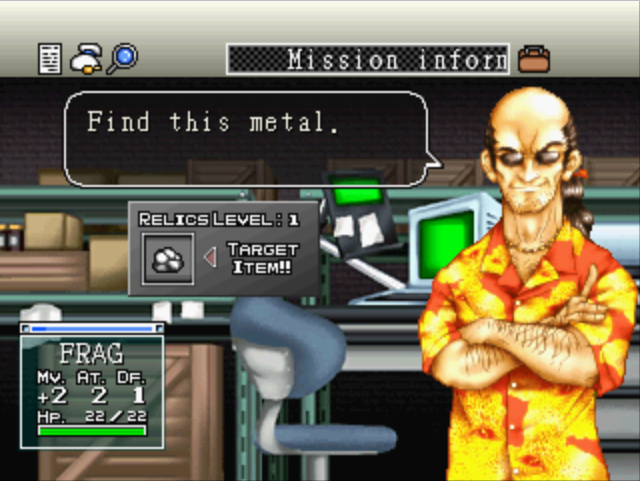
Once an attack is executed, the view switches to the Battle Screen. First,
.png)


.png)






.png)






.png)