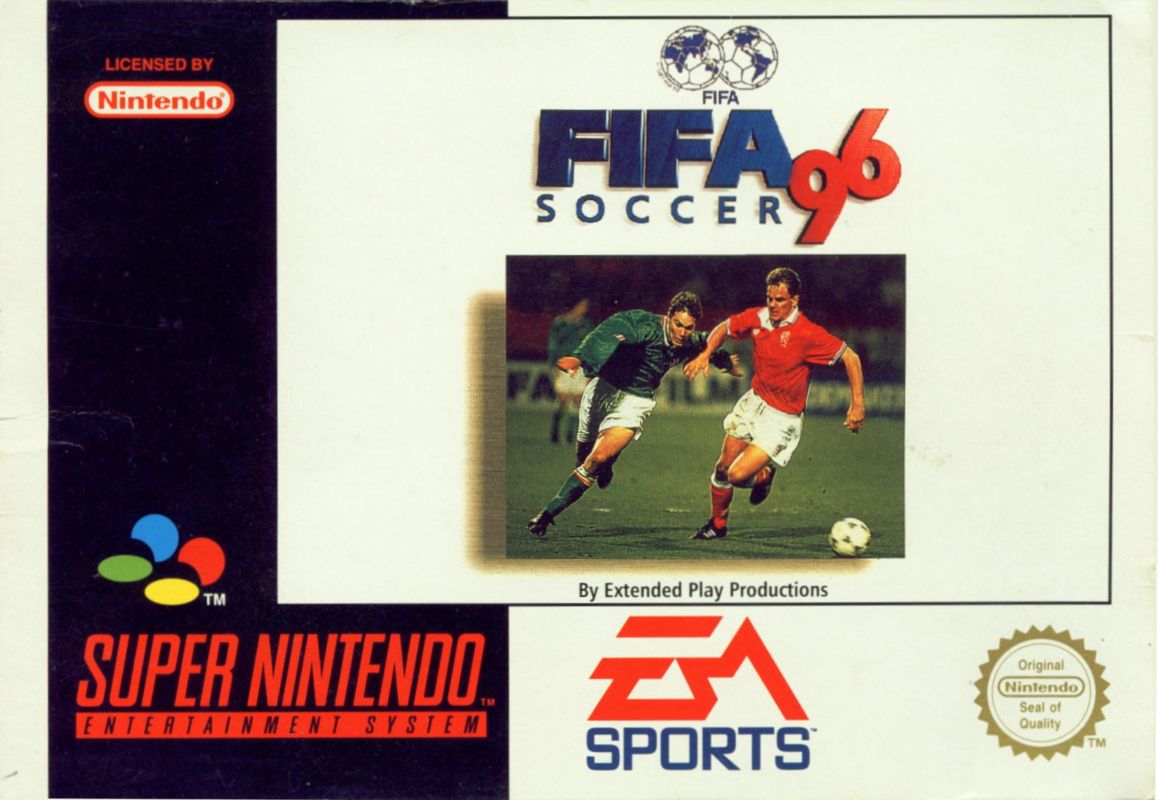
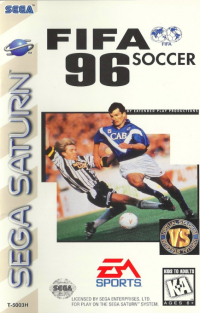
FIFA Soccer 96 Overview
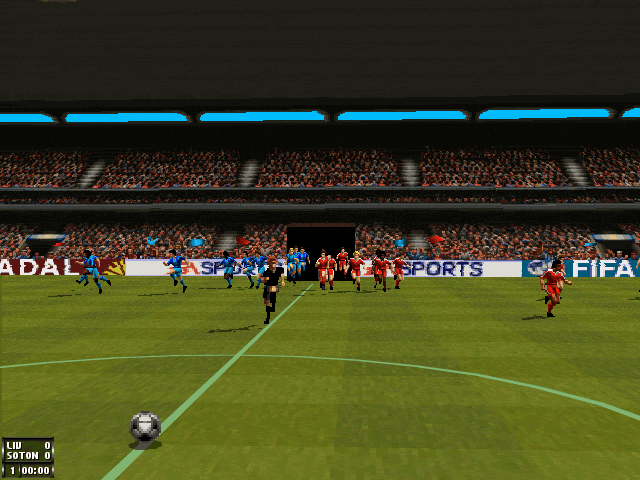
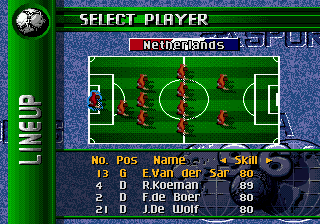
FIFA Soccer 96 contains accurate team line-ups and player attributes for over 60 FIFA world teams, reflecting the emergence of African teams like Cameroon alongside renowned nations such as Holland, Germany, and Brazil. Setting Up Multi-Player Games
Up to five friends can join in a game. You need the Multi-Player Adapter and a controller for each player.
•
Plug a controller into Controller Socket 1 and plug the Multi-Player Adapter into Controller Socket 2 on the front of your Super NES.
•
Push the small black switch on the front of the Multi-Player Adapter marked Select 2P <—> 3-5P left to the 3-5P position.
•
Player 1 uses the controller plugged into Controller Socket 1. Players 2 through 5 use the controllers plugged into the Multi-Player Adapter.
*Caution:* The Multi-Player Adapter is not designed for use with the Super NES Super Scope or the Super NES mouse.
Teams
The national teams in EA SPORTS FIFA Soccer 96 are: •
Algeria, Argentina, Australia, Austria, Belgium, Bolivia, Brazil, Bulgaria, Cameroon, Canada, Chile, China, Colombia, Costa Rica, Croatia, Czech Rep., Denmark, Egypt, England, Finland, France, Germany, Ghana, Greece, Hong Kong, Hungary, Iceland, Israel, Italy, Ivory Coast, Japan, Luxembourg, Mexico, Morocco, N. Ireland, Netherlands, New Zealand, Nigeria, Norway, Peru, Poland, Portugal, Rep. Ireland, Romania, Russia, Saudi Arabia, Scotland, Singapore, South Africa, South Korea, Spain, Sweden, Switzerland, Turkey, USA, Ukraine, Uruguay, Wales, and Zambia.
Leagues
EA SPORTS FIFA Soccer 96 includes 12 world class leagues: •
World, English, American, Brazilian, Italian, French, Spanish, German, Dutch, Malaysian, Scottish, and Swedish.
Game Setup
When the game begins, the Game Setup screen appears. Choose Game Options and the kind of match you want from this screen.
•
To highlight an option, Control Pad ↕.
•
To select the highlighted option, press B.
The available game modes are:
•
Friendly: A one-time game between the two teams of your choice. This is the default mode.
•
Leagues: Choose up to eight teams to play one another for the League Championship.
•
Tournaments: Choose 1-8 teams to play in a Tournament. The teams with the best Tournament record go into a Playoffs series to determine the Tournament championship.
•
Playoffs: Choose 1-8 teams for a Playoff series. Go straight to the Playoffs without playing Tournament games first.
•
Practice: Try out all of the moves and combinations. You choose the level of opposition.
•
Options: Go to Game Options menu to set Half Length, Game Type, Field Conditions, etc.
•
Custom Team: Customize your team setup.
Game Options Setup
Some options can be changed only from the Game Setup screen before competition begins.
•
To set Game Options from the Game Setup screen, Control Pad ↕ to highlight OPTIONS and press B.
•
To select an option, Control Pad ↕ to highlight it.
•
To change a Game Option, Control Pad ↔.
•
To leave the Game Options screen, press START.
*Note:* To reset original defaults, press and hold A, X, B, Y, START, and SELECT while you reset your Super NES.
Option Descriptions
•
Language: English, German, French, Spanish, Swedish, and Italian. (Default is English).
•
Skill: Semi-pro or Pro Mode.
•
Half Length: (In minutes) 2, 4, 6, 8, 10, 20, or 45. This option can be changed only from the Game Set-up screen.
•
Goal Keepers: Computer or Manual. With Manual goalies you control the keeper yourself.
•
Fouls: Normal, Off, or No Bookings.
•
Injuries: On or Off. (When on, players can be injured).
•
Offsides: On or Off. Offsides can be turned on or off only from the Game Set-up screen.
•
Passing Arrows: On or Off. When ON, off-screen teammates have an arrow pointing toward them.
•
Power Circle: On or Off. Allows you to see the amount of power being applied to a shot.
•
Player Numbers: On or Off. Displays each player's jersey number.
•
Clock: Continuous or Out of Play. In Continuous mode, the clock keeps going even when the ball is out of play. In Out of Play mode, the clock stops when the ball is out of play. This option can be changed only from the Game Set-up screen.
•
Time Display: On (shows the time remaining) or Off.
•
Sound: Off, Music Only, SFX Only, Music and SFX.
•
Pitch Texture: Checkered, Horizontal, or Vertical. Displays the cut of the grass on the field.
•
Erase League: Yes or No. Erases a saved game.
•
Erase Tournament: Yes or No. Erases a saved tournament.
Select Teams
•
To select your league, Control Pad ↔.
•
To select your team, Control ⇩ to highlight the
 (En,Fr,De,Es,It,Sv).png)

 (En,Fr,De,Es,It,Sv).png)
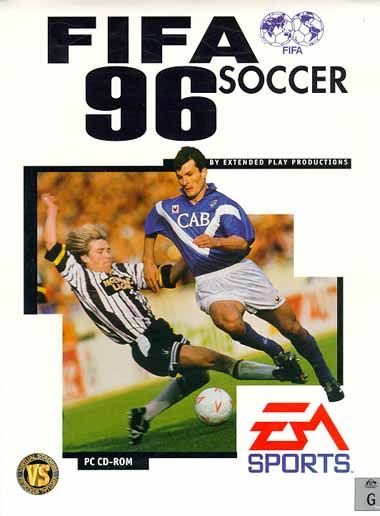


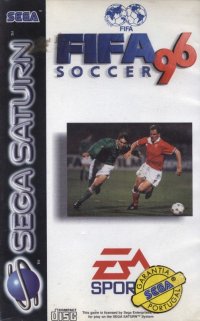

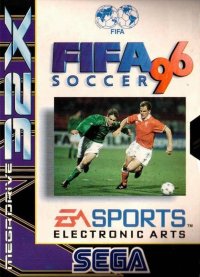




 (En,Fr,De,Es).png)


.png)


.png)
.png)
.png)

.png)

.png)

 (Rev A).png)
.png)
.png)
