HuCARD Handling and Precautions
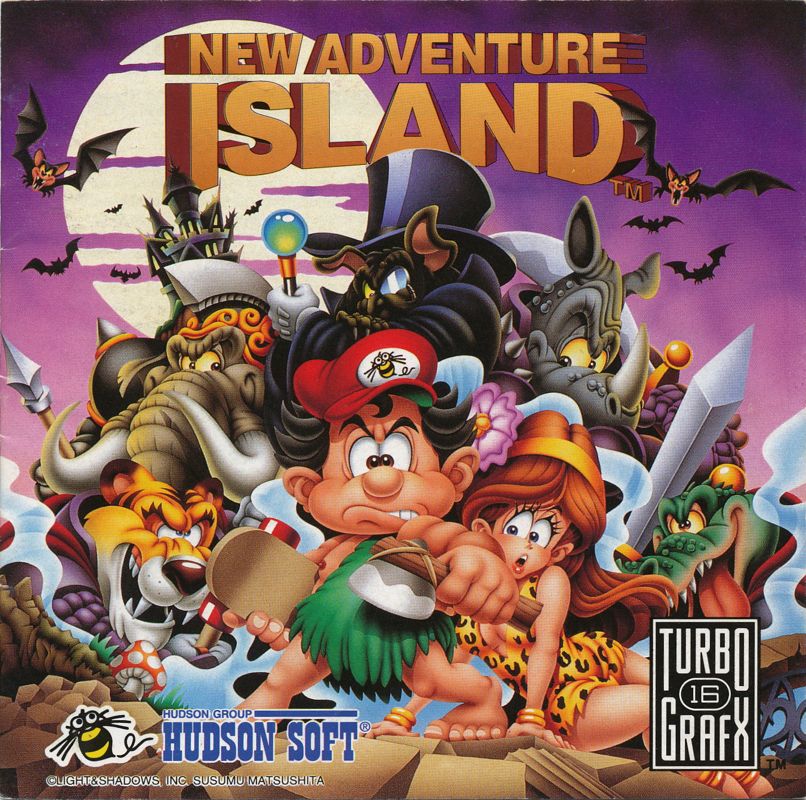
Thank you for purchasing Hudson's HuCARD, 'Adventure Island'. Please read this instruction manual carefully to understand how to handle the card and necessary precautions. Keep this manual in a safe place for future reference. Care Instructions
Since the HuCARD is a precision instrument, avoid use or storage in extreme temperature, humidity, or strong shock conditions. Do not forcibly bend the card.
•
Do not touch the terminal part or expose it to water or dirt, as this may cause malfunction.
•
If the terminal part gets dirty, wipe it gently with soft gauze or gauze soaked in ethyl alcohol.
Health and Safety
•
Stay approximately 2 meters away from the TV screen while playing.
•
Take a 5-10 minute break every hour when playing for long periods.
Reset Method
To restart the game from the beginning, press the RUN button while holding the SELECT button during gameplay.
HuCARD Information
The HuCARD is a game card exclusively for the HE system. While quality precautions are taken, the manufacturer is not responsible for issues other than those due to company responsibility. Unauthorized duplication of the software or use in commercial ventures is prohibited.
How to Play
The game begins in the underground labyrinth of Dragon Castle. Your goal is to find and extinguish the five dragons. First, search for and defeat the Mecha Dragon, keeping in mind that the head is the weak point of all Dragons.
Once you defeat the Mecha Dragon and the castle collapses, you will arrive at Start Town, which serves as the base of your adventure. From there, you must locate the hideouts of the remaining five Dragons and defeat them.
How to Start the Game
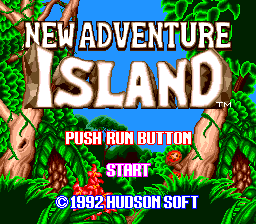
Insert the H cartridge into the PRG engine body and turn on the power. Press the random button displayed on the title screen to enter the selection screen.
•
Use the D-pad to align the cursor with 'Begin'.
•
Press the I button to start the opening and begin the game.
About Continuing
When the game ends, a Continue screen will appear. To continue playing and re-challenge from Start Town, press the I button. Note that weapon items other than equipped ones will be lost.
Additionally, pressing the I button starts a roulette spin. If it stops on the red heart, you will receive one Revive Potion upon continuing. Screen Composition
The screen consists of two types: the Play Screen and the Status Screen. The Play Screen is used for normal gameplay, while the Status Screen is accessed to check character strength, change equipment, or use items.
Play Screen Elements
•
Life Gauge: Indicates character stamina. It decreases when enemies attack. Game over occurs when red hearts run out. Hearts can be increased up to a maximum of 8.
•
Revival Potion: Indicates the number of potions possessed (max 3). If the Life Gauge reaches zero, you will not get a game over if you have a Revival Potion.
•
Money: Displays the total Gold obtained from enemies or treasure chests. Use Gold to buy equipment or restore stamina at the hospital.
•
Main Screen: The action screen where you control the character. Use the left and right direction keys to move and navigate the field.
Equipment and Items
You can change equipment or weapon items on the Status Screen. Call up the list using the direction keys and the 1 button.
•
Swords: Some can break or release specific blocks, while others yield more gold.
•
Armor: Some types make hearts easier to obtain, while others protect from lava damage.
Using Weapons and Items
Select weapon items using the direction keys and the 1 button. To use them on the Play Screen, press the Down key and the 1 button simultaneously. Character Transformations
•
Lizardman: The first character to transform into. Can attack by spraying flames while holding a shield and sword.
•
Mouseman: Small enough to fit into narrow spaces. Can climb up the ceiling by pointing at mouse blocks.
•
Pillarman: Can swim freely in water.
•
Tigerman: Strong character that swings his sword from overhead to feet to attack.
•
Hawkman: Can fly freely in the air. Takes damage if his feathers get wet.



.png)


.png)

.png)





.png)


 (En,Es,It) (SGB Enhanced) (GB Compatible).png)


_1.png)