Starting Up
1. Set up your PlayStation® game console according to its instruction manual. 2. Make sure the power is OFF before inserting or removing a compact disc. Insert the SUPERCROSS disc and close the disc cover.
3. If you wish to save your game, insert a Memory Card (sold separately) into Memory Card Slot 1.
4. Insert game controllers and turn on the PlayStation® game console. Note: Supercross is for up to 2 players. Follow on-screen instructions to start a game.
Welcome!
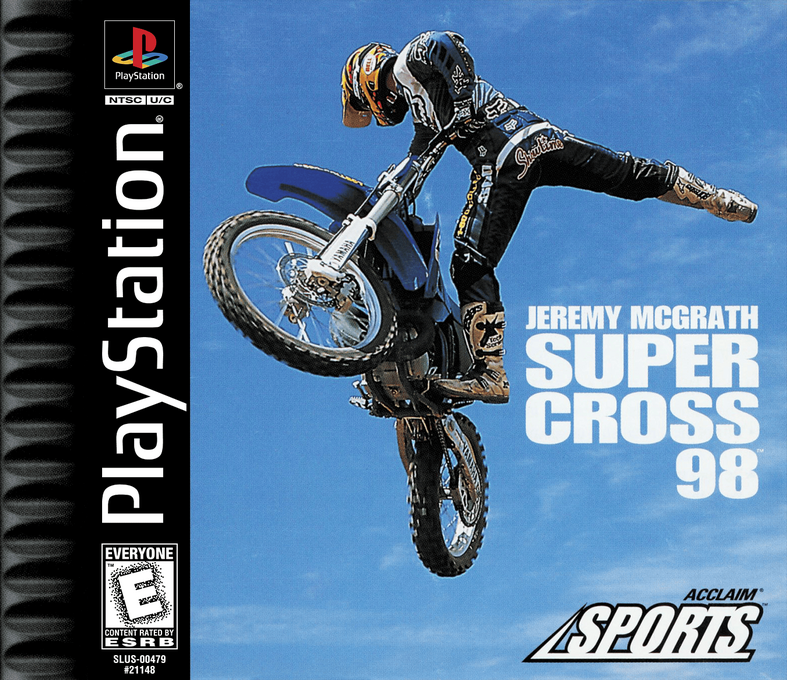
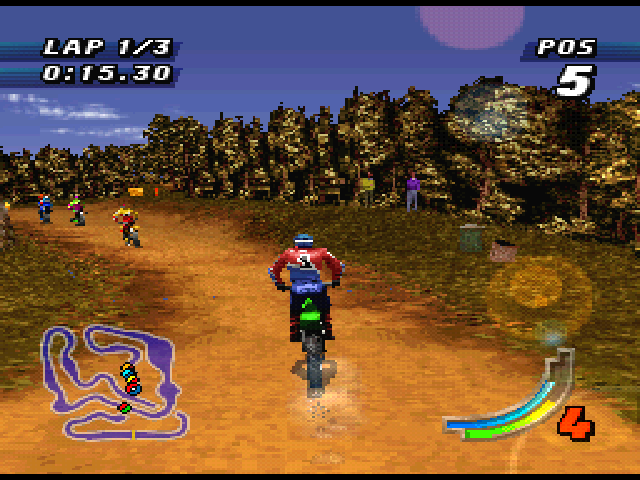
Welcome to the wild world of Supercross racing! I'm Jeremy McGrath. I've been in more than a few Supercross events in my time, and seen plenty of games that tried and failed to capture the intensity and excitement of this thrilling sport. I put my life and reputation on the line every time I race, and I am proud to say that this game is the real thing. That's why my name's on it. At last, here's a game that gives you plenty of realistic Motocross and Supercross action, including different viewpoints, fabulous bikes, injuries, awesome tracks that push your skills beyond the usual limits and a bruising soundtrack that keeps the adrenaline flowing. You can even use the Track Editor to create and save your own special brand of Supercross madness! So gather your guts, get on your bike, and get ready for a wild ride. I'll be waiting for you at the finish line!
Controller Layout
Basic Navigation
•
RESET: To reset to the title screen, hold the SELECT BUTTON for 3 seconds while pressing the START BUTTON.
•
MOVE HIGHLIGHT: To SELECT/TOGGLE SETTINGS
•
PAUSE/IN-GAME OPTIONS/RESUME GAME: BUTTON
•
CANCEL/PREVIOUS SCREEN: BUTTON
•
CONFIRM/NEXT SCREEN: BUTTON
Main Menu
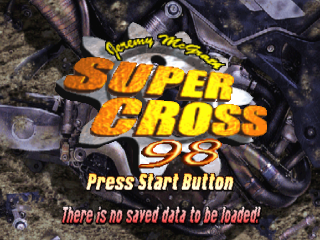
At the title screen, press the START BUTTON to reach the Main Menu.
•
RACE: Brings you to the Race Type screen to select your race.
•
OPTIONS: Set up the game to suit your style.
•
TRACK EDITOR: Go to the Track Editor, where you create and edit custom tracks, then race on them!
•
LOAD/SAVE RIDER: Go to your Memory Card to Load or Save up to six different riders.
•
DELETE FILES: Clear unwanted files from your Memory Card.
•
SHOW CREDITS: View the game credits.
Options
Before you hit the track, it's a good idea to set your options. To do so, press UP or DOWN on the Directional Buttons to highlight an item, then press the BUTTON to select it. Press LEFT or RIGHT on the Directional Buttons to toggle settings.
Player One Setup/Player Two Setup
Set options for each player. The available options are the same, so let's run through the Player One Set-up options:
•
DEFINE CONTROLS: Press LEFT or RIGHT on the Directional Buttons to select any of 4 pre-set controller set-ups, which are color coded Blue, Red, Green and Cyan. Blue is the default. When the desired configuration is on screen, press the START BUTTON.
•
CONTROL SYSTEM: This sets how much the computer helps you control your bike. Choose Easy (computer helps with everything), Intermediate (computer aided weight distribution) or Advanced (no computer help the setting the pros prefer!) settings. Easy is the default.
•
DIFFICULTY: Set game difficulty according to your skill. Choose from Easy, Intermediate and Advanced settings. Easy is the default.
•
SPEEDOMETER: Choose to play with the Speedometer display ON (default) or OFF.
•
POSITION INDICATOR: Choose to play with the Position Indicator display ON (default) or OFF.
•
BEST LAP/TRACK TIME: Choose to play with your Best Lap time and Track Time display ON (default) or OFF.
•
EXIT: Return to the Main Options Menu.
Sound Setup
•
SOUND FX VOLUME: Press RIGHT to increase, LEFT to decrease.
•
MUSIC VOLUME: Press RIGHT to increase, LEFT to decrease.
•
ENGINE VOLUME: Press RIGHT to increase, LEFT to decrease.
•
SPEAKER VOLUME: Press RIGHT to increase, LEFT to decrease.
•
OUTPUT: Select STEREO or MONO sound.
•
EXIT: Return to Main Options Menu.
Race Type
When you select RACE on the Main Menu, you'll come to the Race Type screen, where you can choose Racing Season, Single Race (for one or two players), Ghost Racing or Exit. Racing Season
The Circuit: A racing season consists of 3 indoor (arena) races and 4 outdoor races in a variety of weather. There is no track select in season racing. You must race tracks in the order in which they are presented. Qualifying: Players earn varying points depending on finish order. 1st place is worth 5 points, while 5th place is worth 1 point. You must earn at least three points to qualify on a course, allowing you to go on to the next course on the circuit.
Scoring: The player with the most points at the end of a complete season is the winner.
•
New season: Select this to begin a new season of Supercross racing. •
Continue season: Select this to resume a previously saved season
.png)