Setting Up Your PlayStation
Set up your PlayStation game console according to the instructions in its Instruction Manual. Make sure the PlayStation power is off before inserting or removing a compact disc. Insert the Suikoden disc and close the Disc Cover. Insert game controllers and turn on the PlayStation game console. Follow on-screen instructions to start a game. Thank You
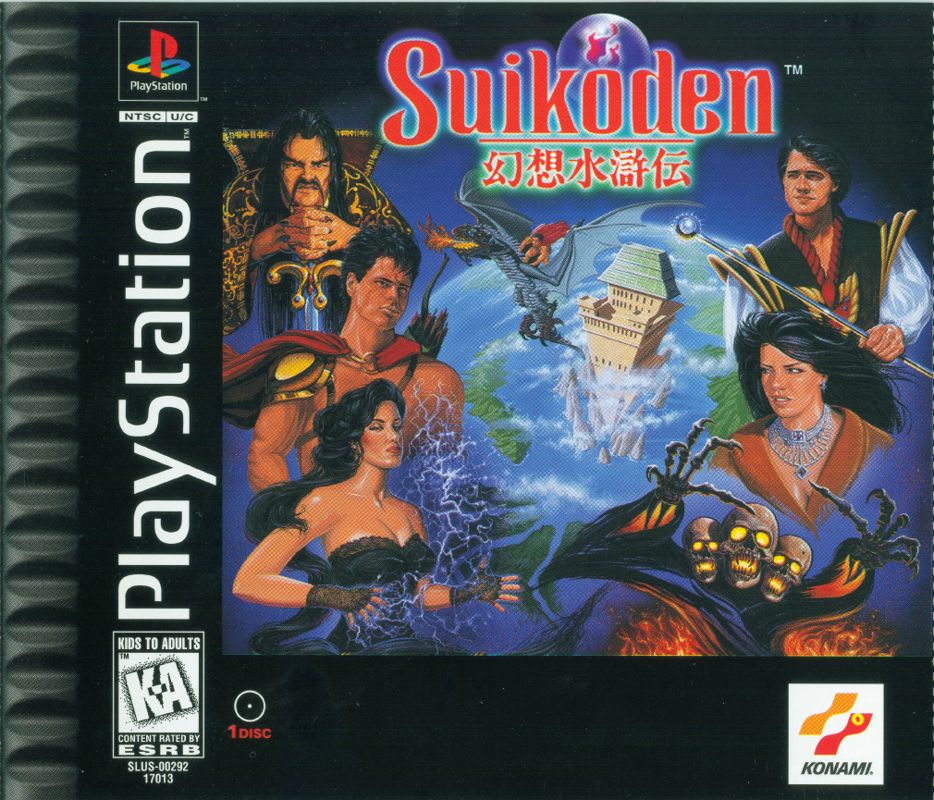
Thank you very much for purchasing Konami's Suikoden. Before playing please read this manual carefully to ensure correct use. PlayStation Top View
Starting the Game
We highly recommend that you use a memory card™ (sold separately) to save your game(s) in progress. This enables you to take breaks, and-more importantly-resume a game from a previous point if you make an unwise decision in the game.
•
Insert a memory card into your PlayStation machine. (Warning if the memory card is not inserted properly, a message telling you there is no memory card will appear on the screen. You can still play the game without a memory card, but the game cannot be saved.) •
From the Title Screen, press the Start Button to get to the Start Screen.
Beginning a New Game
When beginning a new game select New Game from the menu, and you will be asked to enter the name of the game's hero. This is the character you play throughout the story-your alter ego, if you will.
•
Highlight the desired character with the Directional Buttons and enter it with the Button (or L2 Button). If you make a mistake, you can cancel your entry with the O Button (or Ll Button).
•
Once you are finished entering your name, the computer will ask you if the entry is OK. Choose Yes to start the game or No to return to the Name Entry Screen.
Continuing a Game
With Suikoden, you can save as many as seven games on one memory card. If you want to continue a saved game, choose Continue Game from the Start Screen.
If there is saved data on the card, a screen similar to the one shown below will be displayed. Highlight the game you wish to continue and select it with the 3 Button.
Saving
Games can only be saved at inns or other specified places in the scenario.
Look for a blue sphere on a pedestal during the game. Stand before it and press the 3 button to initialize the game save function.
Saved Game Display
•
Ryan Lv.7 Mt. Seifu 1:16
Commands
1. Item
With this command, you can choose to Use, Hand Over (to another player), or Give Up (drop) an item.
Note: Some items cannot be given up.
2. Strength
This command allows you to view the status of each character, his/her weapon, and any runes attached to the character or weapon.
•
EXP (experience points) Accumulate 1000 to move up to the next level.
•
ATK (attack) The character's attacking power.
•
ARM (armor) Defense rating based upon armor, shields, and other protective gear.
•
PWR (power) A higher value increases the damage a character inflicts on an opponent.
•
SKL (skill) The character's ability to attack successfully and to evade an opponent's attack.
•
DEF (defense) Higher values make it difficult for an enemy to inflict damage.
•
SPD (speed) Affects the order of attack. Faster characters attack quicker.
•
MGC (magic) Magic ability: affects the frequency of attacks and the amount of damage inflicted.
•
LUK (luck) With a lot of luck, a character can more easily dodge an enemy and can occasionally strike a crushing blow.
Strength Display Example
3. Rune
The Rune command is used to cast magic spells. First, select a character with magic ability. The available Runes will be displayed. Highlight the Rune you wish to use and select it with the 3 Button.
Certain Runes-such as the Fire and Water Runes-can be used after they have been lodged in the character's body.
There are four levels of magic spells, each requiring a different amount of Magic Points. The highest level that can be used by a character will be decided by that character's magic ability. Characters with low magic ability can only cast low-level spells, until their magic ability increases.
After using a magic spell once, the number of points required for that spell will be subtracted from the characters total Magic Points. When a character's Magic Point total reaches zero, that character cannot cast any more spells. Magic Points can be restored by resting at inns.
Note: By taking a Crystal to a Rune Master, characters can have the Master embed the spell of a Rune in their body. A character cannot cast a spell without the Rune and without taking its  (Rev 1).png)


.png)
 (Rev 1).png)
 (v1.1).png)
.png)

.png)




_1.png)